
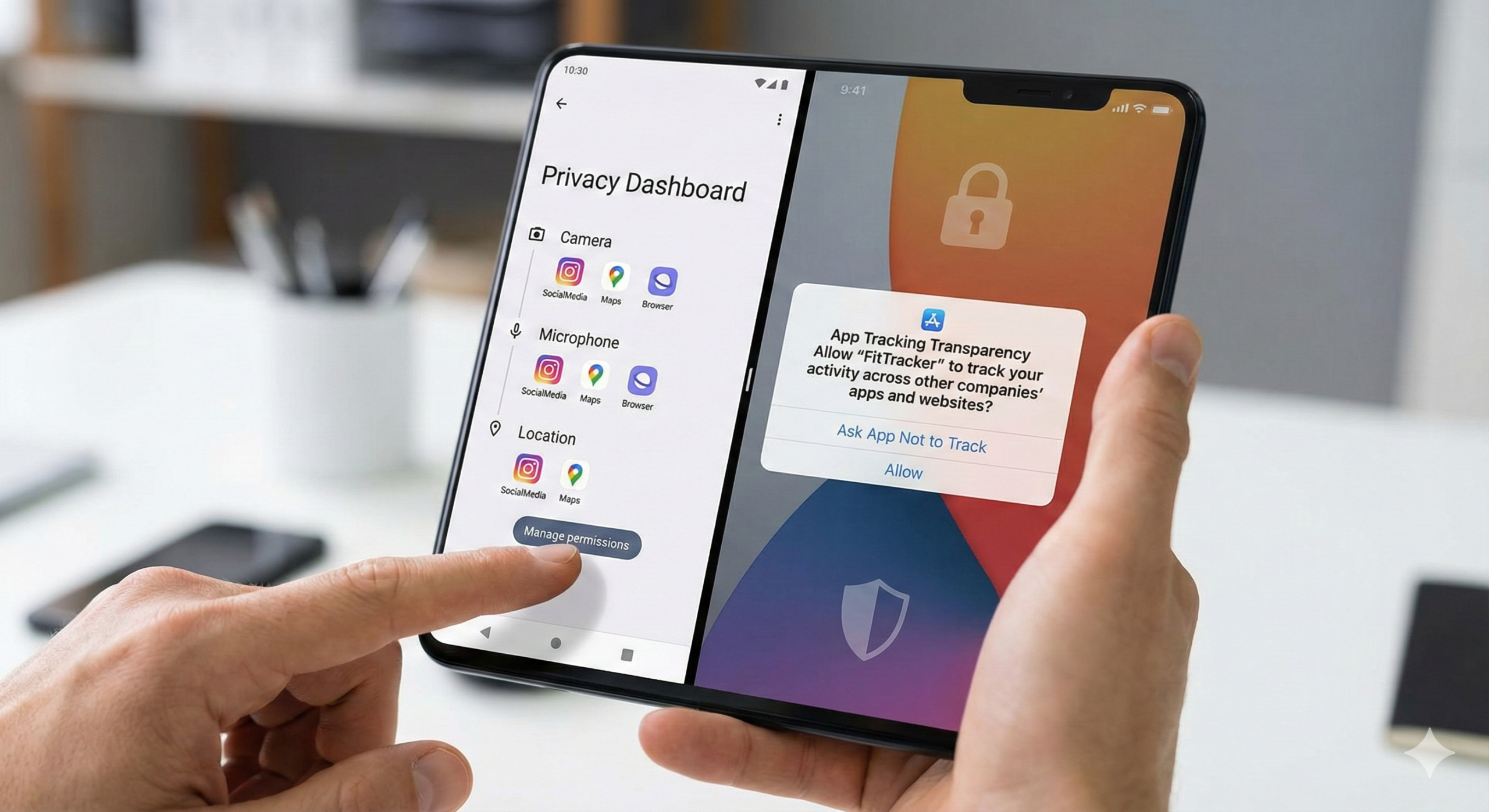
Introduction: Why Online Privacy Matters
Online privacy is no longer optional. Every website visit, online purchase, and social media interaction generates data. That data can be used for personalization — or exploited if security is weak.
Major platforms like Google and Meta operate data-driven ecosystems. While their services power modern communication and business, individuals must actively secure their personal information.
In real-world cybersecurity cases, the majority of breaches happen due to weak user security habits — not sophisticated hacking.
This guide provides practical, step-by-step strategies to protect your privacy online.

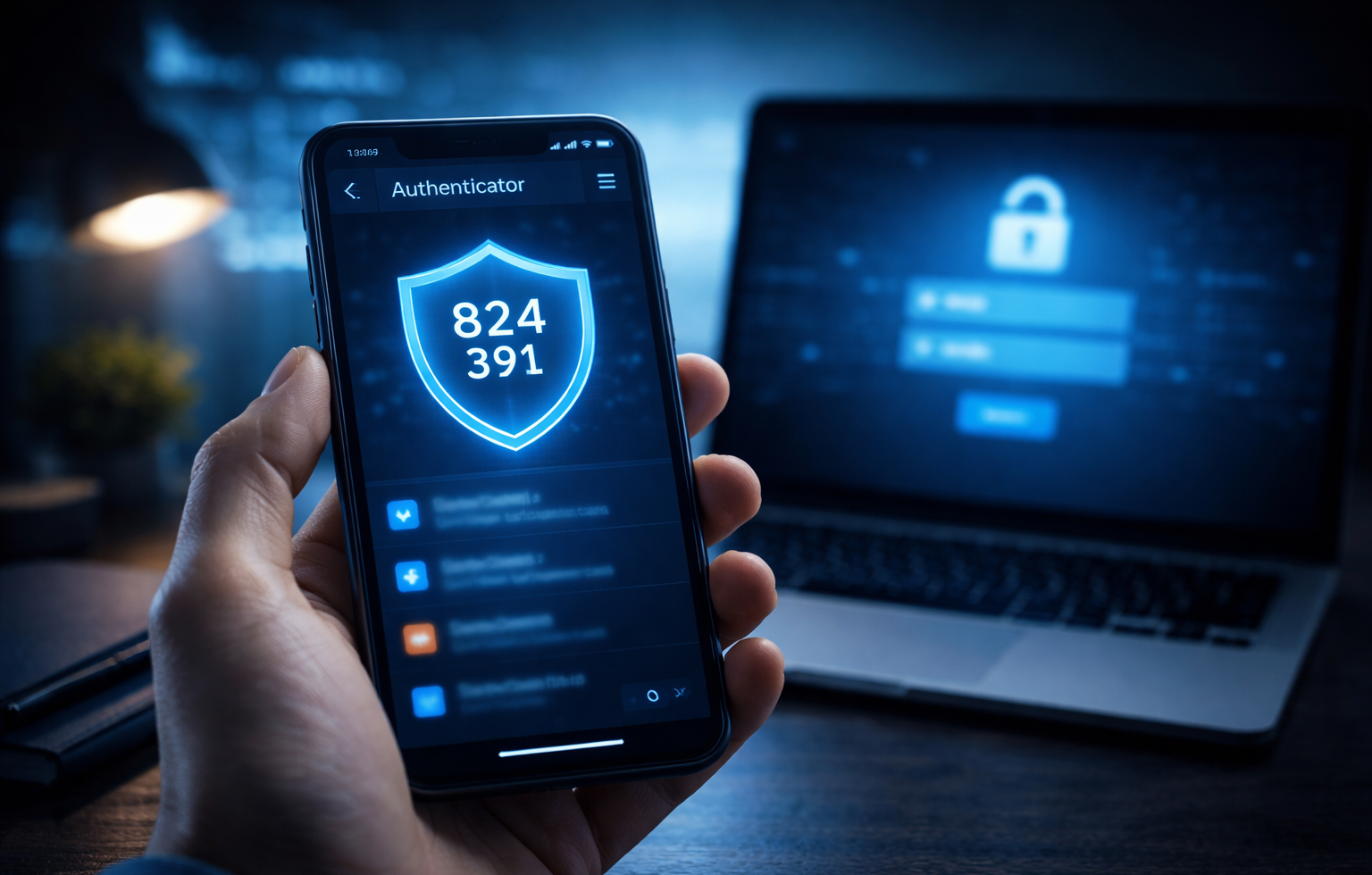
Step 1: Create Strong and Unique Passwords
Passwords are your first defense layer. Reusing the same password across websites is one of the biggest security mistakes.
Real Experience Insight
In multiple breach investigations, attackers used leaked passwords from one compromised website to access users’ email, banking, and social media accounts because the same password was reused.
Best Practices
-
Use 12–16+ characters
-
Combine uppercase, lowercase, numbers, symbols
-
Avoid personal information
-
Never reuse passwords
Use a Password Manager
Reliable tools like:
-
1Password
-
Bitwarden
store encrypted passwords and generate strong credentials.
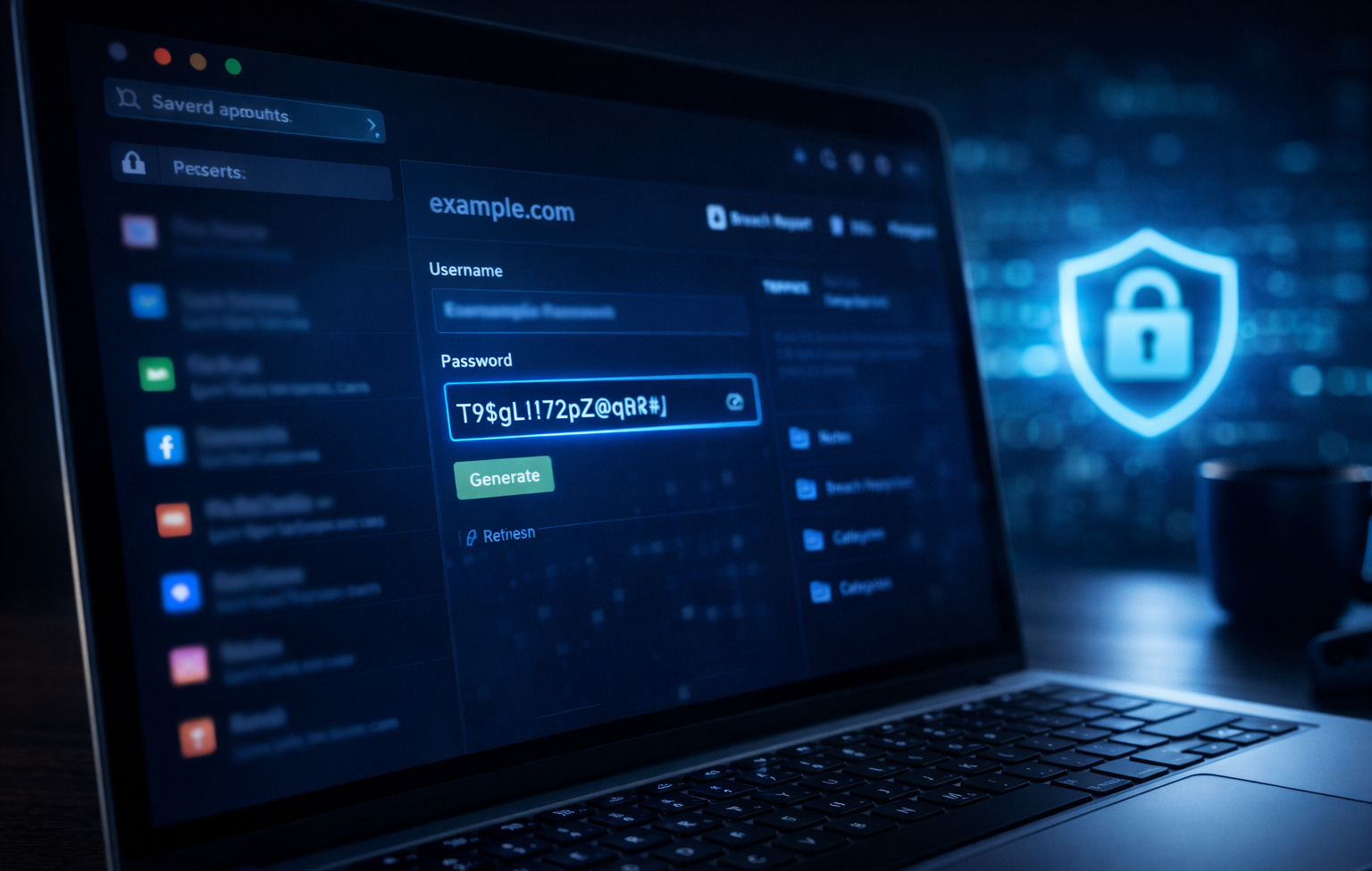
Step 2: Enable Two-Factor Authentication (2FA)
Two-Factor Authentication adds an extra verification step beyond passwords.
Recommended apps:
-
Google Authenticator
-
Authy
App-based verification is safer than SMS due to SIM-swap risks.
Step 3: Secure Your Internet Connection
Avoid Public Wi-Fi Risks
Public networks can expose you to data interception attacks.
Real-World Scenario
Attackers sometimes create fake Wi-Fi hotspots in public areas. Users unknowingly connect and expose sensitive data.
Use a VPN
Trusted VPN providers include:
-
NordVPN
-
ExpressVPN
A VPN encrypts internet traffic and hides your IP address.

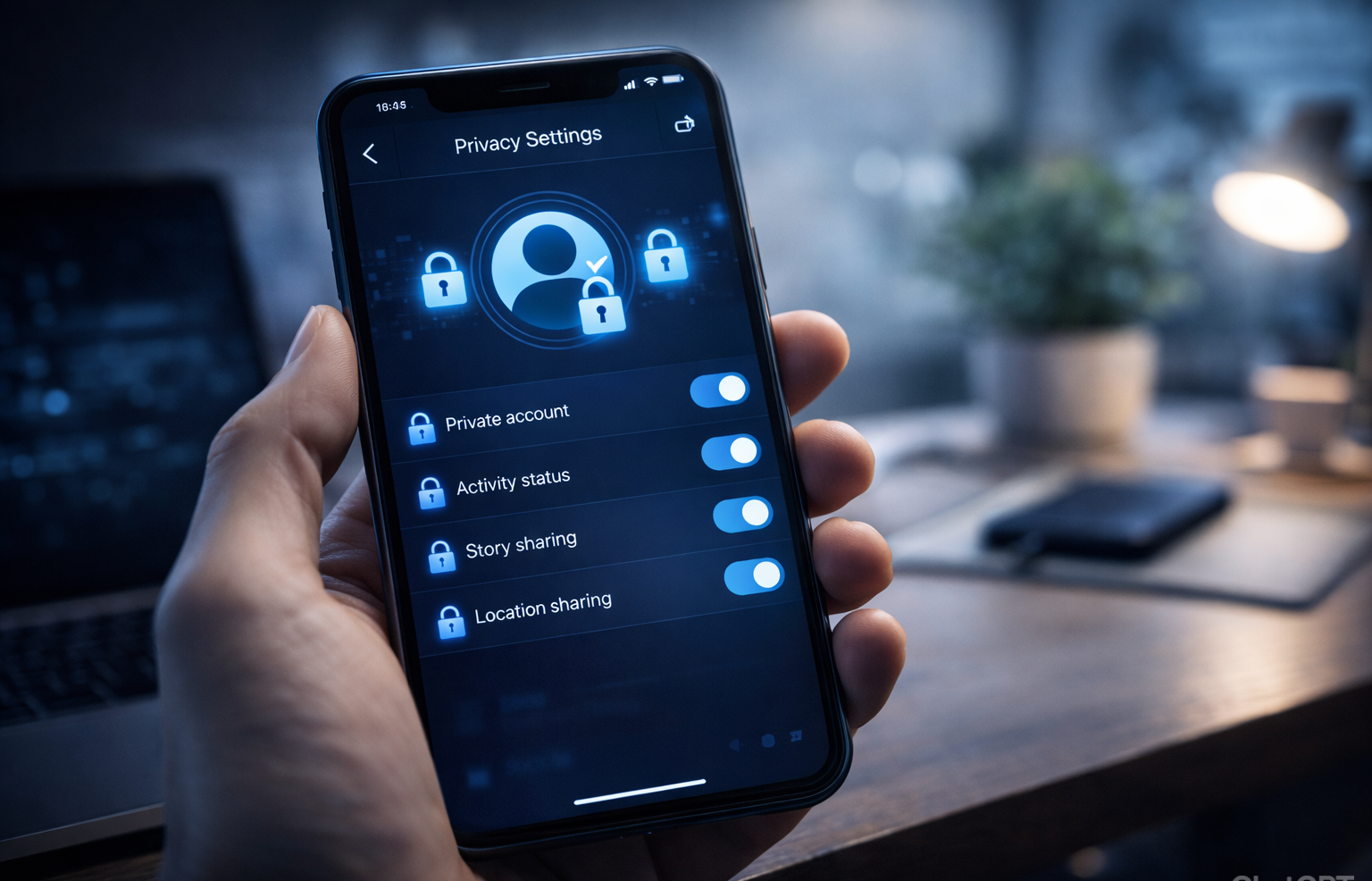
Step 4: Lock Down Social Media Privacy Settings
Social platforms collect behavioral data.
On Facebook:
-
Limit profile visibility
-
Disable public indexing
On Instagram:
-
Set account to private
-
Disable location sharing
Regular privacy audits reduce risk exposure.
Step 5: Keep Software Updated
Outdated software is one of the most common security vulnerabilities.
Always update:
-
Operating systems
-
Browsers
-
Mobile apps
Security patches fix known exploits.
Step 6: Use Privacy-Focused Browsers and Extensions
Recommended browsers:
-
Mozilla Firefox
-
Brave
Recommended extensions:
-
uBlock Origin
-
Privacy Badger
These tools block trackers and malicious ads.
Step 7: Monitor for Data Breaches
Use:
-
Have I Been Pwned
If exposed:
-
Change passwords
-
Enable 2FA
-
Monitor accounts
Early response limits damage.
Step 8: Encrypt Sensitive Data
Encryption protects files even if devices are stolen.
Enable:
-
Full-disk encryption
-
Encrypted backups
Modern operating systems support built-in encryption tools.

Step 9: Recognize Phishing Attempts
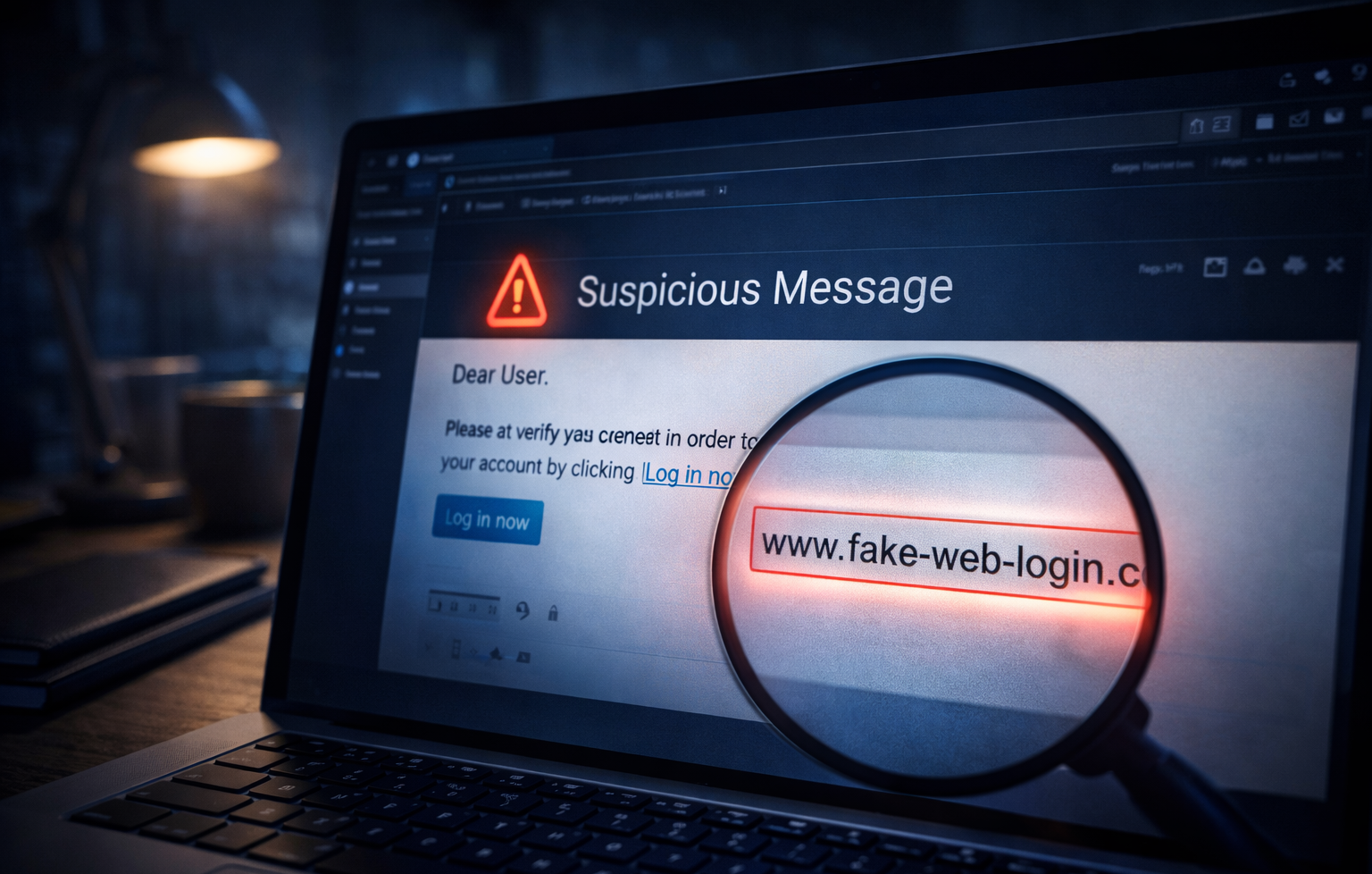
Phishing emails often use urgent language and fake links.
Warning signs:
-
Misspelled domains
-
Unexpected attachments
-
Threatening messages
Always verify URLs manually.
Step 10: Limit Data Sharing
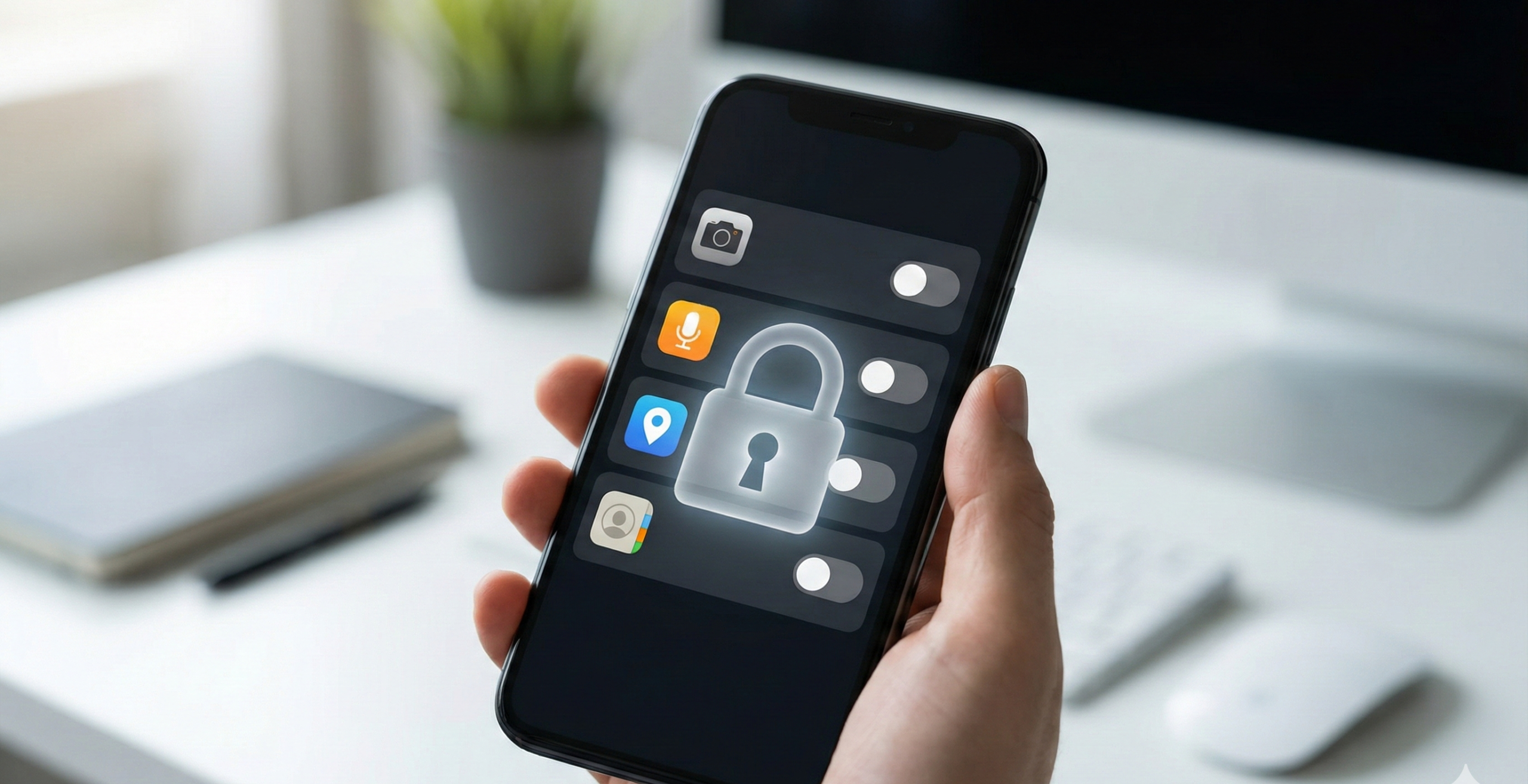
Many apps request excessive permissions.
Review:
-
Camera
-
Microphone
-
Location
-
Contacts
Delete unused apps to reduce exposure.
Frequently Asked Questions (FAQ)
1. What is the first step to protect online privacy?
Start with strong passwords and enable two-factor authentication.
2. Is incognito mode private?
No. It only hides local browsing history, not activity from websites or ISPs.
3. Are VPNs necessary for home users?
They add encryption and IP masking, especially useful on public networks.
4. How often should privacy settings be reviewed?
At least every three to six months.
5. Can social media track activity outside apps?
Yes, via tracking pixels and cookies.

Final Thoughts
Online privacy is about proactive risk management. Small, consistent actions significantly reduce your exposure to cyber threats.
About the Author