
Smartphones have evolved into primary productivity machines. Devices like the Samsung Galaxy S25 Ultra and iPhone 17 Pro Max now rival laptops in performance, camera technology, and multitasking capabilities.
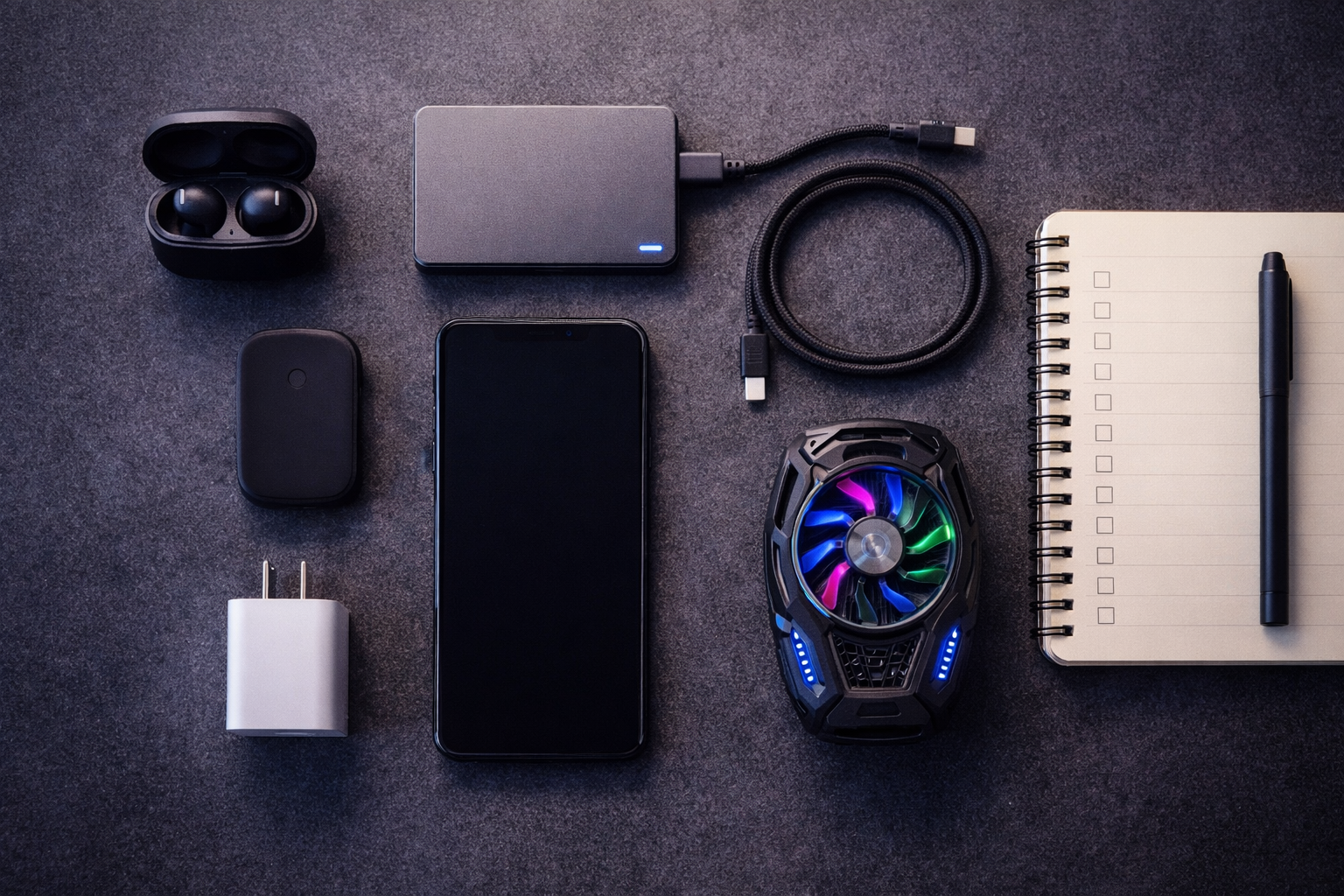
However, real-world performance depends heavily on accessories. After testing multiple mobile workflows—including gaming sessions, content production, business management, and travel productivity—I’ve learned that accessories are not optional upgrades; they are performance infrastructure.
Who Is a Smartphone Power User?
A power user typically:
-
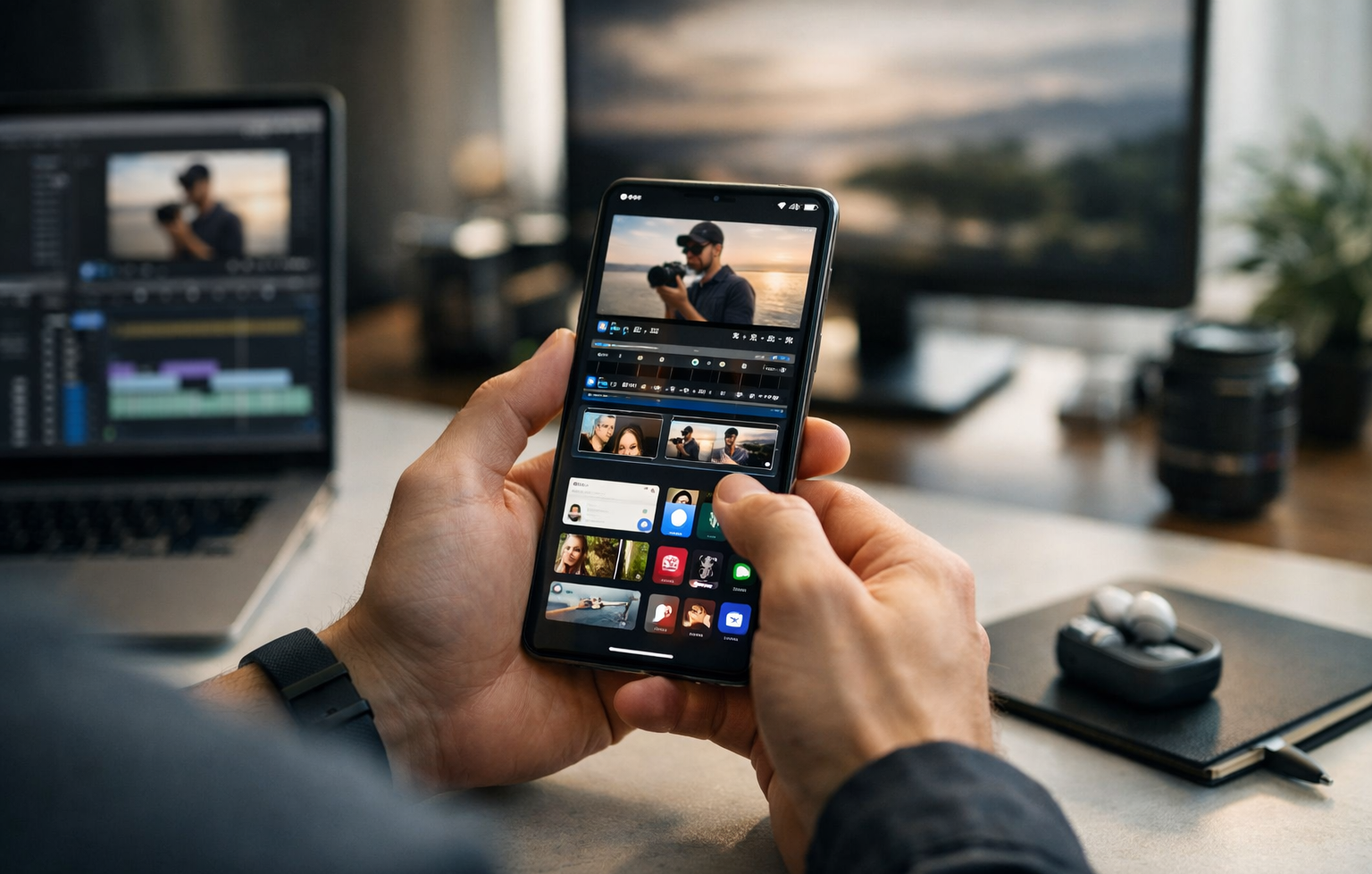
Uses the device 6–10+ hours daily
-
Records 4K video
-
Plays high-performance games
-
Runs multiple apps simultaneously
-
Uses hotspot frequently
-
Manages business via mobile
Heavy use stresses battery, storage, and thermal systems.
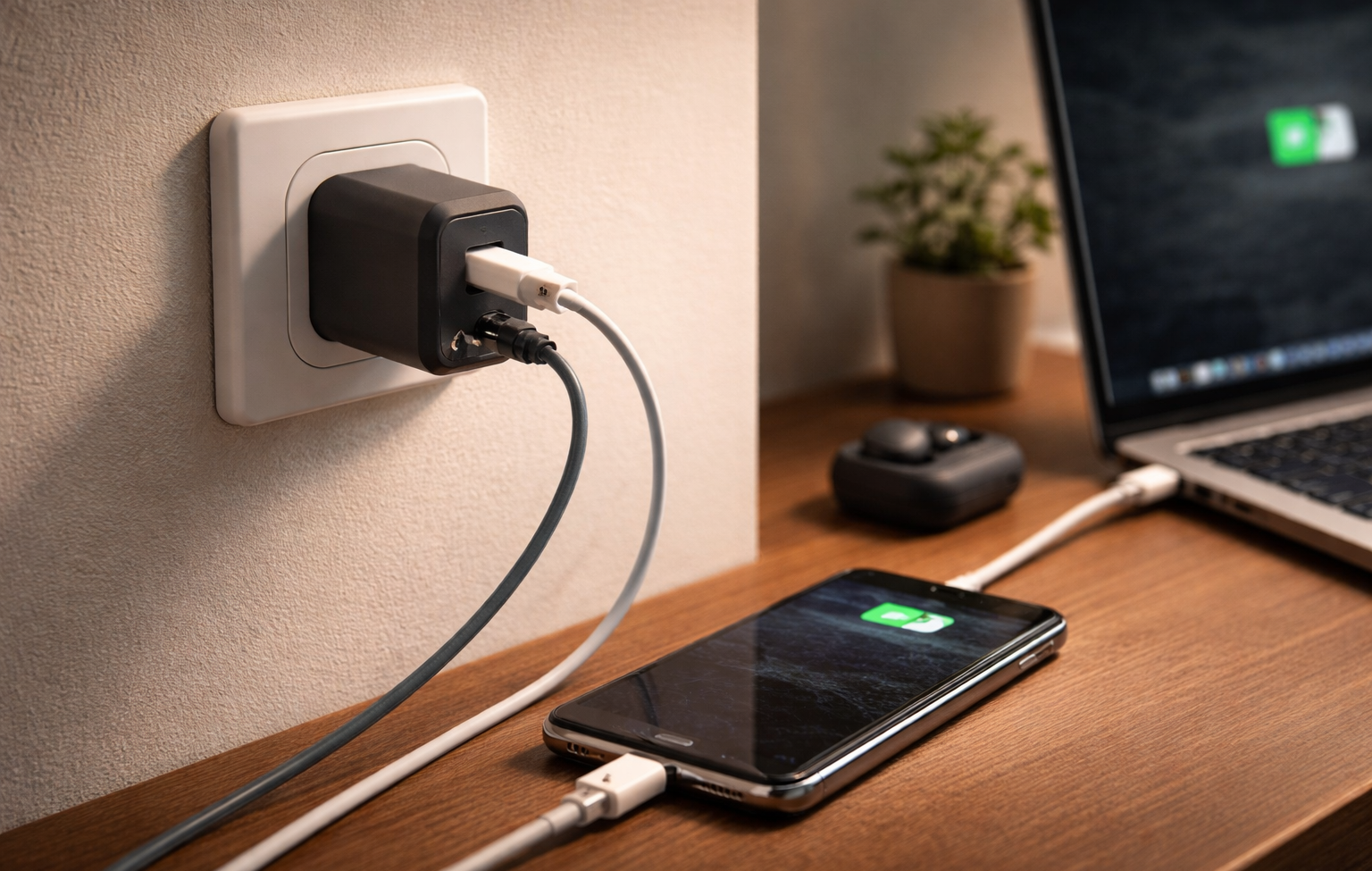
Step 1: Upgrade to a 65W–100W GaN Fast Charger
Fast charging reduces downtime significantly. GaN chargers are smaller, more efficient, and generate less heat.
What to Look For:
-
USB-C PD 3.0
-
PPS support
-
Multi-port output
-
Safety certifications
Real Experience
Switching from a basic charger to a 65W GaN charger reduced charging interruptions during busy schedules. Even short 20–30 minute charging windows became meaningful.

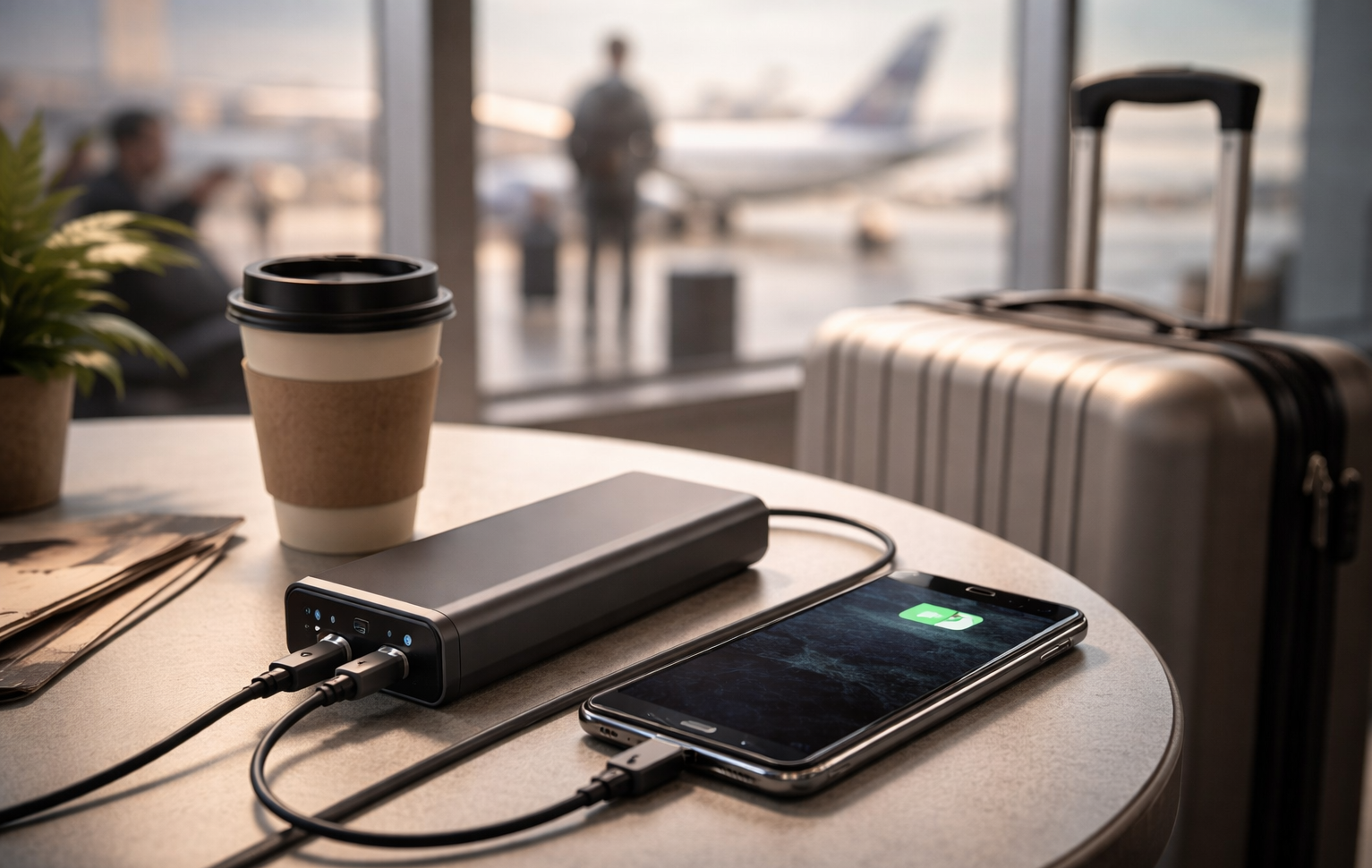
Step 2: Add a 20,000mAh Power Bank
For travel or heavy usage days, wall charging alone is not enough.
Ideal Specs:
-
20,000–30,000mAh
-
30W+ fast output
-
USB-C input/output
-
Digital battery display
Real Experience
During travel, power banks eliminated battery anxiety. Instead of searching for outlets, I could recharge fully while commuting.
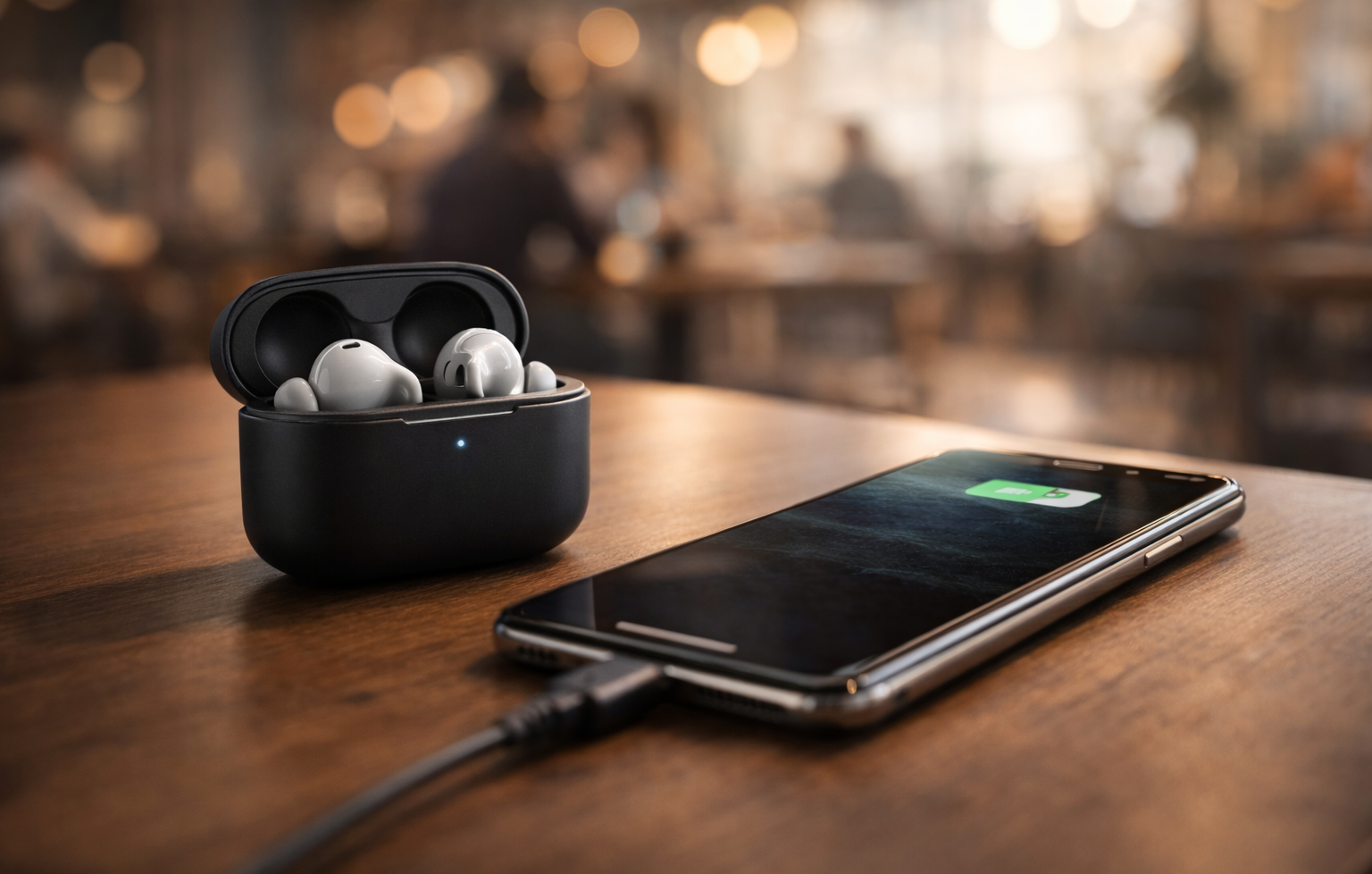
Step 3: Premium ANC Wireless Earbuds
Audio clarity matters for meetings and travel productivity.
Top-tier examples:
-
Sony WF-1000XM5
-
AirPods Pro
Why They Matter
-
Clear calls
-
Noise cancellation
-
Long battery life
-
Multipoint connectivity
Real Experience
Using strong ANC in cafés and airports drastically improved focus and call clarity.
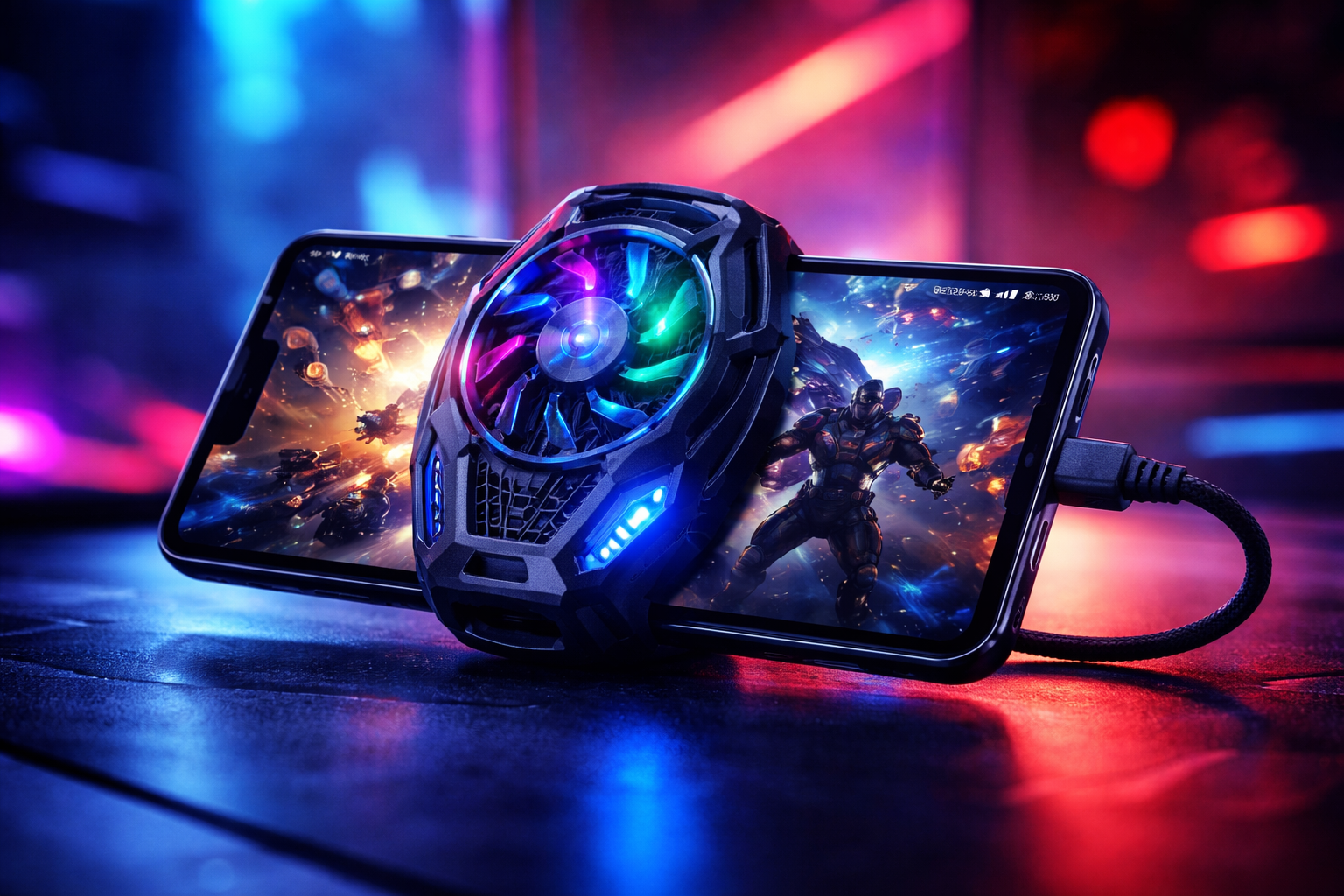
Step 4: Smartphone Cooling Fan (For Performance Stability)
High-performance tasks increase internal heat, leading to throttling.
Best For:
-
Gaming
-
Livestreaming
-
4K video recording
Real Experience
Extended gaming sessions previously caused frame drops after 20–30 minutes. A cooling fan stabilized performance noticeably.
Step 5: Portable USB-C SSD for Creators
Internal storage fills quickly when recording high-resolution video.
Benefits:
-
Faster file transfers
-
Offline backup
-
Professional workflow efficiency
Real Experience
Transferring large video files to portable SSD reduced editing workflow time significantly compared to cloud uploads.
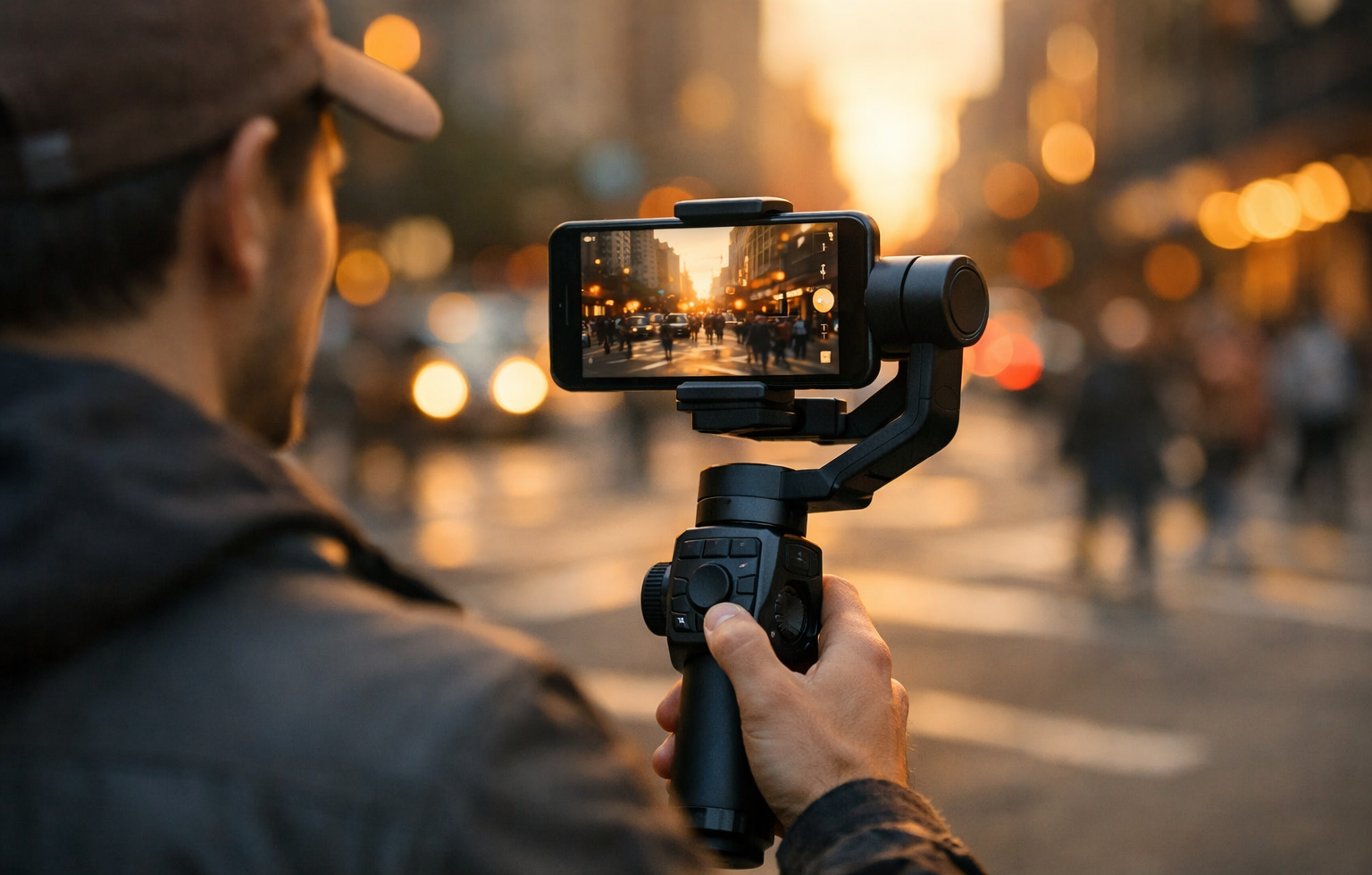
Step 6: Mobile Gimbal for Professional Video
Stabilization improves content quality instantly.
Ideal For:
-
YouTube creators
-
Travel vloggers
-
Product reviewers
Real Experience
Handheld shooting always introduced micro-shakes. After switching to a gimbal, video smoothness improved dramatically.
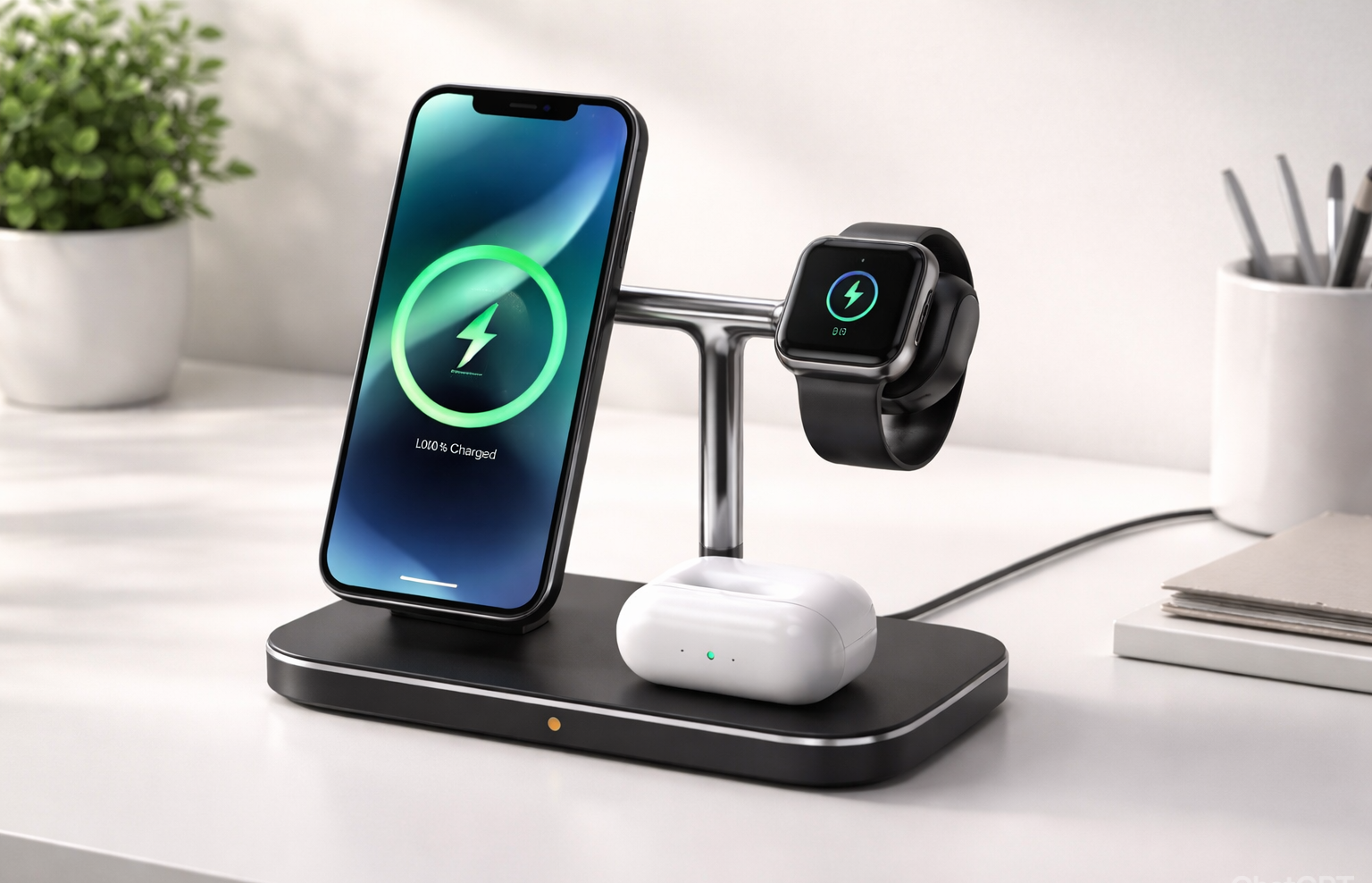
Step 7: Multi-Device Wireless Charging Station
Users in ecosystems like Apple or Samsung benefit from consolidated charging.
Advantages:
-
Simultaneous charging
-
Cleaner workspace
-
Overnight convenience
Real Experience
Replacing multiple cables with a 3-in-1 station improved desk organization and daily routine.
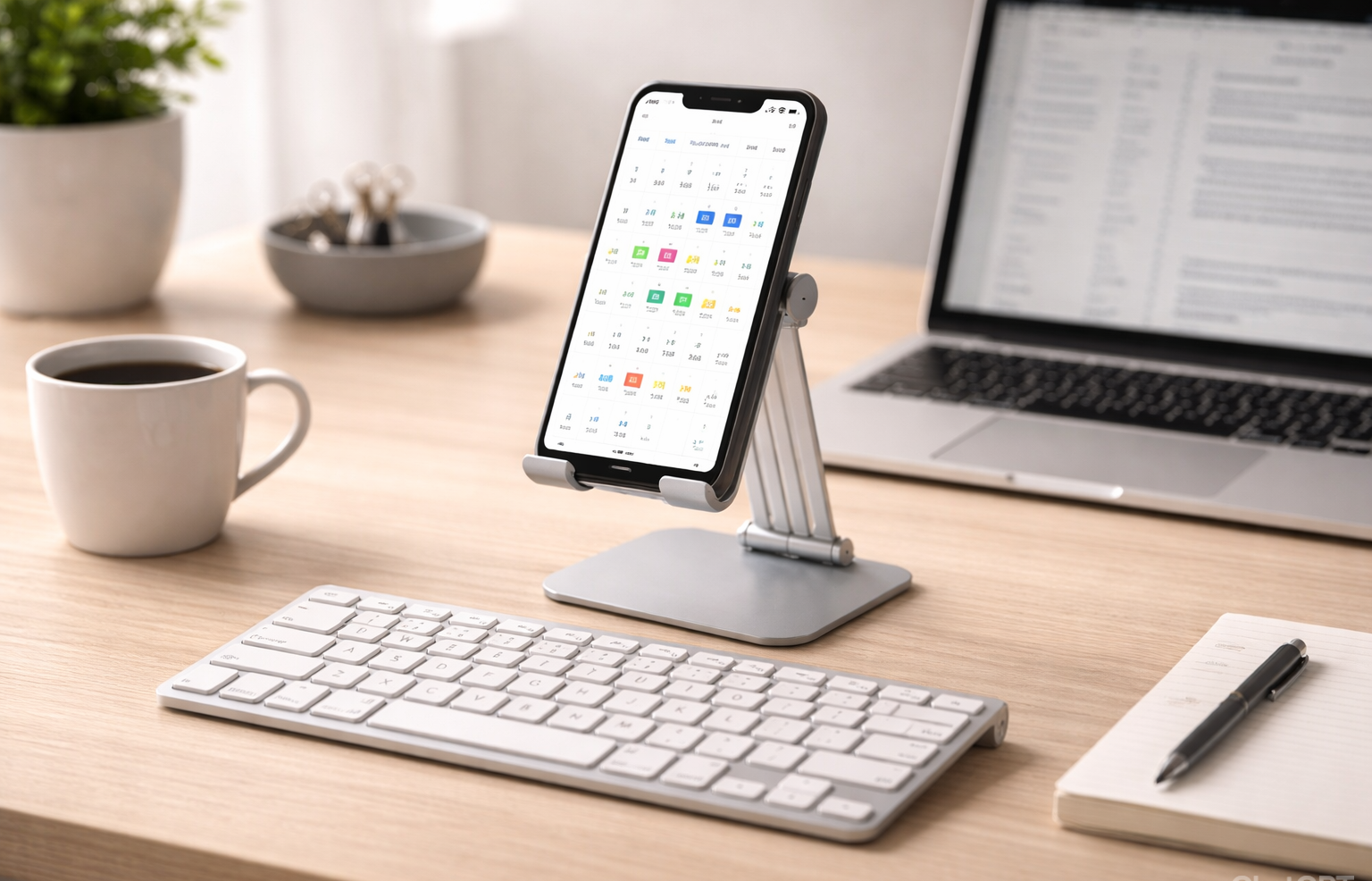
Step 8: Bluetooth Keyboard + Adjustable Stand
This setup transforms a smartphone into a mobile workstation.
Use Cases:
-
Writing blog posts
-
Editing spreadsheets
-
Managing online stores
Real Experience
Typing on a touchscreen reduces efficiency. A Bluetooth keyboard significantly increased productivity speed.
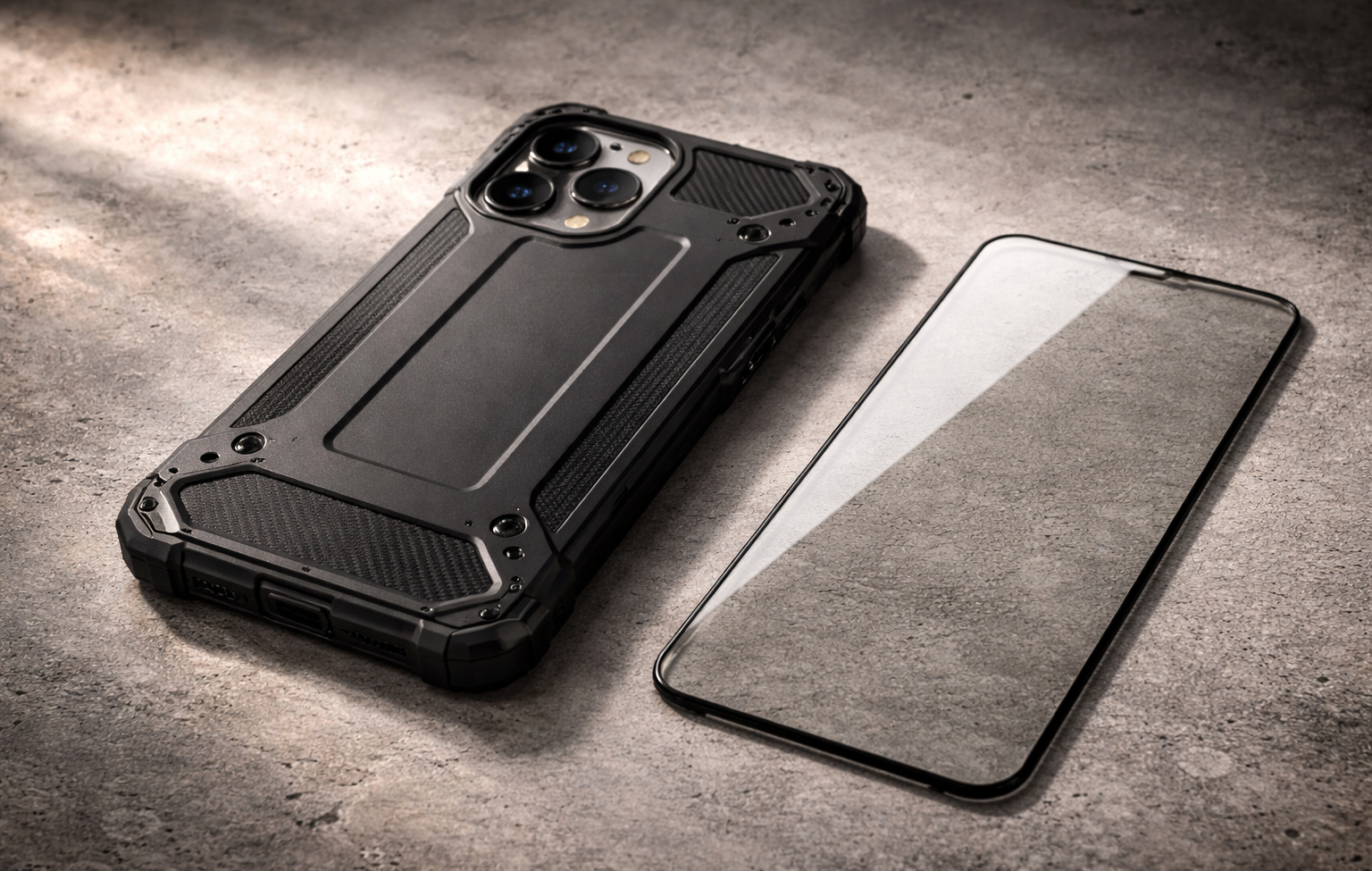
Step 9: Rugged Case & Screen Protection
Heavy usage increases drop risk.
Essential Features:
-
Shock absorption
-
Raised bezels
-
Tempered glass
-
Optional privacy screen
Real Experience
A single drop can interrupt workflow and incur repair costs. Durable protection prevents downtime.
Buying Guide Checklist
Before purchasing any accessory:
-
Verify safety certification
-
Confirm compatibility
-
Check heat management
-
Review warranty
-
Read performance-focused reviews
Frequently Asked Questions
1. Do fast chargers damage battery health?
No. Certified PD chargers are safe. Heat, not charging speed alone, affects battery longevity.
2. Is a cooling fan necessary?
Only for gamers, streamers, and heavy users.
3. How much power bank capacity is ideal?
20,000mAh is optimal for most power users.
4. Is wireless charging slower?
Yes, slightly—but modern chargers have improved significantly.
5. Are third-party accessories safe?
Yes, if certified and compatible.

Final Thoughts
Smartphone accessories are not luxury items for power users—they are performance multipliers.
A well-optimized setup includes:
-
65W GaN charger
-
20,000mAh power bank
-
Premium ANC earbuds
-
Rugged case
-
Portable SSD (if creator)
-
Cooling solution (if gamer)
With the right configuration, your smartphone becomes a reliable, high-performance mobile workstation.


Pingback: Samsung S26 Ultra vs iPhone 17 Pro Max Full Comparison 2026
Honestly, the bonus offers here are insane. I managed to hit a nice win on the slots last night. Highly recommend it to anyone looking for a legit place to play. Visit ssbet77casino