
Instagram is deeply integrated into daily life for millions of users. From sharing photos and reels to running online businesses, it has become more than just a social media platform. However, many people eventually reach a point where they want to leave Instagram permanently—whether for privacy, mental health, productivity, or personal reasons.
If you are searching for how to delete an Instagram account permanently, this guide is designed to give you clear instructions, real experience insights, and complete transparency about what happens before and after deletion.
Real User Experience: What I Learned Before Deleting Instagram
Before deleting my Instagram account, I assumed the process would be simple—open the app, go to settings, and tap delete. That assumption was wrong. Instagram does not provide a visible delete option inside the app, which can confuse users.
What surprised me most was how quickly the account disappeared after requesting deletion. My profile became unsearchable almost instantly, links stopped working, and followers could no longer access my content. This experience made one thing clear: Instagram account deletion is serious and permanent.

Why People Decide to Delete Instagram
People delete Instagram for many valid reasons. Some of the most common include:
-
Privacy concerns and data security
-
Excessive screen time and addiction
-
Mental health issues such as anxiety or comparison
-
Online harassment or negativity
-
Reduced productivity and focus
-
Shutting down a business or brand page
-
Desire for a digital detox
Deleting Instagram is often a conscious decision to improve quality of life.
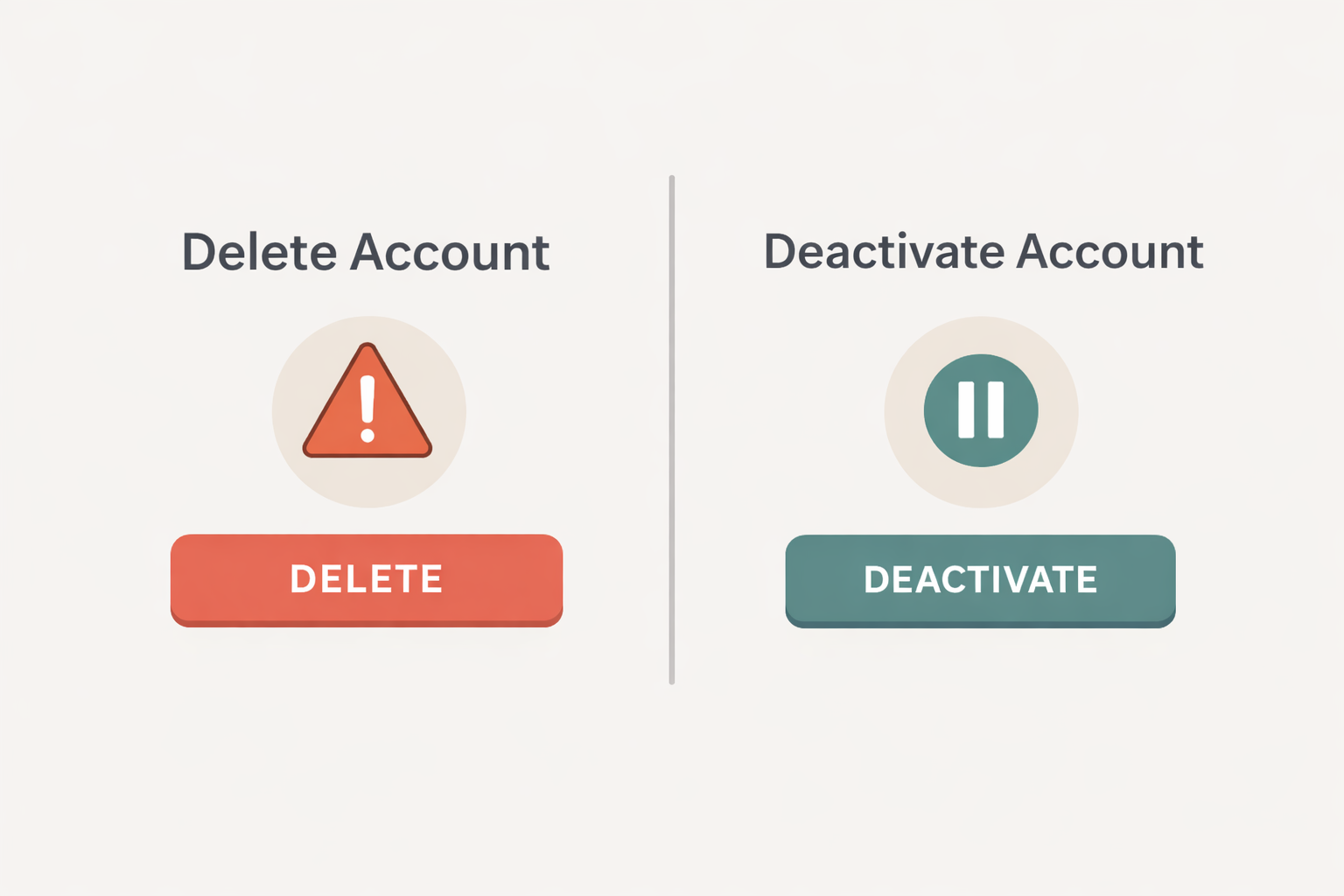
Delete vs Deactivate Instagram: Understand the Difference
Many users regret deleting their account because they actually needed only a break.
Permanent Deletion
-
Account and all data are permanently erased
-
No recovery after deletion is completed
-
Username may not be available again
Temporary Deactivation
-
Account is hidden from public view
-
All data remains safe
-
Can be reactivated anytime
Expert advice: If you feel unsure, deactivate first.
Important Things to Do Before Deleting Instagram
From real user mistakes, these steps are critical before deletion:
-
Save important photos and videos
-
Download your Instagram data
-
Inform followers or customers if needed
-
Disconnect Instagram from third-party apps
-
Confirm your password
-
Check linked Facebook or Meta accounts
Skipping these steps often leads to regret.
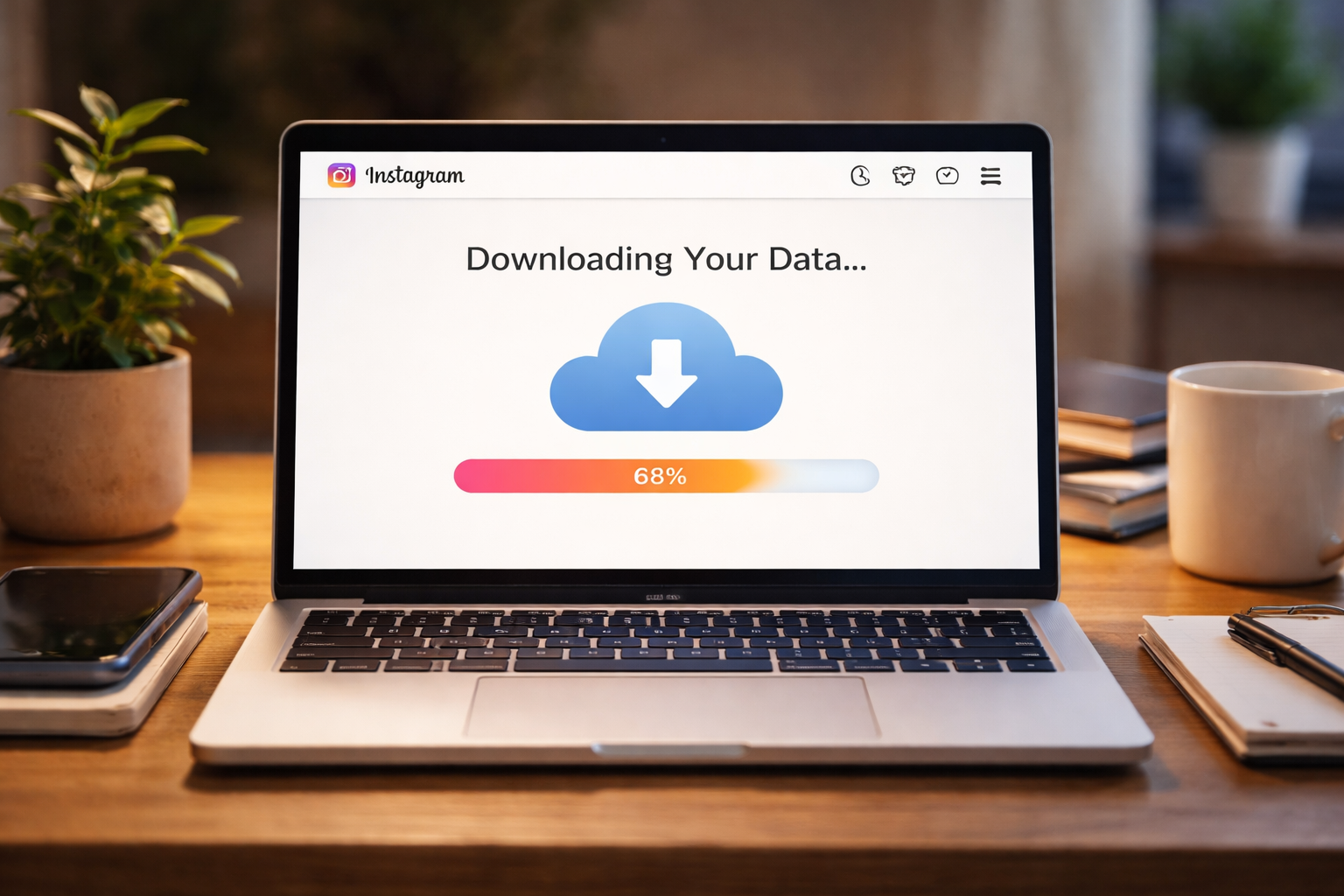
How to Download Your Instagram Data (Recommended Step)
Downloading your data ensures you don’t lose memories, conversations, or content.
Steps:
-
Log in via a web browser – Click
-
Open Settings → Accounts Center
-
Select Your information and permissions
-
Click Download your information
-
Choose data type and email
-
Submit the request
Instagram may take a few hours or several days.
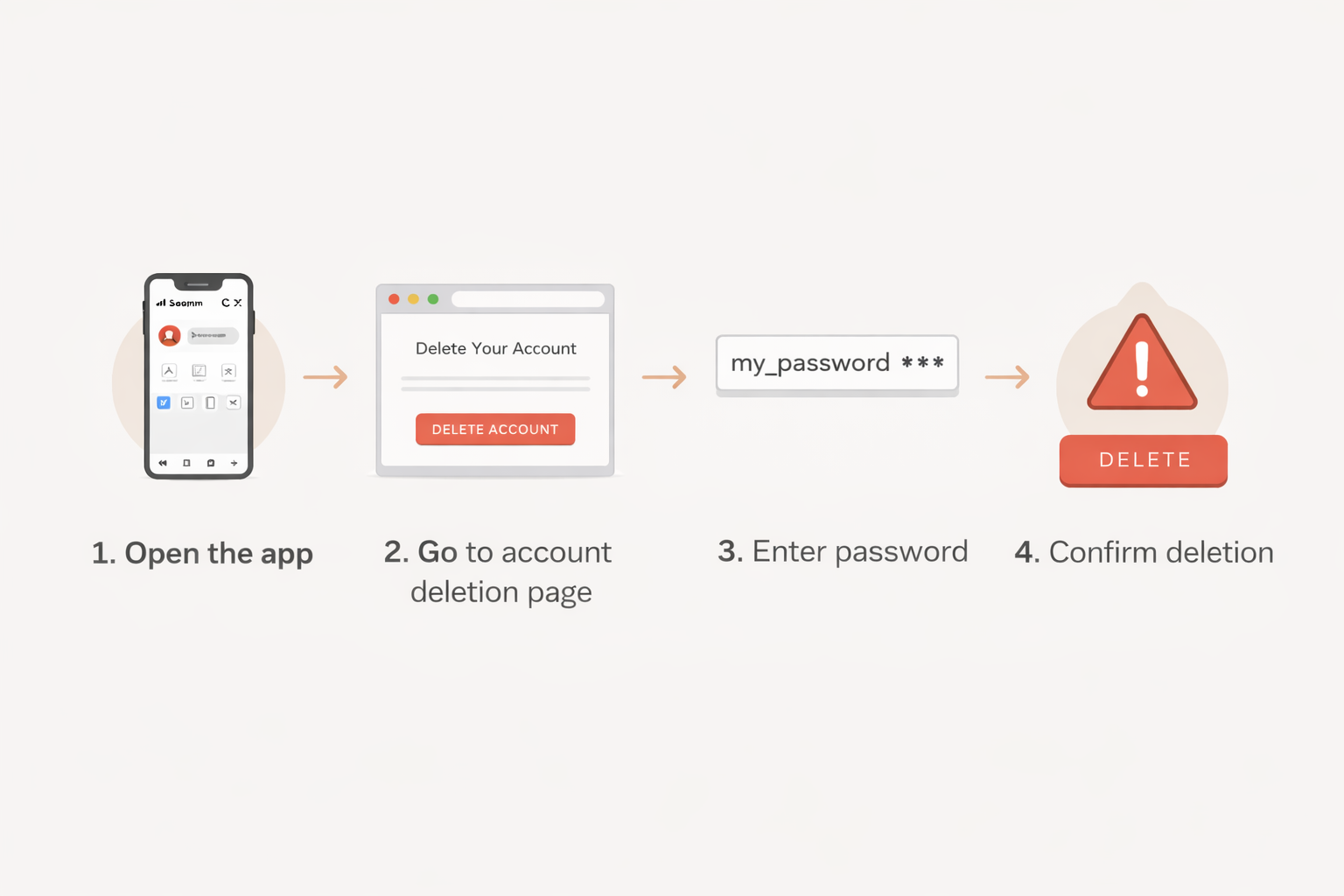
Step-by-Step Guide: How to Delete Instagram Account Permanently
You cannot permanently delete your account from the Instagram app.
Step 1: Open a Web Browser
Use Chrome, Safari, or any secure browser.
Step 2: Log in to Your Instagram Account
Make sure you are logged into the correct account.
Step 3: Open the Account Deletion Page
Instagram requires users to visit a dedicated deletion page.
Step 4: Choose a Reason for Deleting
Select one reason from the dropdown list.
Step 5: Re-Enter Your Password
This confirms account ownership.
Step 6: Confirm Permanent Deletion
Click the final delete button and confirm.
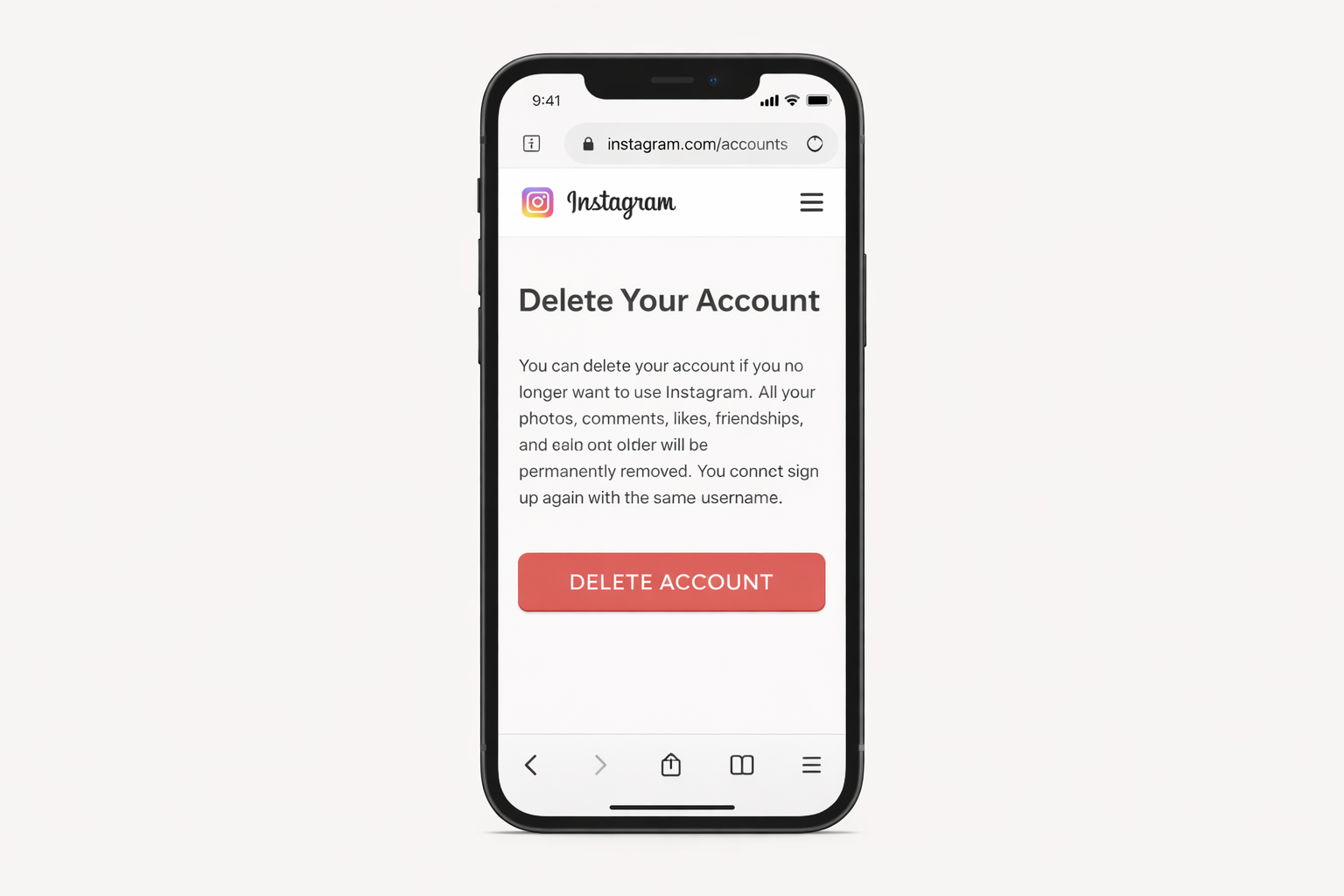
How to Delete Instagram from Mobile (Android & iPhone)
You must use a mobile browser, not the app.
-
Open Chrome or Safari
-
Log in to Instagram
-
Visit the deletion page
-
Choose a reason
-
Enter password
-
Tap Delete Account
Works on both Android and iOS.
How to Delete Instagram from Desktop
Desktop deletion follows the same process:
-
Open a browser
-
Log in to Instagram
-
Access the deletion page
-
Select reason
-
Enter password
-
Confirm deletion

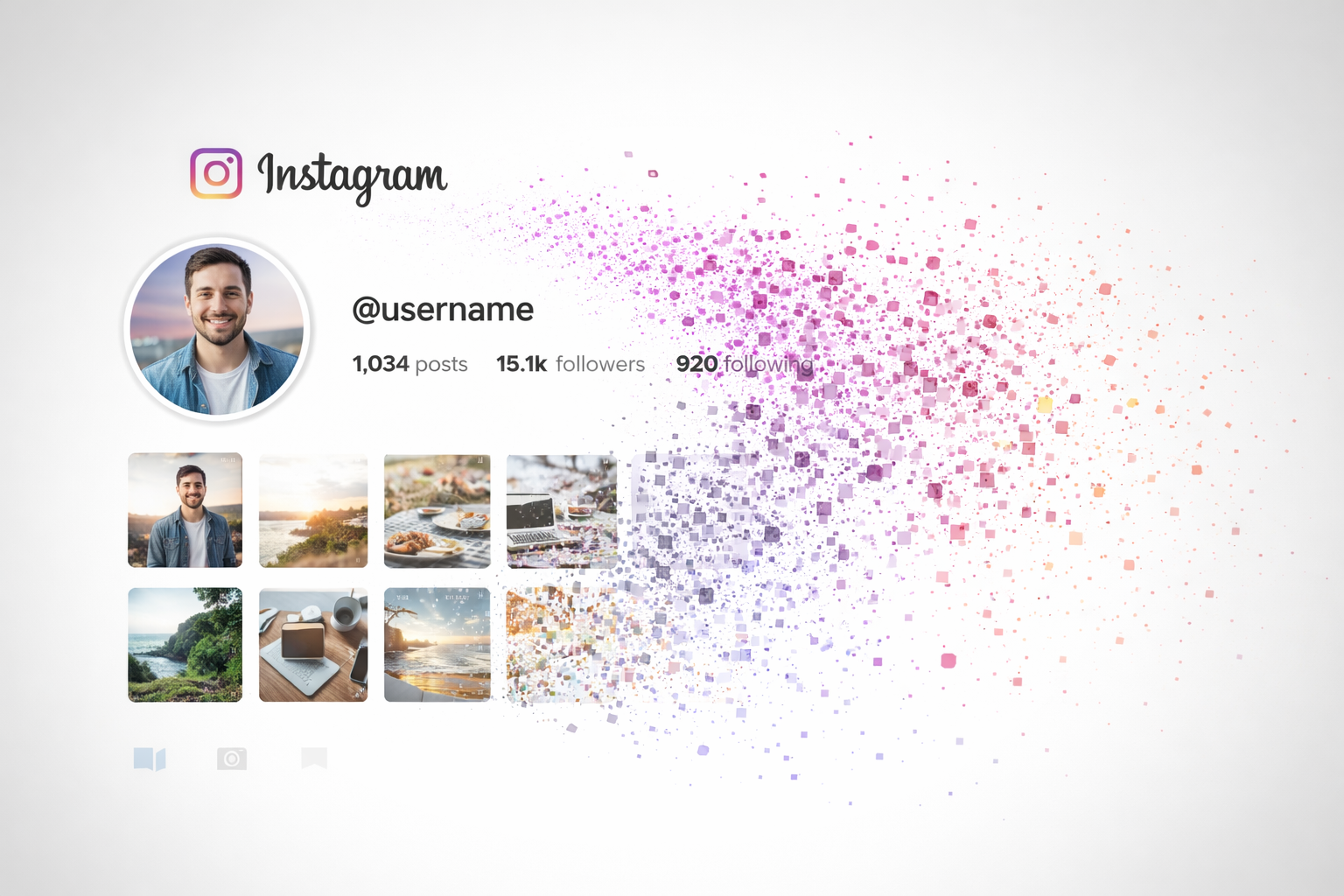
What Happens After You Delete Your Instagram Account?
Based on real experience:
-
Profile disappears almost instantly
-
Followers cannot find your account
-
Profile links stop working
-
Content is removed from public view
-
Messages may still appear in inboxes
-
Data is temporarily stored during waiting period
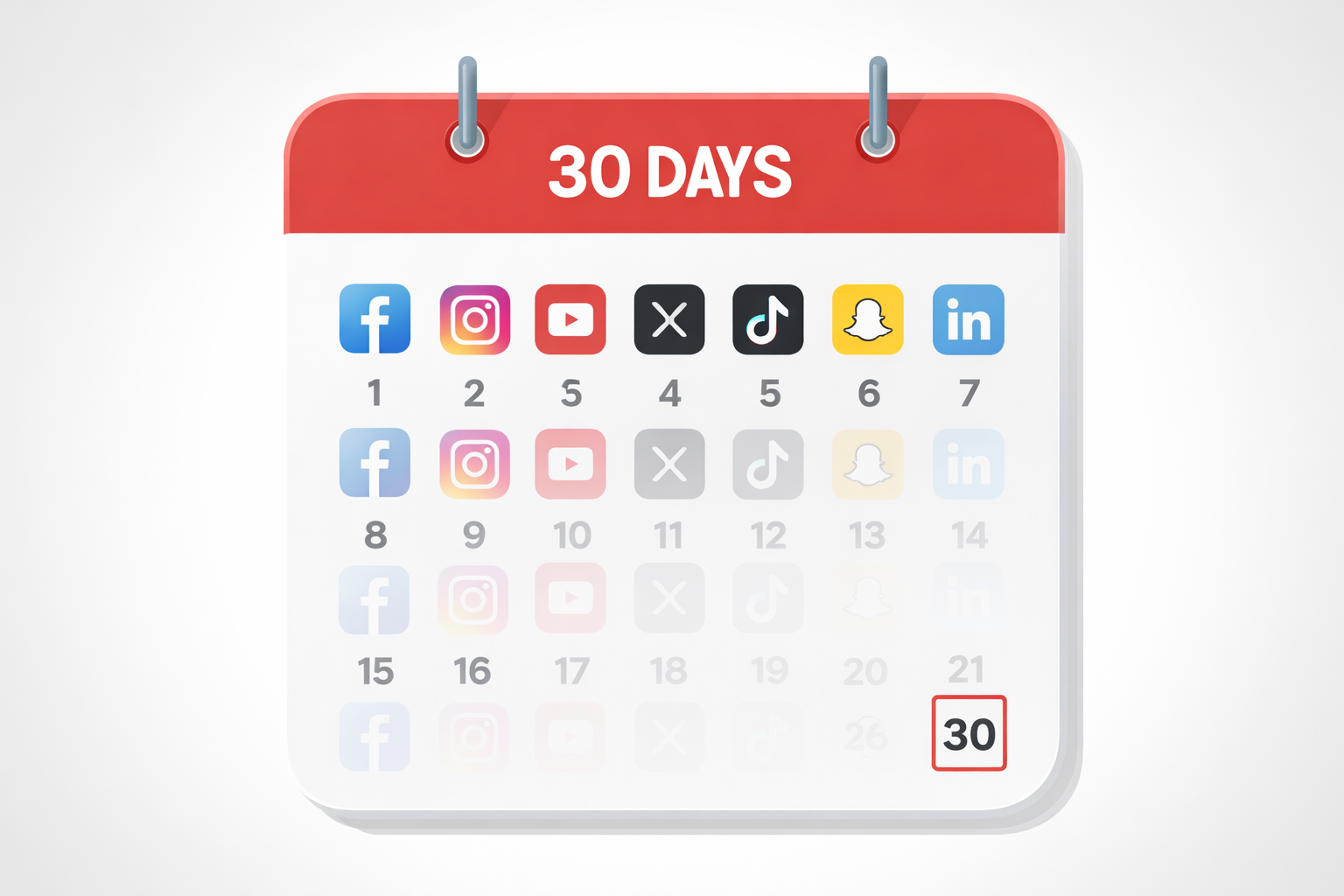
How Long Does Instagram Take to Delete an Account?
Instagram follows a 30-day grace period:
-
Account stays hidden
-
Logging in cancels deletion
-
After 30 days, data is permanently erased
-
Some backup data may remain briefly
Can a Deleted Instagram Account Be Recovered?
-
Within 30 days: Yes, by logging in
-
After 30 days: No recovery possible
Once deletion is finalized, Instagram does not restore accounts.

Frequently Asked Questions (FAQs)
1. Can I delete my Instagram account from the app?
No, permanent deletion is only possible via a web browser.
2. Will my followers be notified?
No, Instagram does not notify followers.
3. Can I reuse my email after deletion?
Yes, but the same username may not be available.
4. What happens to my messages?
Messages may remain visible in other users’ inboxes.
5. Is deactivation better than deletion?
Deactivation is safer if you want a temporary break.

Final Thoughts Based on Real Experience
Deleting Instagram is a personal and irreversible decision. Many users regret deleting impulsively without backing up their data. If your goal is clarity, focus, or privacy, consider temporary deactivation first. If you are confident Instagram no longer aligns with your life, permanent deletion is the right step—just do it carefully.

Postingan yang sangat membantu. Saya baru saja mencari informasi seperti ini dan saya gembira menemukannya di sini. Terima kasih telah berbagi.
Saya tidak sangat fantastis dalam bahasa Inggris tetapi saya memperoleh ini sangat ringan untuk dibaca .
The interface is very friendly and the login process is seamless. I love how stable the connection is here. Visit vn33windangnhap to get started.
Isi yang berguna dan disajikan dengan sangat baik. Saya tentu akan membagikan ini kepada orang lain. Terima kasih telah berbagi.
Anda telah melakukan pekerjaan yang tangguh dan seluruh komunitas kami akan bersyukur kepada Anda.
Wow! Terima kasih! Saya selalu ingin menulis di blog saya sesuatu seperti itu. Bolehkah saya menyertakan fragmen dari posting Anda ke situs saya?
Hi, saya rasa situs Anda mungkin memiliki masalah kompatibilitas browser. Saat saya melihatnya di Safari terlihat baik-baik saja, tetapi di Internet Explorer tampilannya saling tumpang tindih. Saya hanya ingin memberi tahu Anda! Selain itu, blog yang fantastis!
Terima kasih, saya baru-baru ini mencari informasi sekitar subjek ini dalam waktu yang panjang dan milik Anda adalah yang paling hebat yang saya temukan sejauh ini. Namun, bagaimana dengan inti permasalahan? Apakah Anda yakin tentang sumber tersebut?
Kemarin, saat saya sedang bekerja, sepupu saya mengambil iphone saya dan mengujinya apakah bisa bertahan dari jatuh setinggi empat puluh kaki, hanya agar dia bisa menjadi sensasi youtube. apple ipad saya sekarang hancur dan dia memiliki 83 penayangan. Saya tahu ini benar-benar di luar topik tetapi saya harus membagikannya kepada seseorang!
Hai semua, saya menemukan website Anda lewat Google saat menelusuri subjek yang mirip, blog Anda tampil di bagian atas. Saya perlu mengakui bahwa saya terkejut betapa bagus penyusunannya. Saya sangat menyukai membaca ini dan saya akan kembali untuk melihat lebih banyak. Terima kasih!
Secara umum saya tidak membaca posting di blog, tetapi saya ingin mengatakan bahwa tulisan ini benar-benar memaksa saya untuk melakukannya! Gaya penulisan Anda membuat saya terkesan. Terima kasih, cukup posting yang bagus.
Wow! Blog ini terlihat persis seperti blog lama saya! Topiknya sangat berbeda tetapi memiliki layout halaman dan desain yang hampir sama. Pilihan warna desain yang luar biasa!
Isi yang fantastis! Saya akan kembali untuk membaca konten lainnya. Terima kasih atas informasi ini.
I am impressed with this website , real I am a big fan .
I like this weblog its a master peace ! Glad I noticed this on google .
Hari ini, saat saya sedang bekerja, sepupu saya mengambil apple ipad saya dan mengujinya apakah bisa bertahan dari jatuh setinggi tiga puluh kaki, hanya agar dia bisa menjadi sensasi youtube. apple ipad saya sekarang rusak dan dia memiliki 83 penayangan. Saya tahu ini sangat di luar topik tetapi saya harus membagikannya kepada seseorang!
Wohh persis apa yang saya cari, salam atas posting.
Saya senang menjadi salah satu pengunjung di situs web hebat ini (:, terima kasih telah mengunggah.
Bernilai informasi. Beruntung saya menemukan situs web Anda secara tidak sengaja, dan aku terkejut mengapa kecelakaan ini tidak pernah terjadi lebih awal! Saya menandainya.
Sangat menarik informasi!Sempurna persis seperti yang saya telusuri! “Kita dibentuk dan dipahat oleh apa yang kita cintai.” oleh Johann von Goethe.
Artikel ini penuh informasi. Saya menghargai usaha yang Anda curahkan untuk menulisnya. Terima kasih!
Situs ini benar-benar merupakan penjelasan menyeluruh untuk semua informasi yang Anda inginkan tentang hal ini dan tidak tahu kepada siapa harus bertanya. Lihat sekilas di sini, dan Anda pasti akan menemukannya.
Sangat menarik informasi!Sempurna persis seperti yang saya cari! “Semua ide bagus yang pernah saya miliki datang kepada saya saat saya memerah sapi.” oleh Grant Wood.