
Skip to content
Skip to content
-
Subscribe to our newsletter & never miss our best posts. Subscribe Now!
DigiwireX DigiwireX DigiwireX

DigiwireX – Connecting You to the Digital World

DigiwireX DigiwireX DigiwireX

DigiwireX – Connecting You to the Digital World

  • E-Com
  • Reviews
  • Buying guides
  • Deals
  • Cybersecurity
  • Entertainment
    • TV & movies
  • Tools
    • Finance
      • GST Calculator Online
      • UK VAT Calculator . Add or Remove VAT Online Instantly
    • Inventory
      • Free Online SKU Generator for Inventory & Product Management
    • Password Protected Text Encoder & Decoder | Secure Private Messages
    • Love Match Score | Love Tester ❤️ | Love Percentage Meter
    • Case Converter Online – Free Text Case Converter Tool | DigiWireX
  • More Guides
  • E-Com
  • Reviews
  • Buying guides
  • Deals
  • Cybersecurity
  • Entertainment
    • TV & movies
  • Tools
    • Finance
      • GST Calculator Online
      • UK VAT Calculator . Add or Remove VAT Online Instantly
    • Inventory
      • Free Online SKU Generator for Inventory & Product Management
    • Password Protected Text Encoder & Decoder | Secure Private Messages
    • Love Match Score | Love Tester ❤️ | Love Percentage Meter
    • Case Converter Online – Free Text Case Converter Tool | DigiWireX
  • More Guides
Close

Search

Follow
Home/More Guides/How to Backup Your Smartphone Data (Easy & Free Methods)
How to Backup Your Smartphone Data
More Guides

How to Backup Your Smartphone Data (Easy & Free Methods)

DigiwireX | How to Backup Your Smartphone Data (Easy & Free Methods)
By Shohev khan
February 19, 2026 5 Min Read
2
70 / 100
Powered by Rank Math SEO
SEO Score

Your smartphone stores your digital life — photos, videos, contacts, banking apps, OTP messages, documents, passwords, and business conversations. Losing it without a proper backup can mean permanent data loss.

From personal experience helping clients migrate to new phones, the biggest mistake people make is assuming backup is automatic. In many cases, backup is either disabled or storage is full — and they only realize it after losing their device.

In this guide, you’ll learn how to backup your smartphone data step by step using easy and free methods for both Android and iPhone.

Why Smartphone Backup Is Important

Data loss happens more often than people expect.

Common causes:

  • Phone theft

  • Water or physical damage

  • Failed software update

  • Malware attack

  • Accidental deletion

  • Factory reset error

Without backup, recovery is often impossible.

Backup ensures:

  • Secure data storage

  • Easy phone switching

  • Protection against cyber threats

  • Business continuity

How to Backup Your Smartphone Data

Part 1: How to Backup Android Smartphone Data

Android devices use services powered by Google for automatic backup.

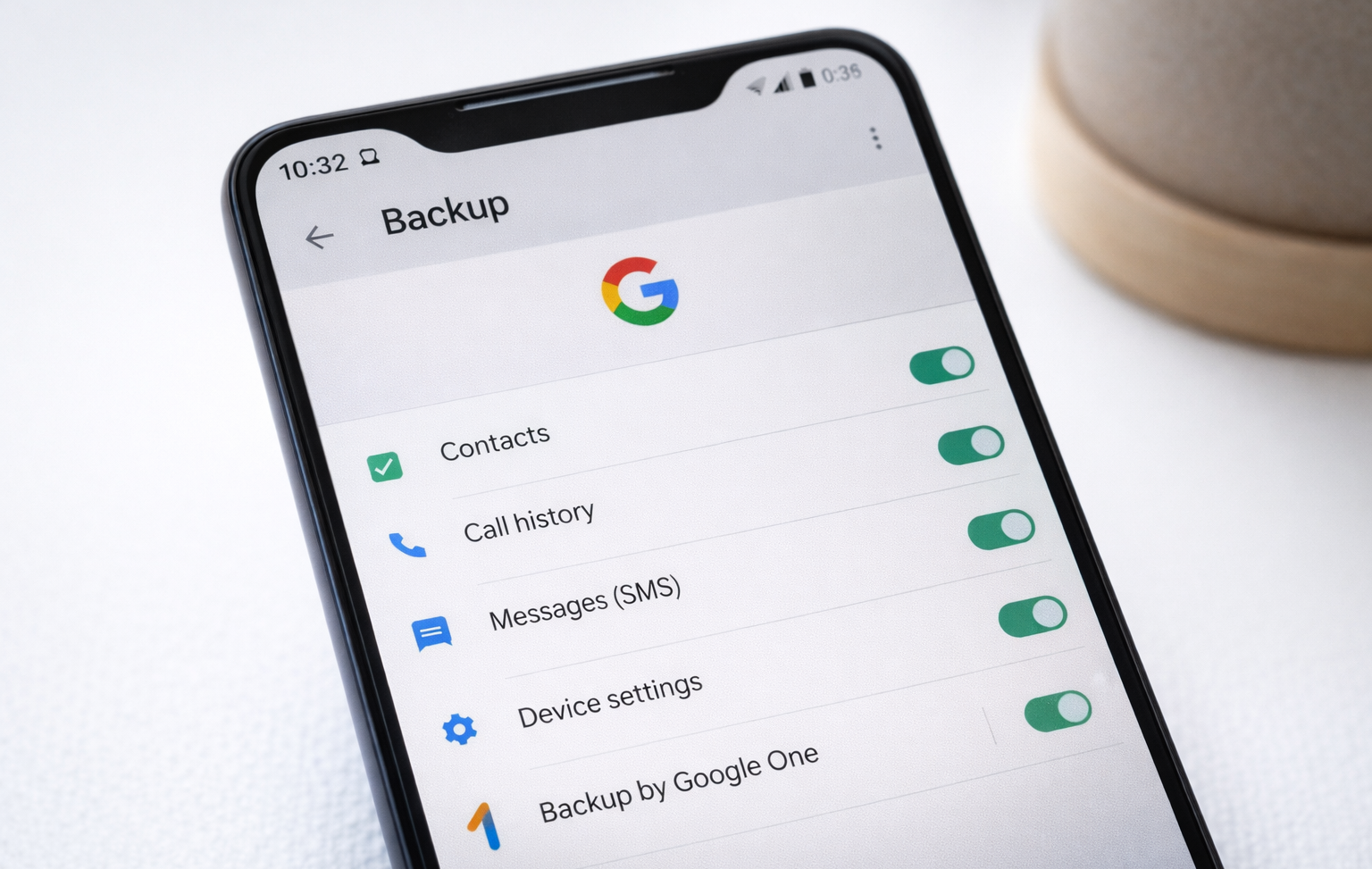
Method 1: Enable Google Automatic Backup

This is the most important step for Android users.

What It Backs Up

  • Contacts

  • Call history

  • SMS

  • App data

  • Wi-Fi passwords

  • Device settings

Step-by-Step Guide

  1. Open Settings

  2. Tap Google

  3. Select Backup

  4. Turn ON Backup by Google One

  5. Tap Back up now

Once enabled, your device backs up automatically when connected to Wi-Fi and charging.

Real Experience Tip

I once assisted a user who lost their phone during travel. Because Google backup was enabled, they restored everything within 30 minutes on a new device.

Always check:
Settings → Google → Backup → Last backup date
How to Backup Your Smartphone Data

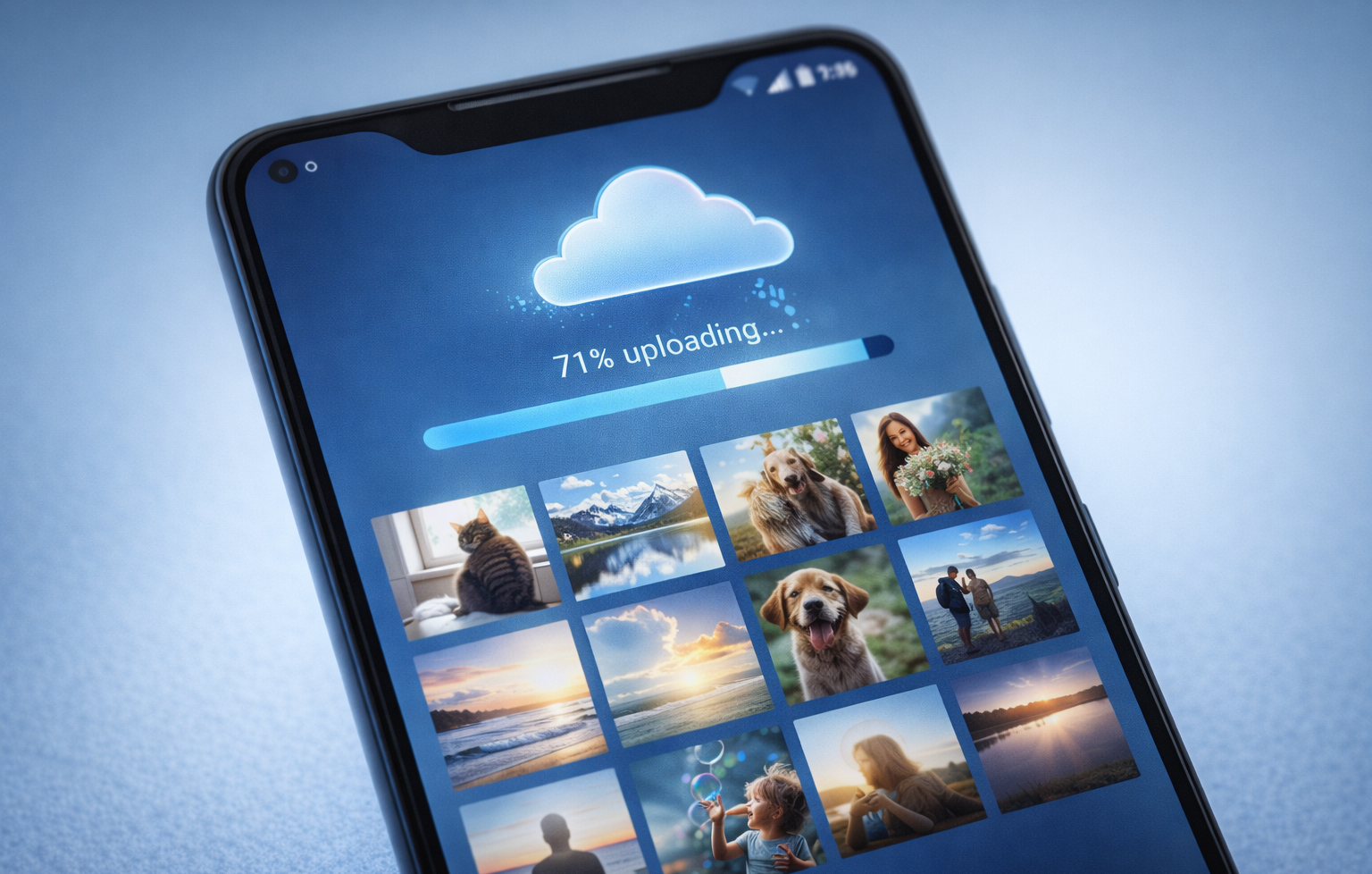
Method 2: Backup Photos & Videos Using Google Photos

Photos consume the most storage. Use Google Photos to secure them.

Steps

  1. Open Google Photos

  2. Tap profile icon

  3. Go to Photos settings → Backup

  4. Turn Backup ON

Choose:

  • Storage Saver (compressed)

  • Original Quality

Real Experience Tip

A client once thought their photos were safe, but Google storage was full. Always monitor available space monthly.
How to Backup Your Smartphone Data

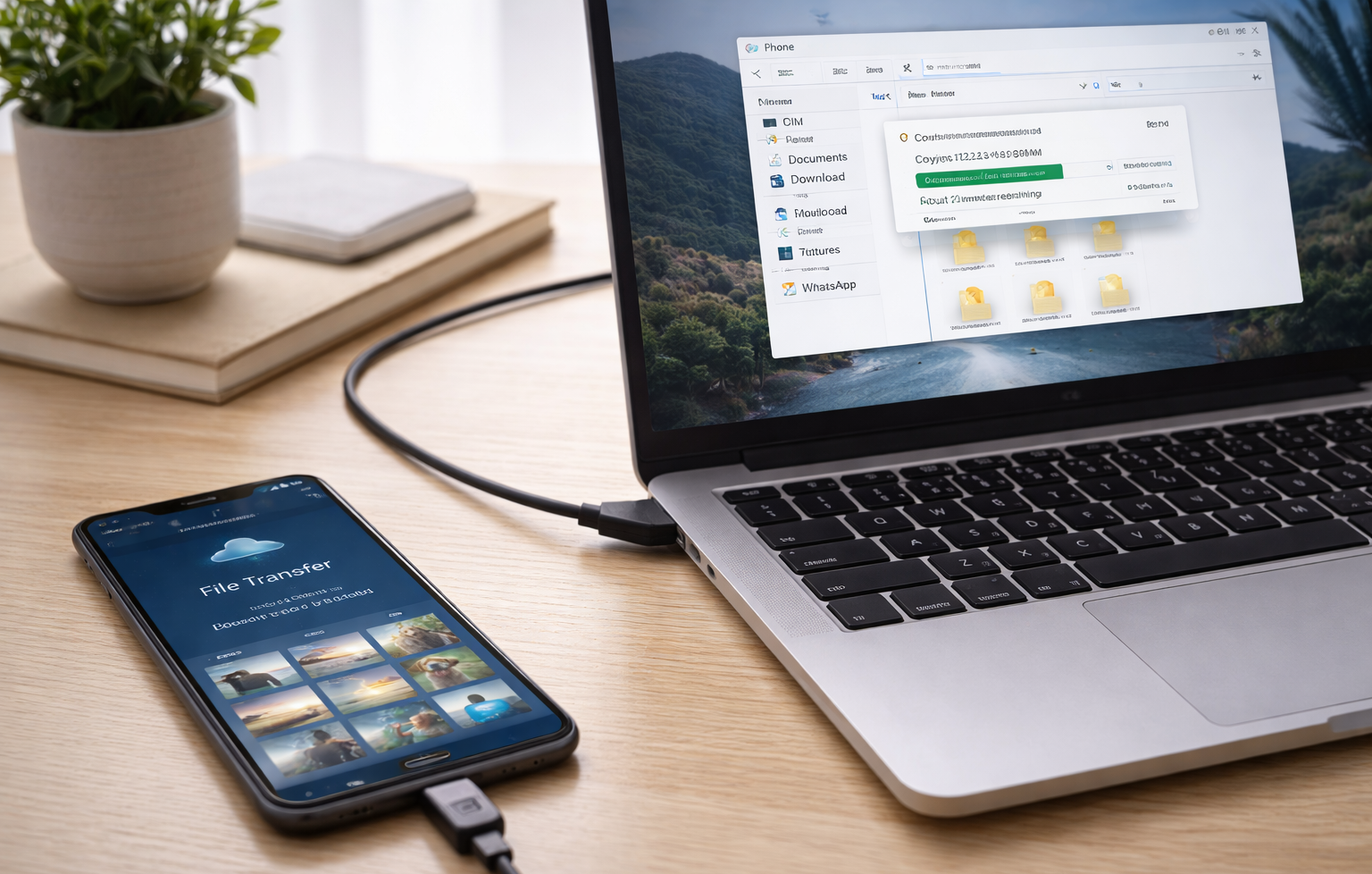
Method 3: Backup Android to PC (Offline Method)

Cloud backup is convenient, but local backup adds extra safety.

Step-by-Step Guide

  1. Connect phone to PC via USB

  2. Select File Transfer

  3. Copy folders:

    • DCIM

    • WhatsApp

    • Downloads

    • Documents

Store them safely on PC or external drive.

Why This Matters

If your Google account gets locked or hacked, local backup protects you.
How to Backup Your Smartphone Data

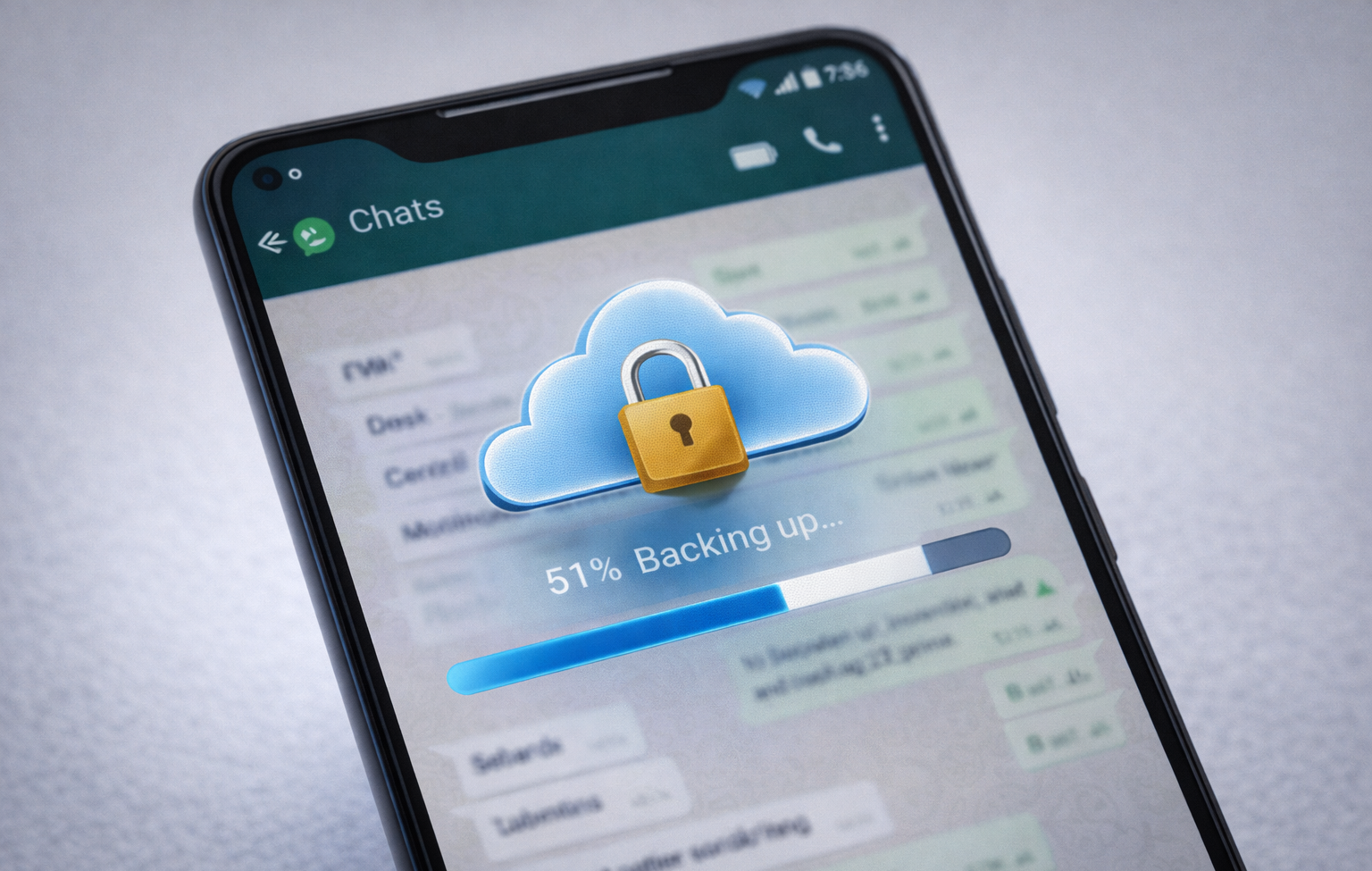
Method 4: Backup WhatsApp Chats (Android)

WhatsApp chats require manual backup setup.

Steps

  1. Open WhatsApp

  2. Go to Settings → Chats → Chat Backup

  3. Select Google account

  4. Tap Back Up

  5. Enable automatic daily backup

Without this, chat history may be permanently lost.
How to Backup Your Smartphone Data

Part 2: How to Backup iPhone Data

iPhone backups are managed within Apple’s ecosystem.

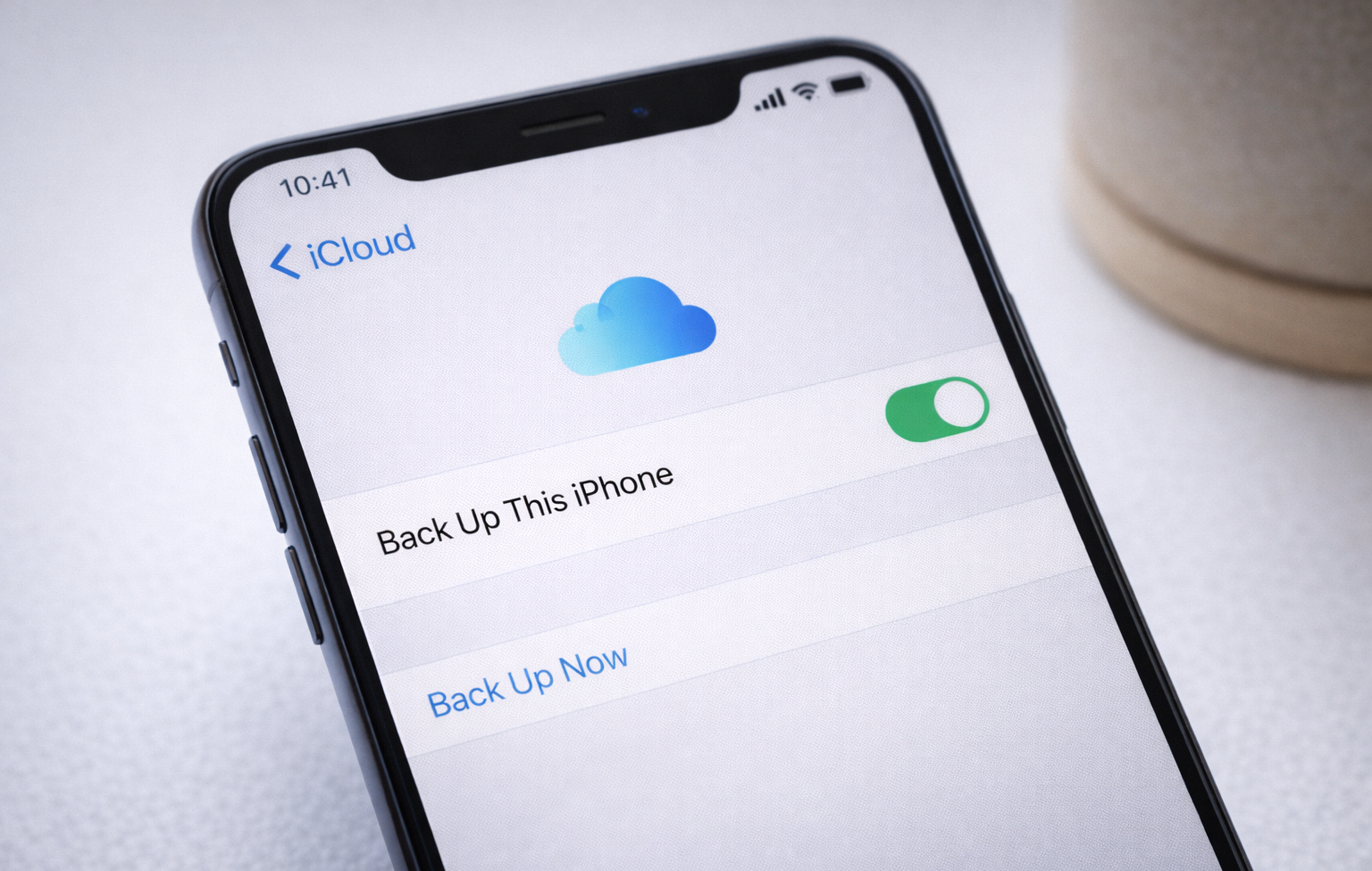
Method 1: Backup iPhone to iCloud

Use iCloud for automatic cloud backup.

What It Backs Up

  • Photos

  • Messages

  • App data

  • Contacts

  • Device settings

Step-by-Step Guide

  1. Open Settings

  2. Tap Apple ID

  3. Select iCloud

  4. Tap iCloud Backup

  5. Turn ON Back Up This iPhone

  6. Tap Back Up Now

Apple provides 5GB free storage.

Real Experience Tip

I’ve seen users assume backup is active, but storage was full. Always check available iCloud storage before switching devices.
How to Backup Your Smartphone Data

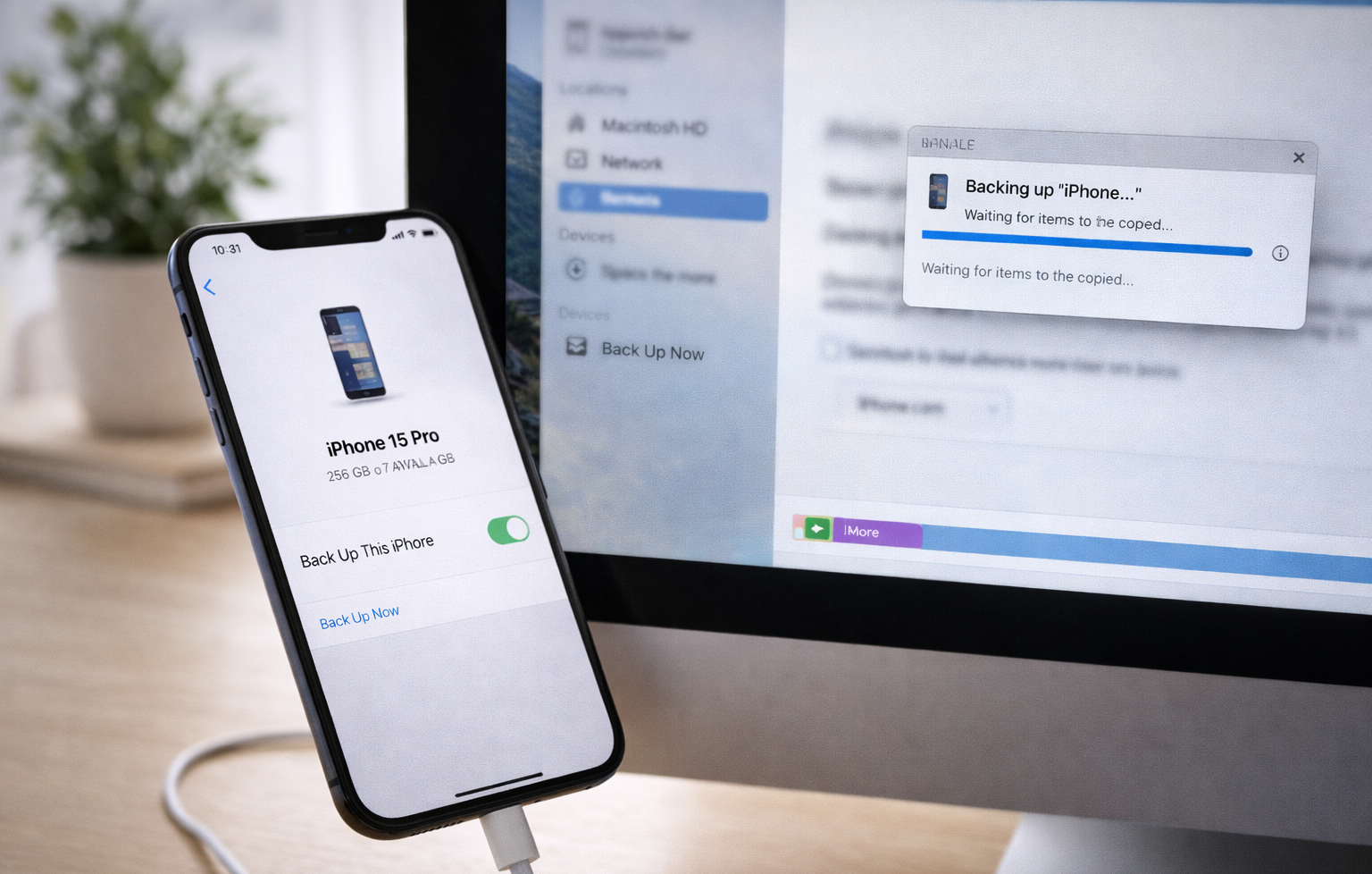
Method 2: Backup iPhone to PC (Full Backup)

You can use:

  • iTunes (Windows or older macOS)

  • Finder (macOS Catalina+)

Steps

  1. Connect iPhone to PC

  2. Open iTunes

  3. Click device icon

  4. Select Back Up Now

  5. Enable Encrypt Local Backup

Encrypted backups include passwords and health data
How to Backup Your Smartphone Data

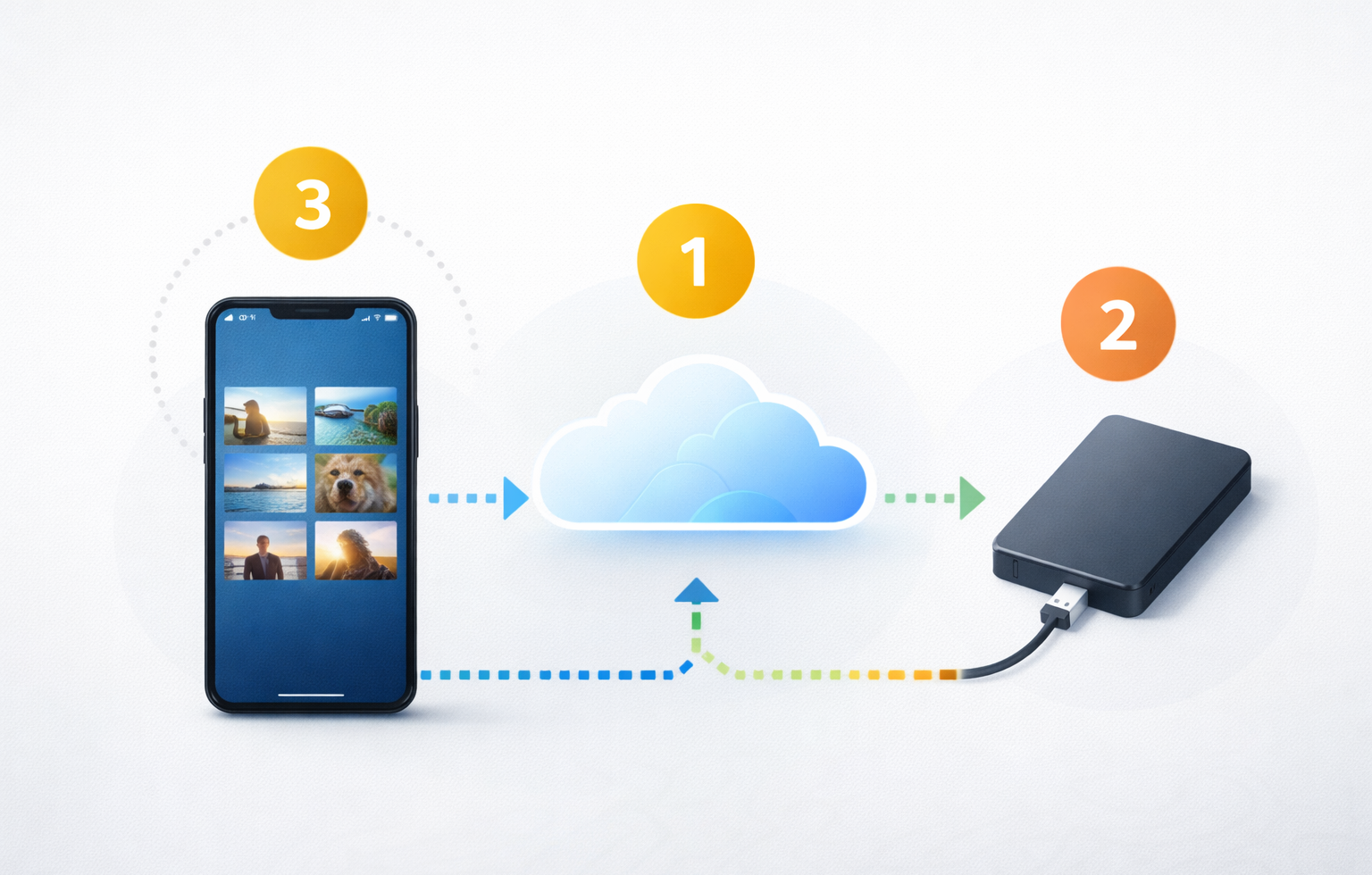
Best Backup Strategy: The 3-2-1 Rule

For maximum protection:

  • 3 copies of your data

  • 2 different storage types

  • 1 cloud copy

Example:

  • Phone storage

  • Cloud backup

  • External hard drive

How to Backup Your Smartphone Data

How Often Should You Backup?

User Type Backup Frequency
Regular users Weekly
Business users Daily
Content creators After major shoots
Online sellers Daily

Automatic backup is recommended.

How to Backup Your Smartphone Data

Common Backup Mistakes to Avoid

  • Not checking last backup date

  • Ignoring storage limit

  • Forgetting WhatsApp backup

  • Not encrypting iPhone backup

  • Keeping only one copy

Test restore at least once.

How to Backup Your Smartphone Data

5 Frequently Asked Questions (FAQs)

1. Is smartphone backup free?

Yes. Android offers 15GB free. iPhone offers 5GB free. Local PC backup is free.

2. Can I backup without internet?

Yes, using a PC or external storage.

3. Does backup include apps?

Apps reinstall automatically; app data restores if backed up.

4. How long does backup take?

It depends on data size and internet speed.

5. Is cloud backup safe?

Yes, when using strong passwords and two-factor authentication.

How to Backup Your Smartphone Data

Finalv Thoughts

Backing up your smartphone data is one of the most important digital safety habits. It takes only a few minutes to set up — but it can save years of memories and critical information.

DigiwireX | How to Backup Your Smartphone Data (Easy & Free Methods)
Author

Shohev khan

Follow Me
Other Articles
DigiwireX | How to Backup Your Smartphone Data (Easy & Free Methods)
Previous

Google Pixel 10A Launched at $499: Faster Charging, Satellite SOS & Smarter AI in Google’s Most Practical Pixel

DigiwireX | How to Backup Your Smartphone Data (Easy & Free Methods)
Next

Top 10 Free Tools Every Remote Worker Should Use (Step-by-Step Productivity Guide for 2026)

2 Comments
  1. DigiwireX | How to Backup Your Smartphone Data (Easy & Free Methods) 😵‍💫 Withdraw 1.824025 BTC. Next >> yandex.com/poll/PdZ7vgekGrNakuXZcpiB6b?hs=dc6cf9b0c406a6290924b3af91edf201& 😵‍💫 says:
    February 21, 2026 at 3:26 am

    qlucvf

    Reply
  2. How to Speed Up Your Android or iPhone Without Paying (2026 Guide) says:
    February 21, 2026 at 12:46 pm

    […] How to Backup Your Smartphone Data (Easy & Free Methods) […]

    Reply

Leave a Reply Cancel reply

Your email address will not be published. Required fields are marked *

Smart Tools

  • TOOLS
    • Finance & Payroll
      • UK VAT Calculator . Add or Remove VAT Online Instantly
      • GST Calculator Online
    • Inventory
      • Free Online SKU Generator for Inventory & Product Management
    • Case Converter Online – Free Text Case Converter Tool | DigiWireX
    • Password Protected Text Encoder & Decoder | Secure Private Messages
    • Love Match Score | Love Tester ❤️ | Love Percentage Meter

Recent Posts

  • Top Free Online SKU Generator Websites (2026)
  • How to Speed Up Your Android or iPhone Without Paying (Complete Step-by-Step Guide)
  • Top 10 Free Tools Every Remote Worker Should Use (Step-by-Step Productivity Guide for 2026)
  • How to Backup Your Smartphone Data (Easy & Free Methods)
  • Google Pixel 10A Launched at $499: Faster Charging, Satellite SOS & Smarter AI in Google’s Most Practical Pixel

Recent Comments

  1. How to Speed Up Your Android or iPhone Without Paying (2026 Guide) on How to Backup Your Smartphone Data (Easy & Free Methods)
  2. 👅 Transfer +1,824490 BTC. Get -> yandex.com/poll/PdZ7vgekGrNakuXZcpiB6b?hs=3e4792631629110b3d51809323dfe43f& 👅 on Google Pixel 10A Launched at $499: Faster Charging, Satellite SOS & Smarter AI in Google’s Most Practical Pixel
  3. 😵‍💫 Withdraw 1.824025 BTC. Next >> yandex.com/poll/PdZ7vgekGrNakuXZcpiB6b?hs=dc6cf9b0c406a6290924b3af91edf201& 😵‍💫 on How to Backup Your Smartphone Data (Easy & Free Methods)
  4. Top 10 Free Tools Every Remote Worker Should Use in 2026 (Step-by-Step Guide) on Top 10+ Free VPN Services for Safe and Private Browsing
  5. Top 10 Free Tools Every Remote Worker Should Use in 2026 (Step-by-Step Guide) on Free VPN with Indian Server – Complete & Practical Guide for Indian Users

Categories

  • Buying guides
  • Cybersecurity
  • Deals
  • E-Com
  • More Guides
  • News
  • Reviews
  • Tech News
  • TV & movies
  • vpn
DigiwireX | How to Backup Your Smartphone Data (Easy & Free Methods)

CONTACT

Phone number - +91 88821 34549

Email - contact@digiwirex.com

Quick Link

  • E-Com
  • Reviews
  • Buying guides
  • Deals
  • Cybersecurity
  • Entertainment
    • TV & movies
  • Tools
    • Finance
      • GST Calculator Online
      • UK VAT Calculator . Add or Remove VAT Online Instantly
    • Inventory
      • Free Online SKU Generator for Inventory & Product Management
    • Password Protected Text Encoder & Decoder | Secure Private Messages
    • Love Match Score | Love Tester ❤️ | Love Percentage Meter
    • Case Converter Online – Free Text Case Converter Tool | DigiWireX
  • More Guides

Recent Comments

  • How to Speed Up Your Android or iPhone Without Paying (2026 Guide) on How to Backup Your Smartphone Data (Easy & Free Methods)
  • 👅 Transfer +1,824490 BTC. Get -> yandex.com/poll/PdZ7vgekGrNakuXZcpiB6b?hs=3e4792631629110b3d51809323dfe43f& 👅 on Google Pixel 10A Launched at $499: Faster Charging, Satellite SOS & Smarter AI in Google’s Most Practical Pixel
  • 😵‍💫 Withdraw 1.824025 BTC. Next >> yandex.com/poll/PdZ7vgekGrNakuXZcpiB6b?hs=dc6cf9b0c406a6290924b3af91edf201& 😵‍💫 on How to Backup Your Smartphone Data (Easy & Free Methods)
  • Top 10 Free Tools Every Remote Worker Should Use in 2026 (Step-by-Step Guide) on Top 10+ Free VPN Services for Safe and Private Browsing
  • Top 10 Free Tools Every Remote Worker Should Use in 2026 (Step-by-Step Guide) on Free VPN with Indian Server – Complete & Practical Guide for Indian Users

Legal

  • DigiwireX Terms and Conditions
  • Disclaimer for DigiwireX
  • Privacy Policy for Digiwirex
  • About Us
  • Contact Us
Copyright 2026 — DigiwireX. All rights reserved.