
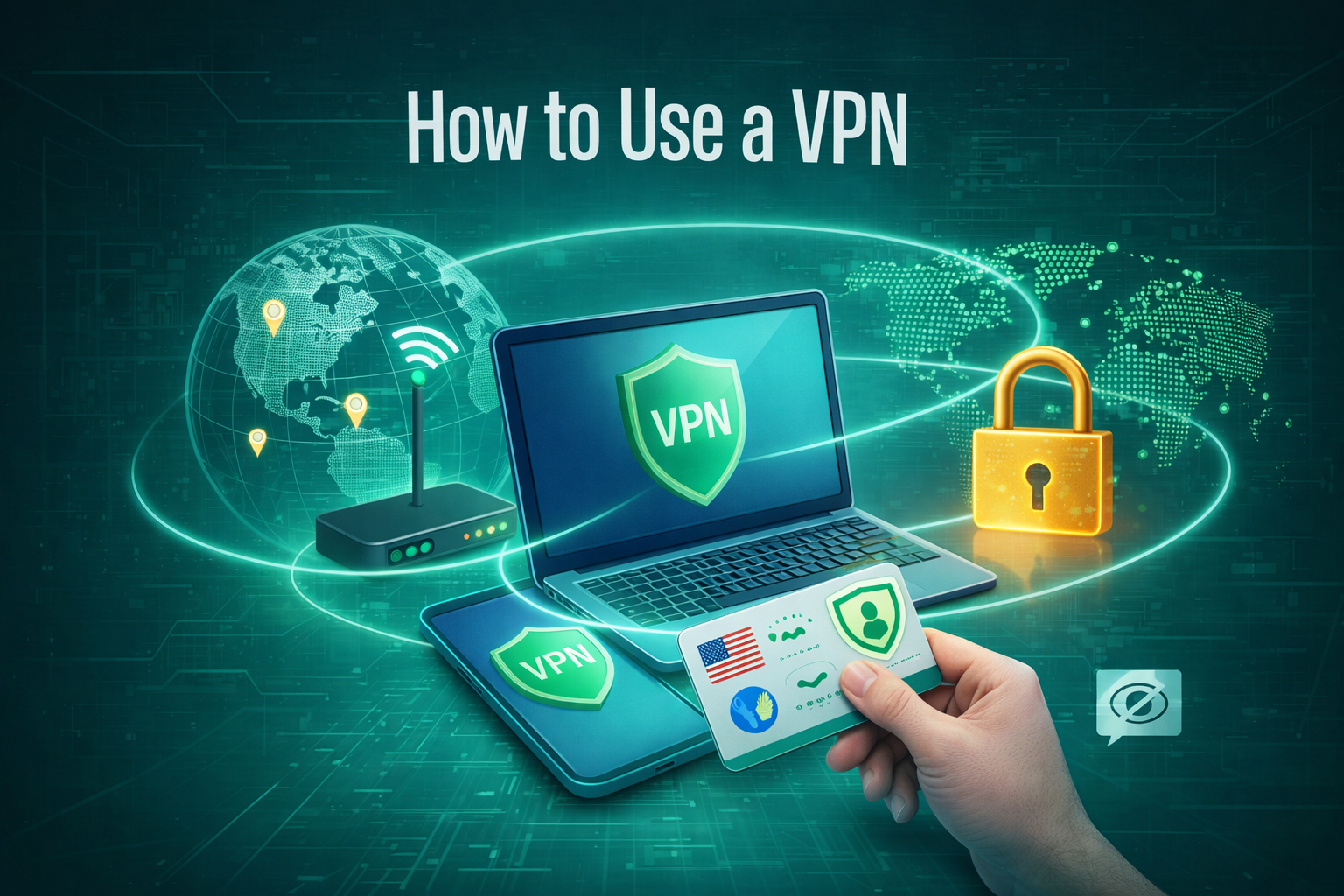
Online privacy has become an important concern for everyday internet users. From public WiFi networks to remote work setups, personal data often travels across unsecured connections. A VPN, or Virtual Private Network, helps create a safer browsing environment by encrypting your internet traffic.
This guide explains how to use a VPN step by step. It focuses on basic usage, common devices, and responsible practices, making it suitable for beginners and compliant with AdSense content guidelines.
What Is a VPN
A VPN is a tool that helps protect your internet connection. It works by creating a secure tunnel between your device and the internet. When connected, your online activity is encrypted and routed through a VPN server.
This helps:
-
Improve online privacy
-
Secure data on public networks
-
Reduce unnecessary tracking
-
Access the internet more safely
A VPN does not change what is legal or illegal online. It simply adds an extra layer of protection to your connection.
How Does a VPN Work
When you connect to a VPN:
-
Your data is encrypted before leaving your device
-
The encrypted data passes through a VPN server
-
Websites see the VPN server’s IP address instead of yours
This process helps protect sensitive information, especially on shared or public WiFi networks.
How to Use a VPN. Step-by-Step
Step 1. Choose a Reputable VPN Provider
Select a VPN service with clear privacy policies and transparent practices.
Key features to look for:
-
Strong encryption standards
-
Clear no-logs or limited-logs policy
-
Support for common devices
-
Regular software updates
Avoid services that make unrealistic promises or lack proper documentation.
Step 2. Download and Install the VPN Application
-
Visit the official website or trusted app store
-
Download the app for your device
-
Complete the installation process
Most VPN providers offer apps for Windows, macOS, Android, and iOS.
Step 3. Sign In and Adjust Basic Settings
After installation:
-
Open the VPN app
-
Sign in using your account details
Optional but helpful settings include:
-
Auto-connect on public WiFi
-
Kill switch for connection stability
-
Automatic updates
These features help maintain a secure connection without constant monitoring.
Step 4. Connect to a VPN Server
Choose a server location based on your needs.
-
Nearby servers usually offer better speed
-
Other locations may be useful when traveling
Tap or click the connect button. Once connected, your internet traffic is protected.
Step 5. Check Your Connection Status
Most VPN apps display:
-
Connection status
-
Selected server location
-
New IP address
This confirms that the VPN is working correctly.
How to Use a VPN on Different Devices
Using a VPN on Android or iPhone
-
Install the VPN app from the official app store
-
Log in and tap connect
Mobile VPNs are especially useful on public or shared networks.
Using a VPN on Windows or Mac
-
Download the desktop application
-
Select a server
-
Connect before browsing or accessing accounts
This is common for work-from-home and daily internet use.
Using a VPN Browser Extension
Some VPNs offer browser extensions that protect browser traffic only.
These extensions are helpful for light browsing but do not secure other apps on your device.
When Should You Use a VPN
Using a VPN is recommended when:
-
Connecting to public WiFi
-
Accessing personal or work-related accounts
-
Traveling and using unfamiliar networks
-
Wanting additional privacy during daily browsing
A VPN works best when used consistently and responsibly.
Common VPN Mistakes to Avoid
-
Using unverified or unreliable VPN services
-
Forgetting to enable the VPN on public networks
-
Assuming a VPN provides complete anonymity
-
Ignoring software updates
A VPN is a privacy tool, not a guarantee of total security.
Is Using a VPN Legal
In many countries, using a VPN is legal. Laws and regulations may vary by location.
Users are responsible for following local laws and website terms while using a VPN.
Conclusion
Learning how to use a VPN is straightforward and requires minimal setup. Once installed, a VPN helps create a safer and more private internet experience across devices and networks.
For users who value data protection and secure browsing, a VPN can be a useful addition to everyday internet use.
About the Author






In times of financial instability, many investors turn to gold investment as a reliable strategy for long-term security. Historically, precious metals have been viewed as a protective investment, especially during periods of rising inflation and geopolitical risk.
Among the most commonly discussed metals are silver, platinum, and palladium, each offering different market dynamics and use cases. While gold is often associated with wealth preservation, silver investment and industrial metals may provide additional growth opportunities within a broader strategy.
Many investors consider gold to be an effective inflation hedge, helping to maintain purchasing power over time. Holding physical gold, such as gold coins or gold bars, is often seen as a direct way to reduce dependence on financial intermediaries.
Beyond physical ownership, modern markets offer alternative instruments like gold ETFs and mining stocks, which provide exposure to precious metals without the need for storage. These options can be useful for investors seeking liquidity while still benefiting from trends in precious metals investing.
As with any asset class, understanding investment risks is essential. Price fluctuations, market cycles, and regulatory factors can all affect returns, making it important to include precious metals as part of a diversified portfolio rather than relying on a single asset.
For those focused on long-term financial stability, combining assets such as gold bullion, investment coins, and exchange-traded products may support effective portfolio diversification. Decisions about when to buy gold or expand exposure to silver, platinum, or palladium should align with broader financial goals.
Finally, investors should not overlook precious metals taxation, as tax treatment can vary by country and significantly impact net returns. Being informed about regulatory and tax considerations helps ensure that gold investment strategies remain efficient and compliant.
As a result, investing in precious metals can serve as a valuable tool for wealth protection, particularly when integrated thoughtfully into a balanced investment approach.