
Smartphones are powerful devices, but over time they often slow down. Apps take longer to open, scrolling becomes less smooth, and battery life drops. Many users assume they need to buy a new device or install paid cleaning apps.
The truth is that both Android and iOS include built-in performance management systems. When optimized correctly, most smartphones regain noticeable speed without spending money.
This guide provides step-by-step optimization, real-world experience insights, and long-term maintenance strategies.
Why Phones Slow Down Over Time
Smartphones slow down mainly because of storage pressure, background processes, and accumulated cache files.
When storage is nearly full, the system struggles to manage temporary files. Background apps consume RAM and CPU cycles. Over months, unused data builds up silently.
Part 1: How to Speed Up Your Android Phone Without Paying
If you use Android, follow these steps in order for best results.
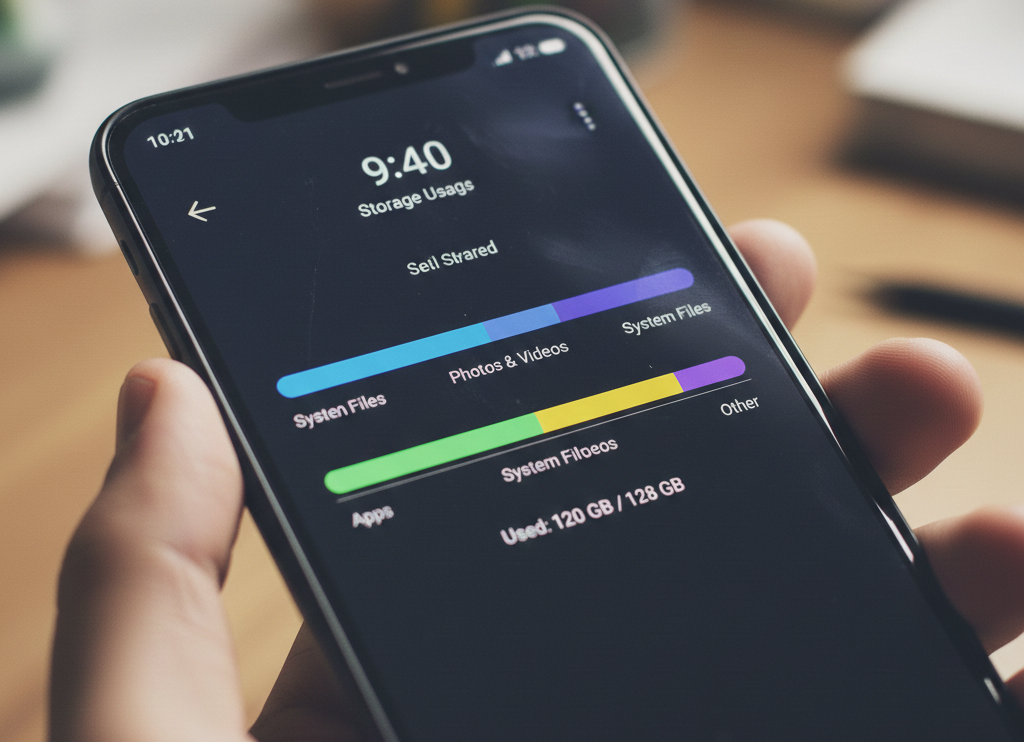
Step 1: Free Up Storage (Biggest Performance Boost)
Go to:
Settings → Storage
Keep at least 20–25% storage free.
Delete:
-
Large videos
-
Duplicate photos
-
Old downloads
-
Unused apps
-
Messaging media files
Real Experience:
On a 64GB Android phone used for 3 years, freeing 10GB instantly improved app launch speed and reduced typing lag.
Step 2: Clear App Cache
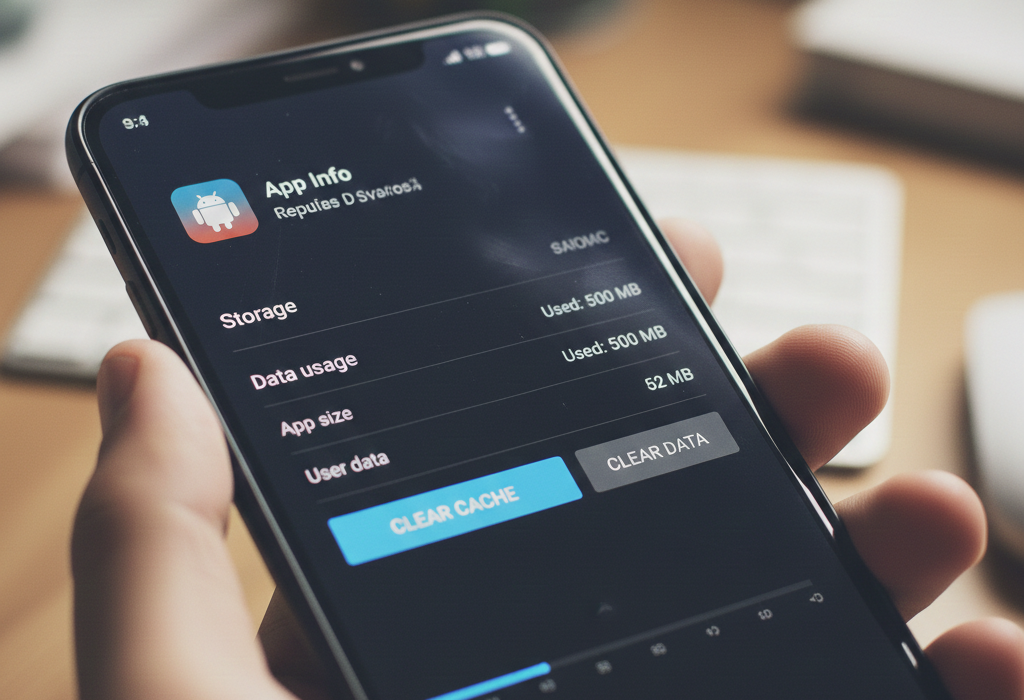
Steps:
-
Settings
-
Apps
-
Select App
-
Storage
-
Clear Cache
Focus on browsers and social media apps.
Real Experience:
Clearing Chrome and Instagram cache reduced scrolling delay significantly.
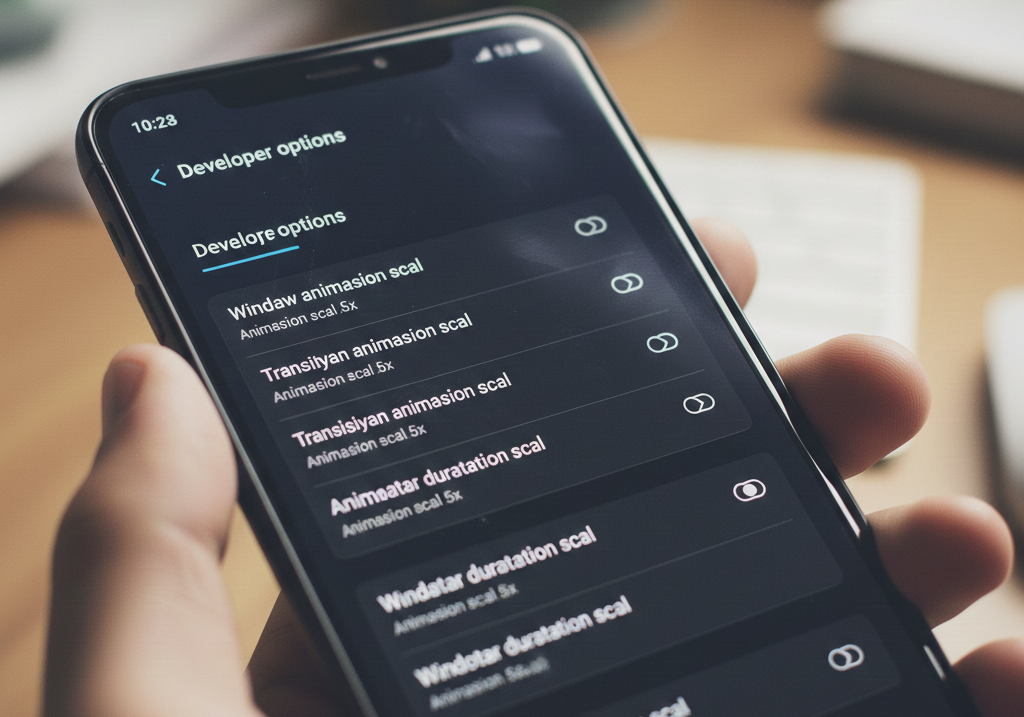
Step 3: Reduce Animation Scale (Advanced Tip)
Enable Developer Options:
-
Tap Build Number 7 times
-
Open Developer Settings
Set animation scales to 0.5x.
This improves perceived speed dramatically.
Real Experience:
Navigation felt noticeably faster, especially when switching between apps.
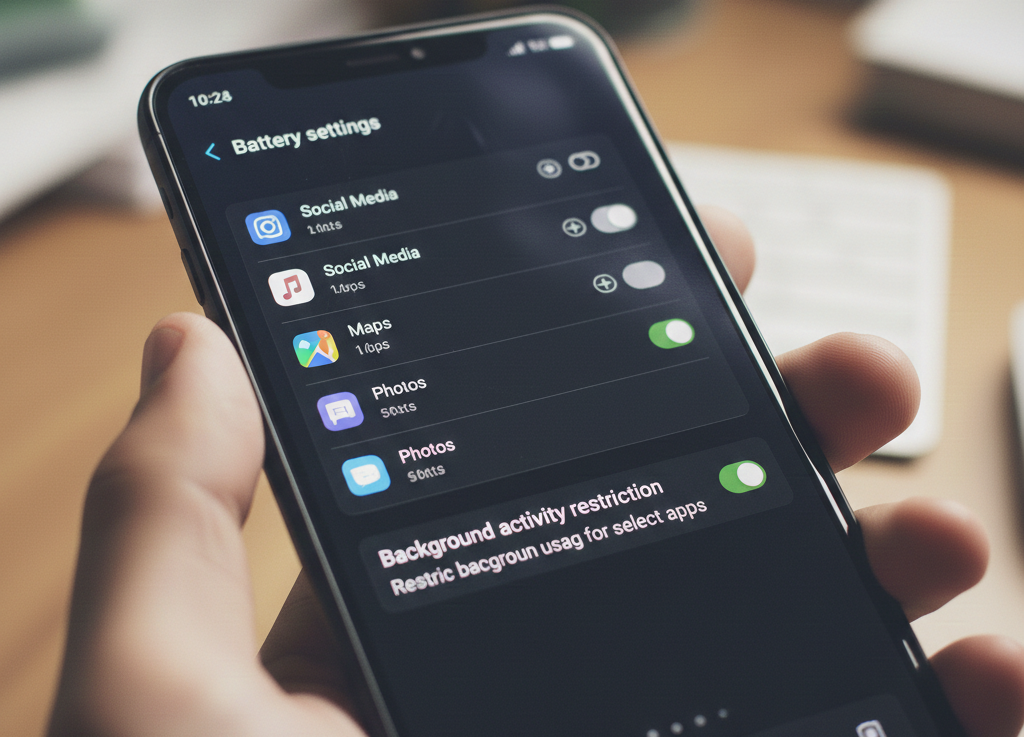
Step 4: Restrict Background Apps
Settings → Battery → Background Restrictions
Limit apps like:
-
Shopping apps
-
Travel apps
-
Food delivery apps
Real Experience:
After restricting 6 background-heavy apps, standby battery life improved and multitasking became smoother.
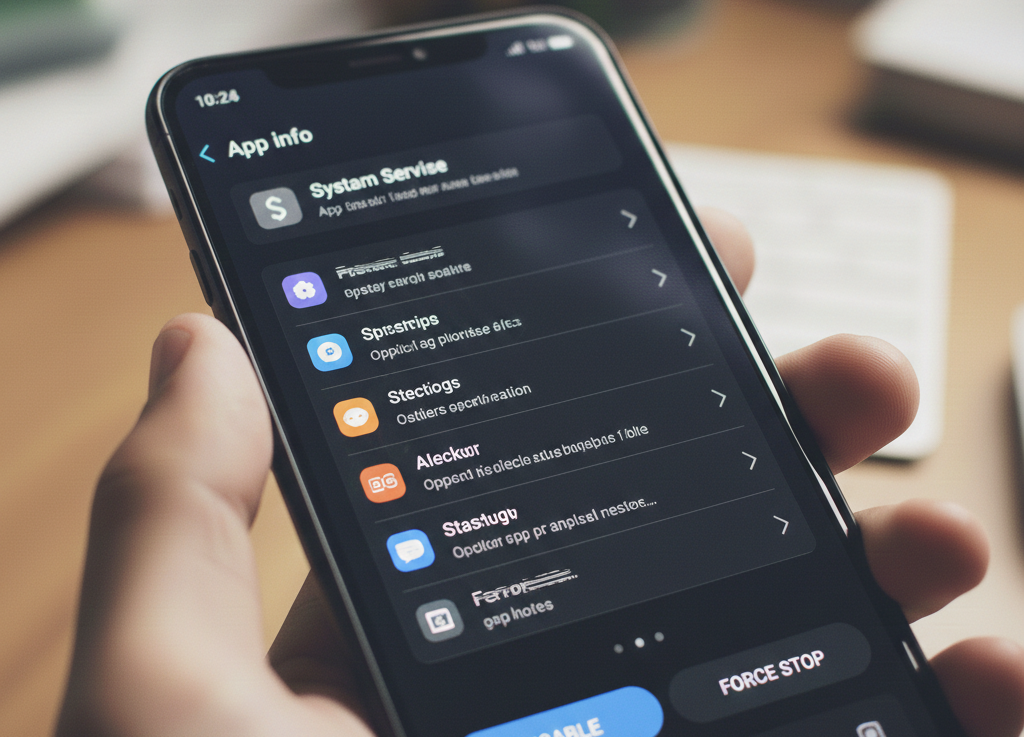
Step 5: Disable Unnecessary Pre-Installed Apps
Many Android phones come with unused system apps.
Disable them via:
Settings → Apps → Disable
This reduces background RAM usage.
Part 2: How to Speed Up Your iPhone Without Paying
If you use iOS, optimization focuses on storage and background activity.
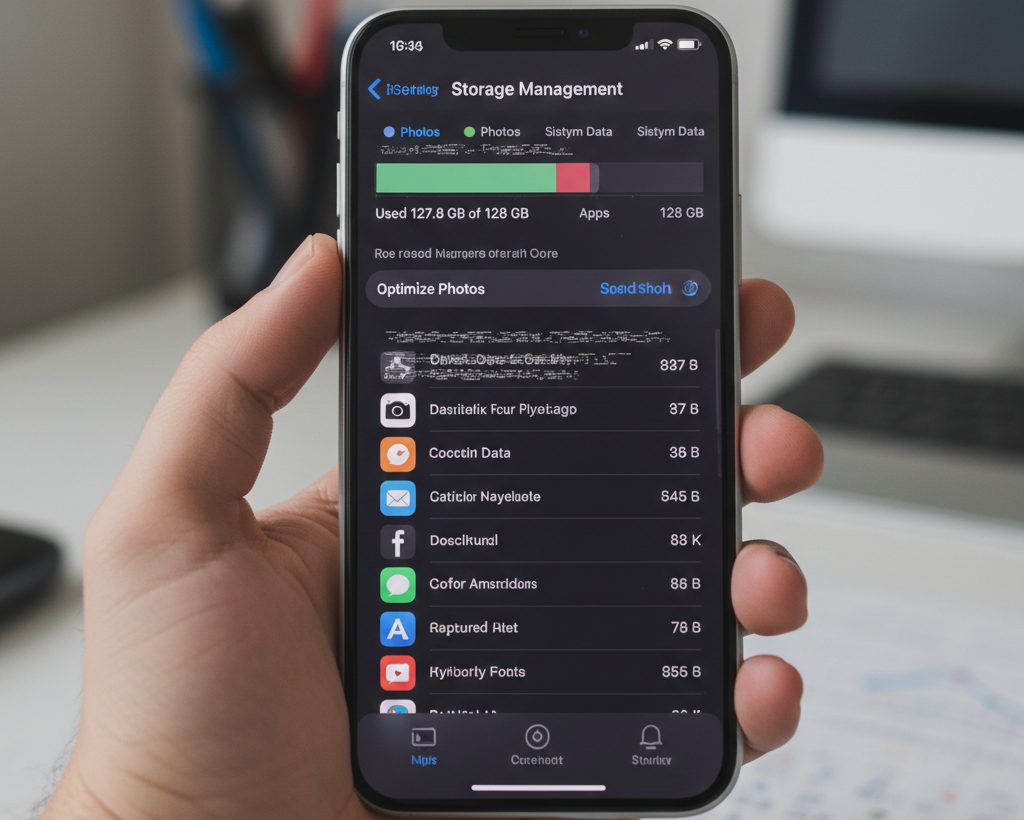
Step 1: Check iPhone Storage
Go to:
Settings → General → iPhone Storage
Keep at least 15–20% storage free.
Delete:
-
Large videos
-
Old attachments
-
Unused apps
Real Experience:
On a 4-year-old iPhone, removing 12GB of unused videos eliminated keyboard lag.
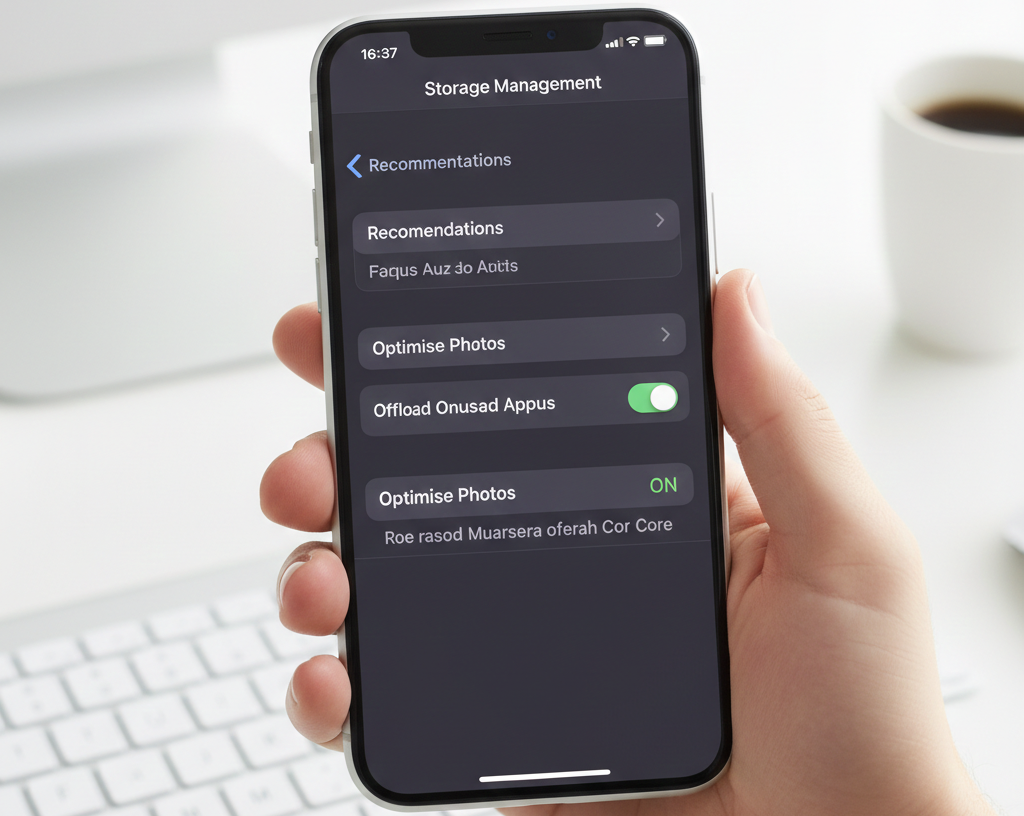
Step 2: Enable Offload Unused Apps
Settings → App Store → Offload Unused Apps
This keeps data but removes unused app files.
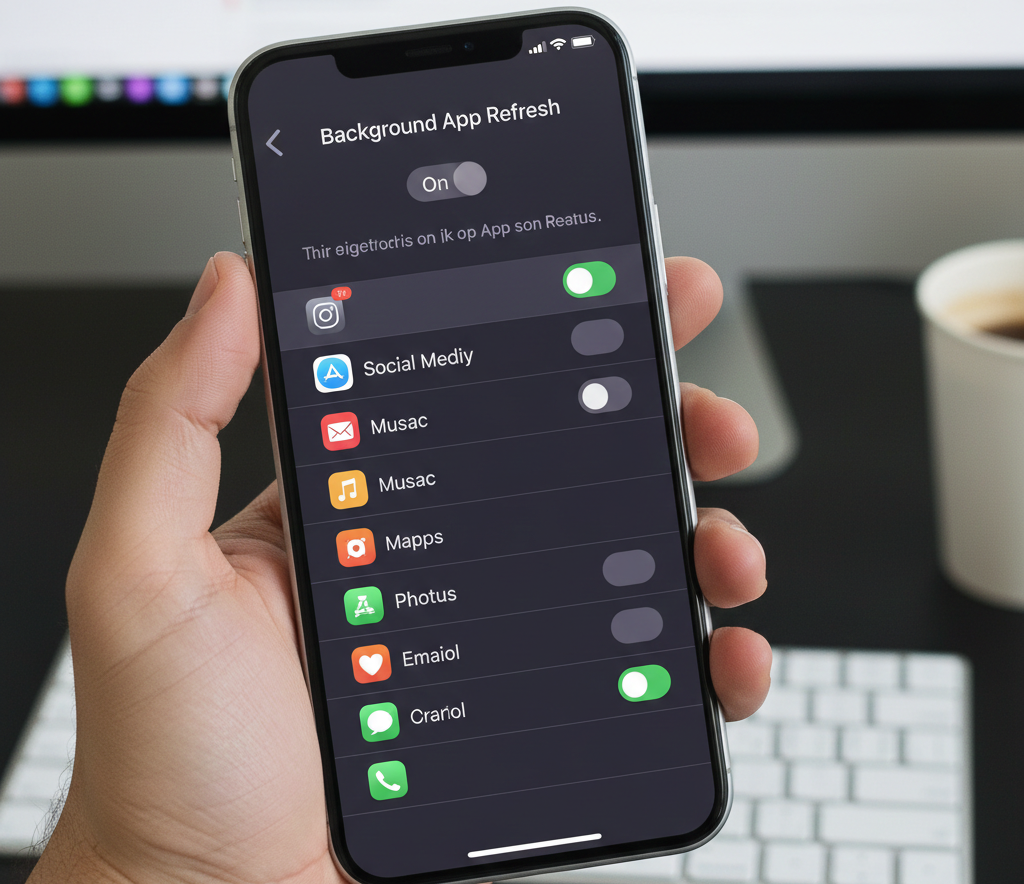
Step 3: Disable Background App Refresh
Settings → General → Background App Refresh
Turn off for non-essential apps.
Real Experience:
Disabling background refresh improved smoothness during multitasking.
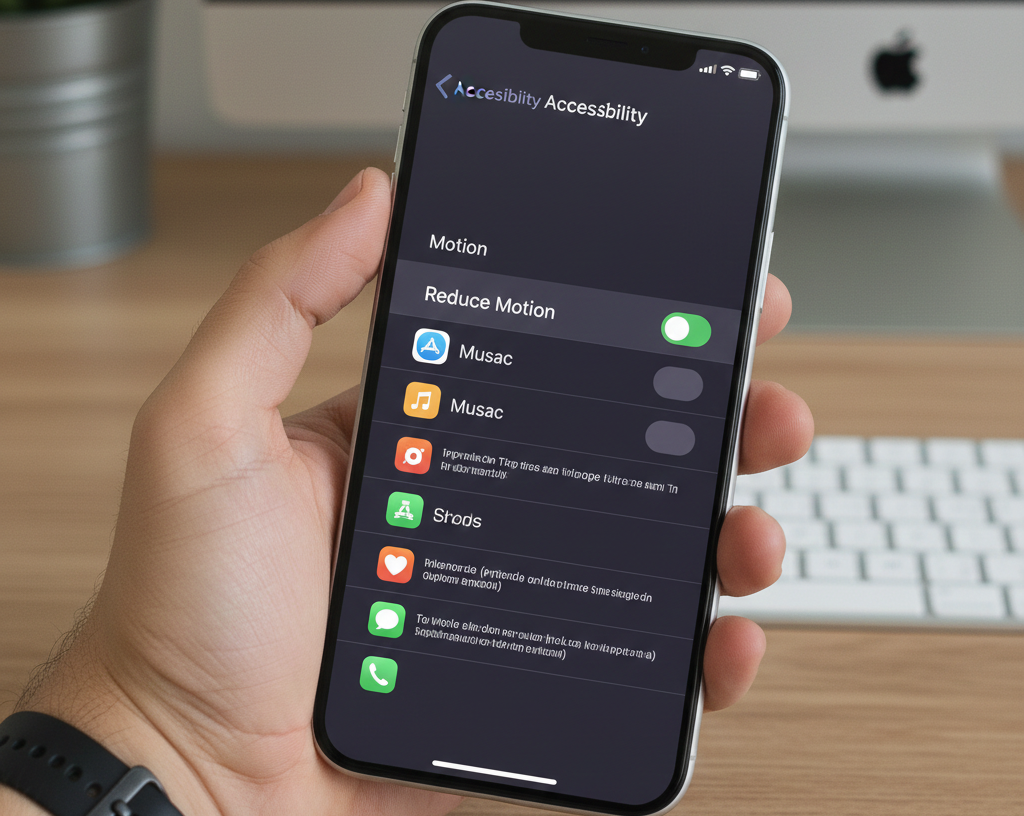
Step 4: Reduce Motion Effects
Settings → Accessibility → Motion → Reduce Motion ON
This lowers animation rendering load.
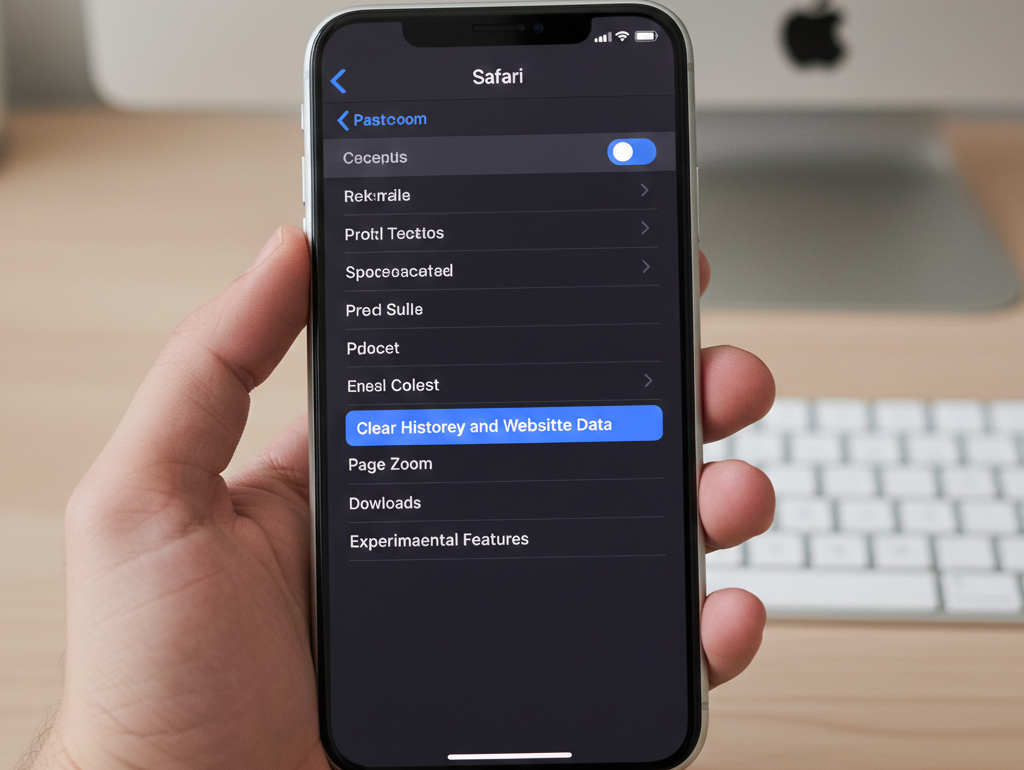
Step 5: Clear Safari Browser Data
Settings → Safari → Clear History and Website Data
Improves browser responsiveness.
Advanced Tips for Both Android and iPhone
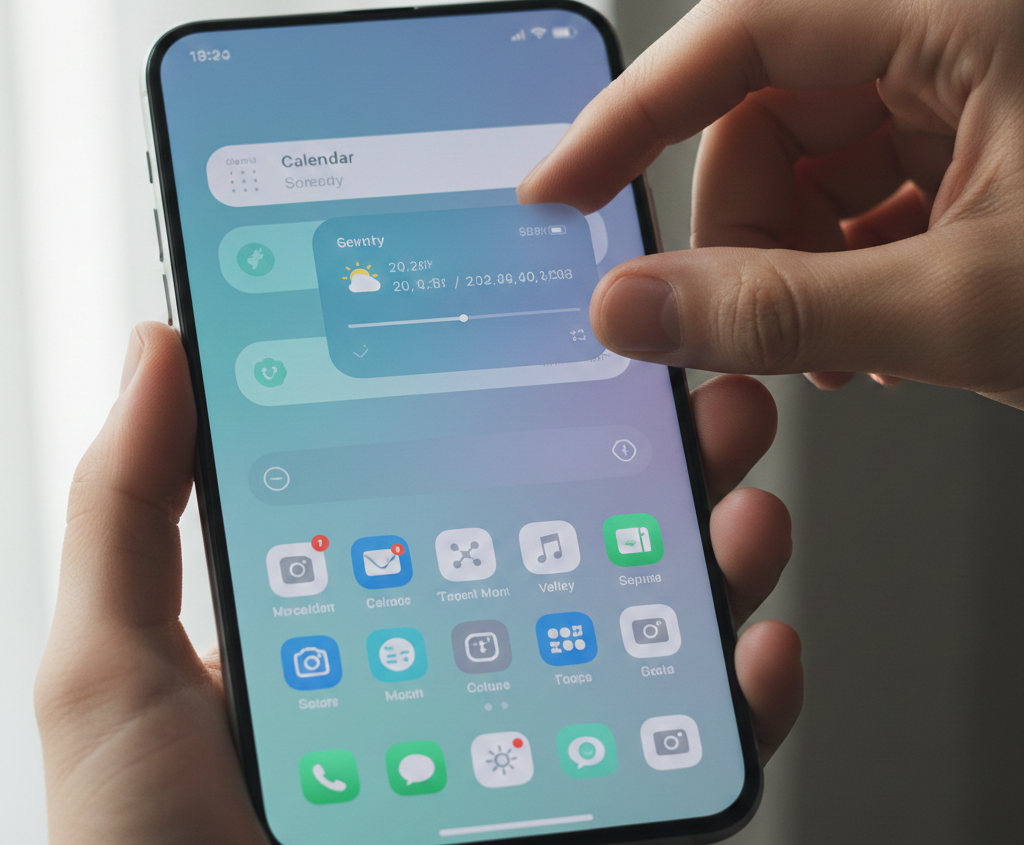
Remove Widgets
Widgets update continuously in the background.
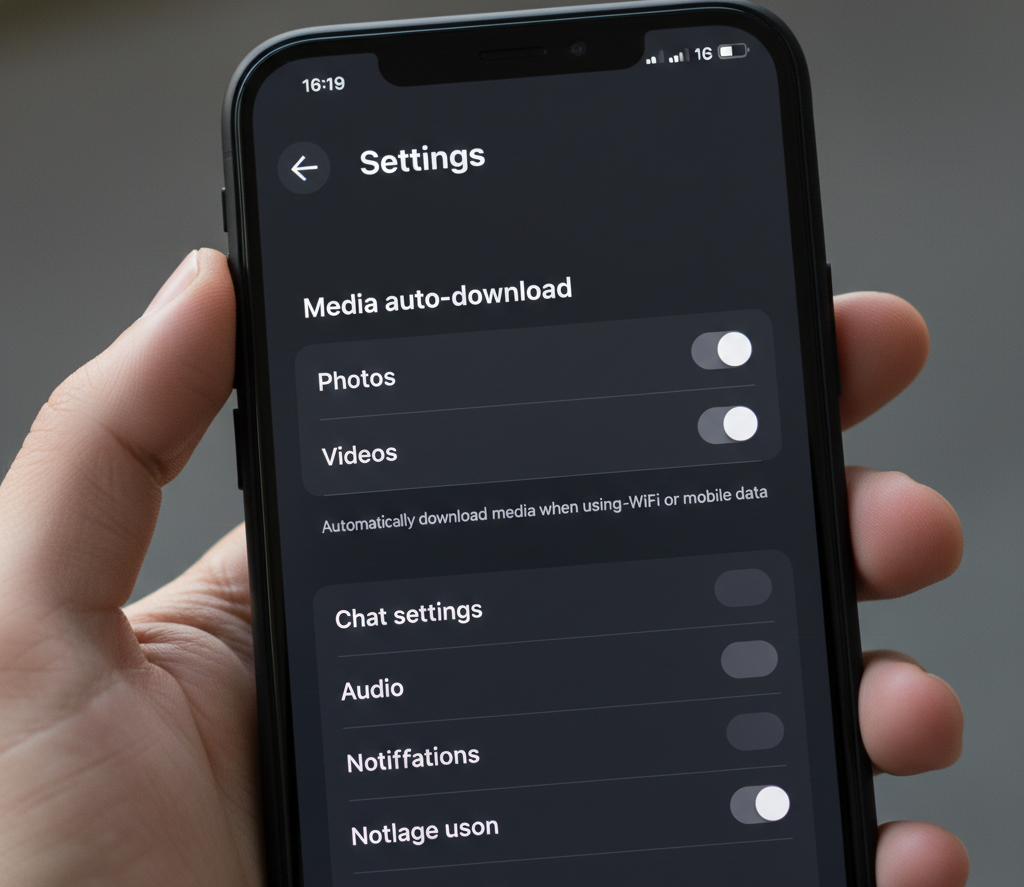
Disable Auto Media Downloads
Messaging apps auto-download photos and videos.
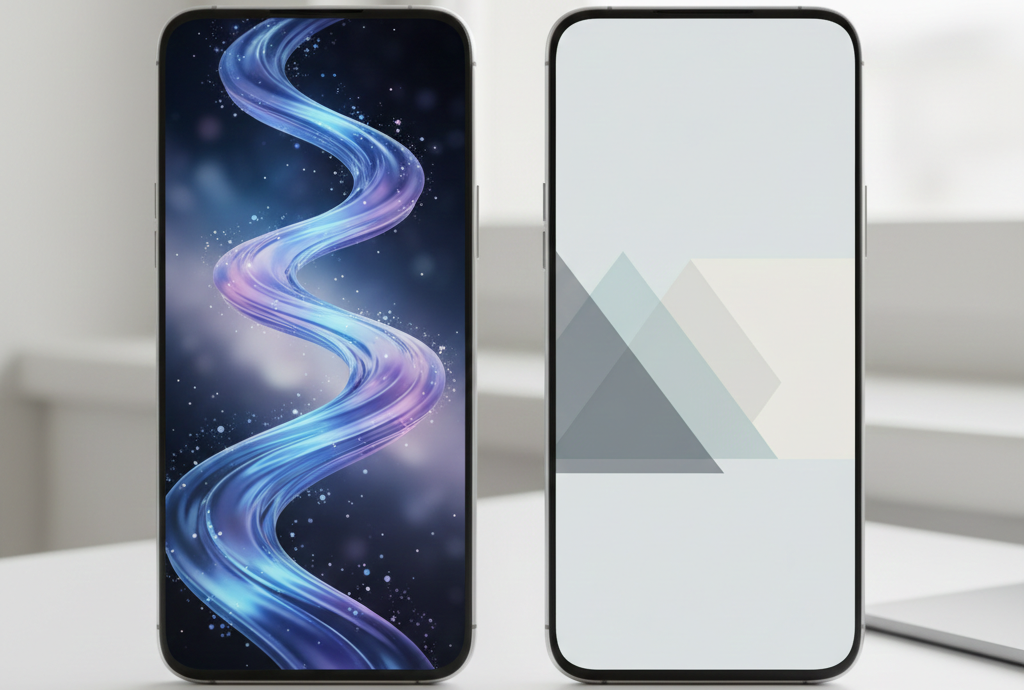
Use Static Wallpapers
Live wallpapers use graphics processing constantly.
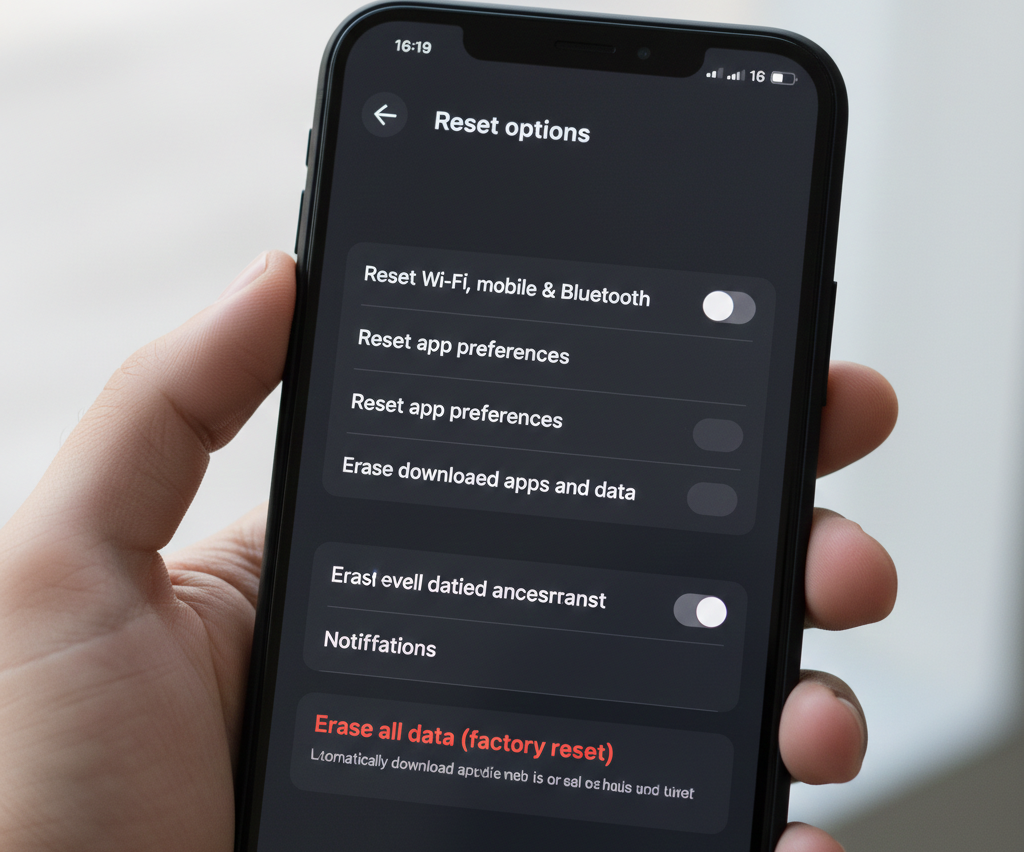
Factory Reset (Last Option)
Backup your data first.
Reset and reinstall only essential apps.
Real Experience:
After factory reset on a 5-year-old device, performance improved dramatically due to removal of long-term system clutter.
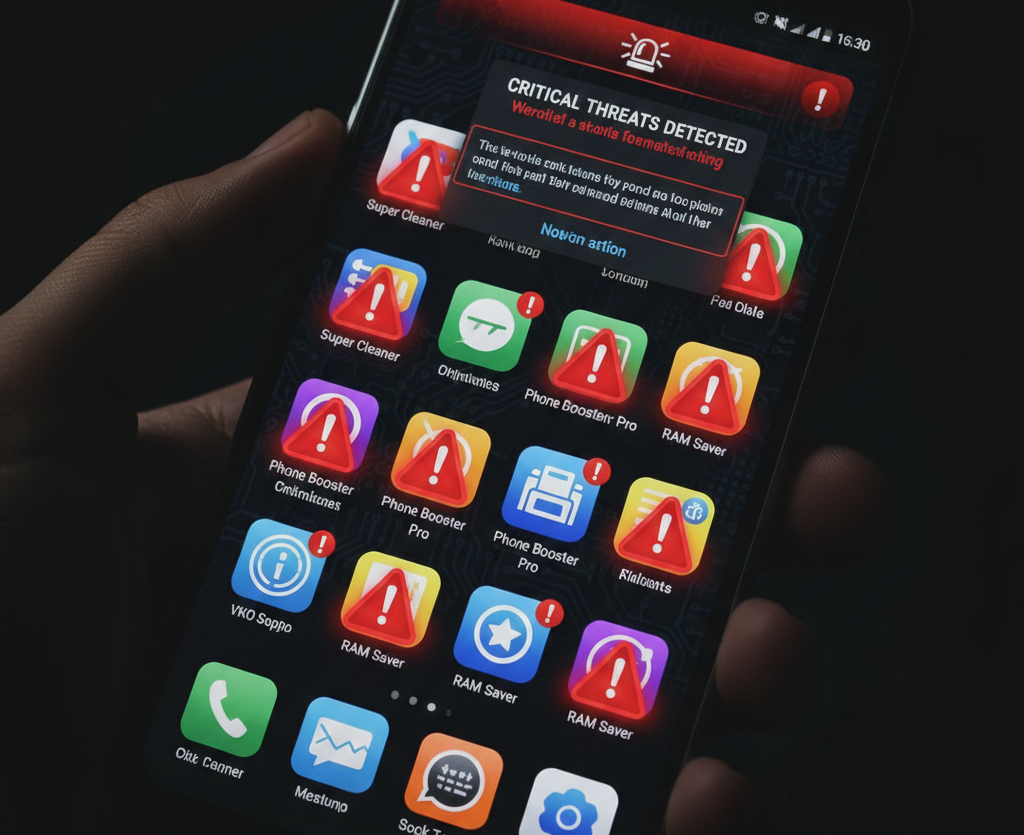
What You Should Avoid
Avoid:
-
RAM booster apps
-
Task killer apps
-
Third-party cleaner apps
Modern systems already manage memory efficiently.
How to Backup Your Smartphone Data (Easy & Free Methods)
Frequently Asked Questions
1. Does clearing cache really improve speed?
Yes, especially when storage is nearly full.
2. Are paid cleaner apps necessary?
No. Built-in tools are sufficient.
3. How often should I restart my phone?
Once per week is recommended.
4. Will updating the OS slow my phone?
Usually updates improve stability and performance.
5. Is factory reset safe?
Yes, if you back up your data first.
Final Conclusion
You do not need to pay to speed up your smartphone. Most performance issues are caused by:
About the Author