
In 2026, managing passwords securely is no longer optional — it is essential. Whether you run a blog, manage client websites, operate an eCommerce store, or simply use social media and banking apps, your online safety depends on how you handle passwords.
Weak passwords, reused credentials, and storing logins in browsers expose you to phishing attacks, credential stuffing, and data breaches. The most practical and scalable solution is learning how to use a password manager properly.
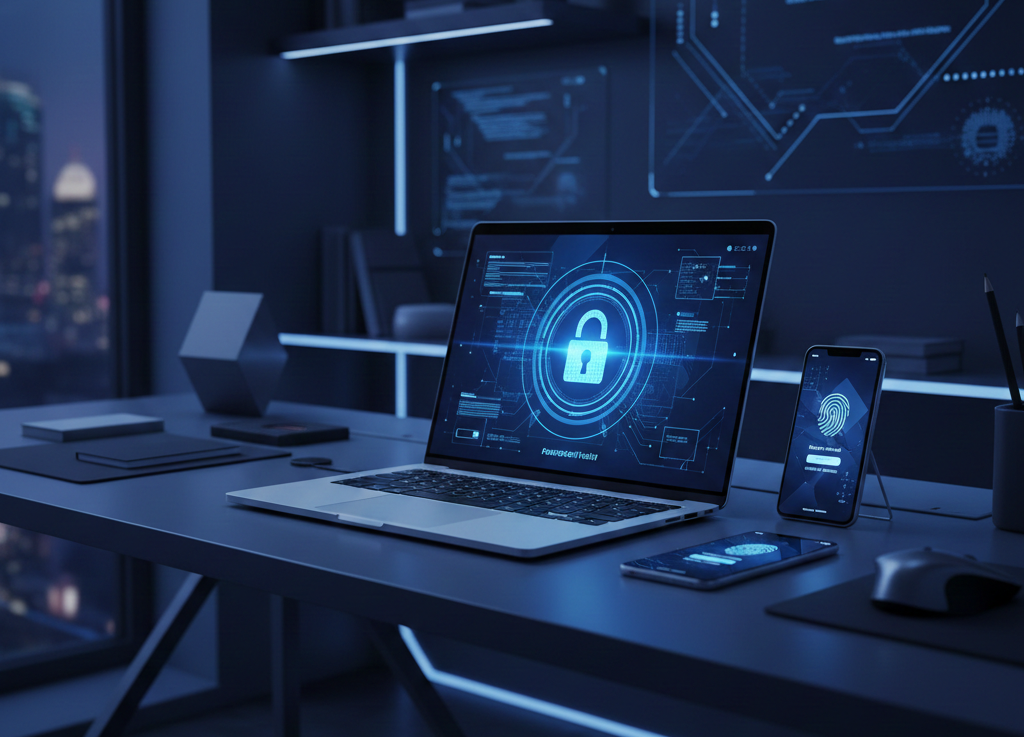
What Is a Password Manager?
A password manager is a secure software application that stores your login credentials in an encrypted vault. Instead of memorizing dozens of complex passwords, you only need to remember one master password.
Some widely used password managers include:
-
1Password
-
Dashlane
-
NordPass
-
LastPass
These tools use strong encryption standards and a zero-knowledge security model, meaning even the provider cannot read your stored passwords.
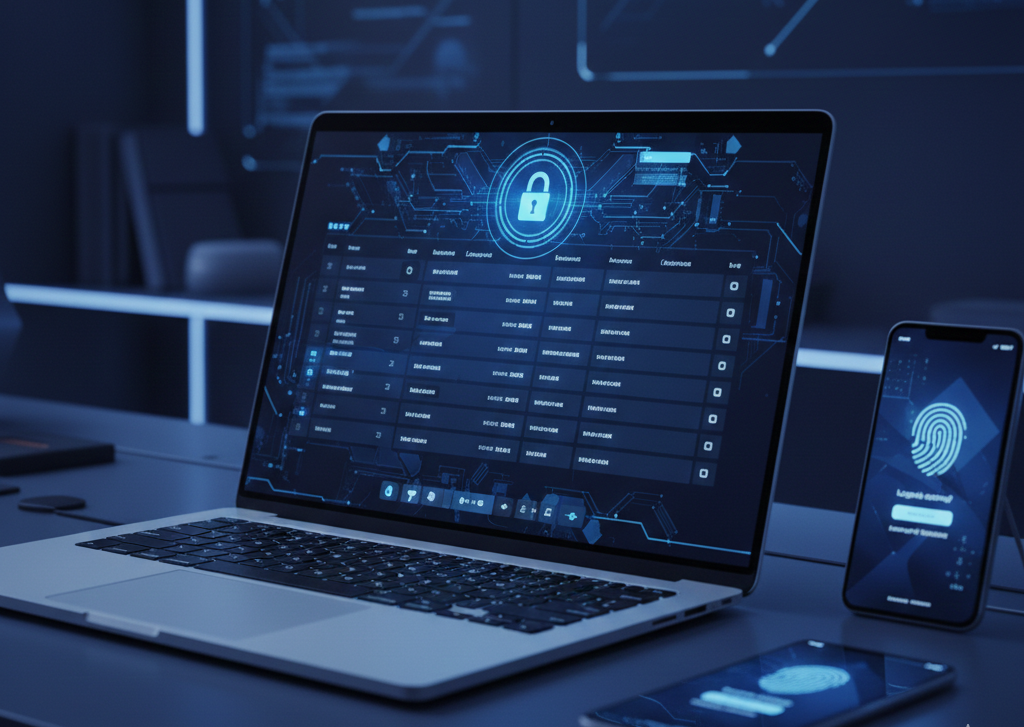
Why Using a Password Manager Is Important in 2026
1. Password Reuse Is Dangerous
If you use the same password on multiple websites and one site gets hacked, attackers will test that same password across different platforms.
This automated attack is called credential stuffing.

2. Human Memory Cannot Handle Secure Passwords
A secure password should:
-
Be at least 16–20 characters
-
Include uppercase, lowercase, numbers, and symbols
-
Be completely random
Trying to remember dozens of such passwords manually is unrealistic.

Step-by-Step Guide: How to Use a Password Manager Properly
Step 1: Choose a Trusted Password Manager
Look for:
-
AES-256 encryption
-
Zero-knowledge architecture
-
Independent security audits
-
Multi-device sync
For example, Bitwarden is known for open-source transparency, while 1Password offers advanced business-level controls.
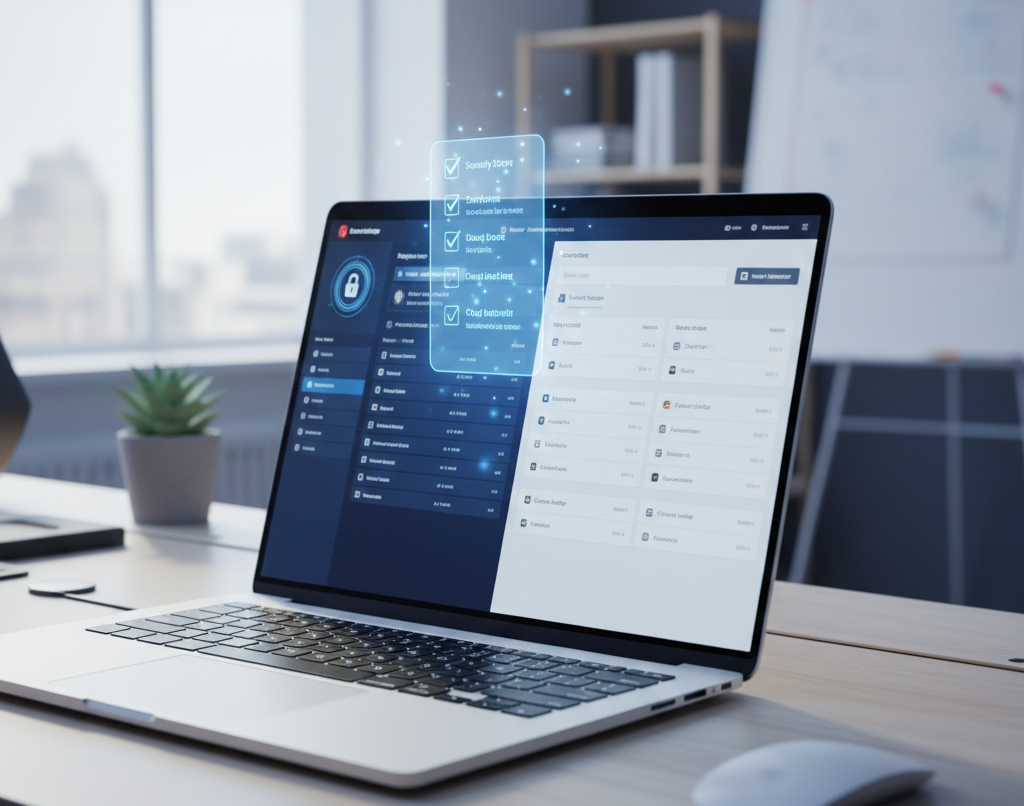
Step 2: Install on All Devices
Install on:
-
Desktop
-
Smartphone
-
Browser extensions
This ensures consistent protection across devices.
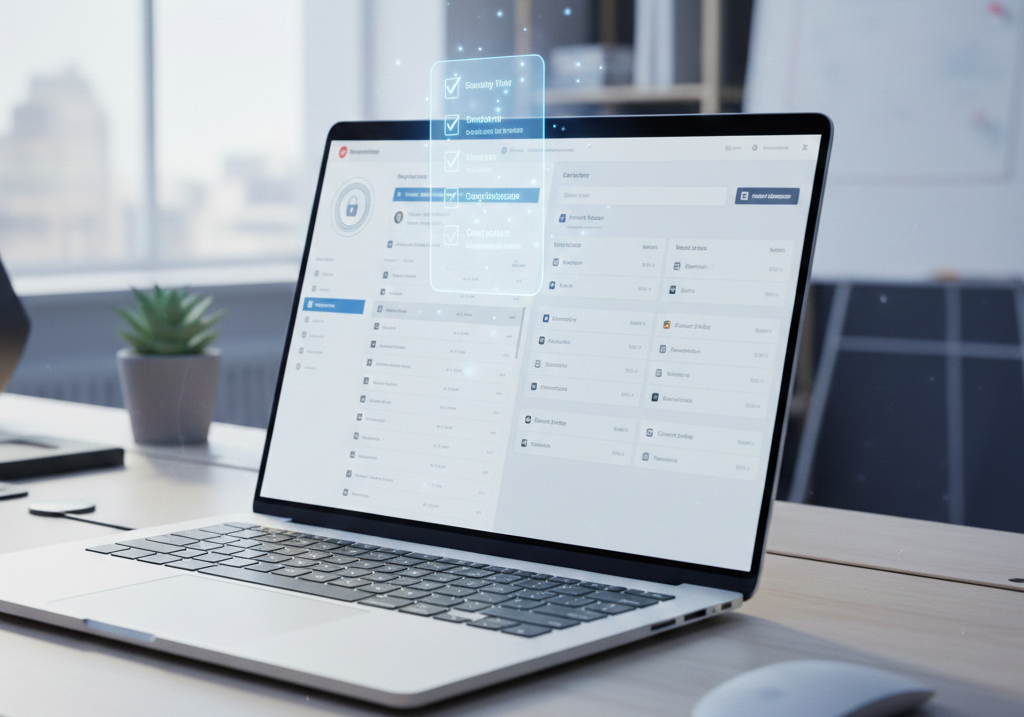
Step 3: Create a Strong Master Password
Your master password protects your entire vault.
Best practice:
-
Minimum 16 characters
-
Use passphrase method
-
Avoid personal information
Example format:Silver!River#Mountain2026Cloud

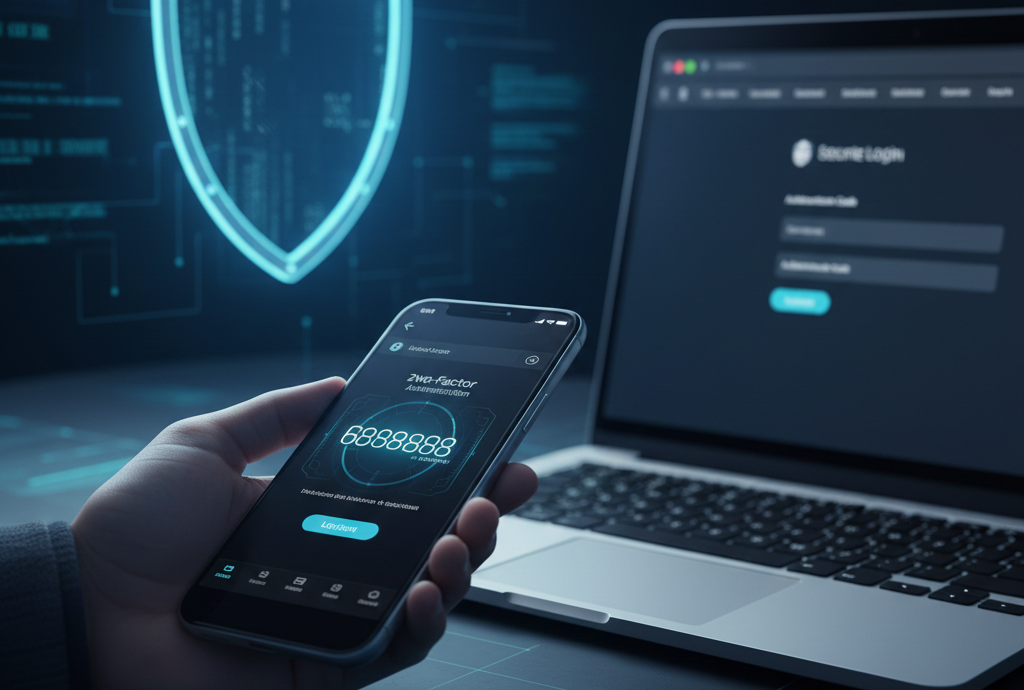
Step 4: Enable Two-Factor Authentication (2FA)
Enable 2FA for:
-
Password manager
-
Email
-
Banking apps
This adds an extra verification layer.
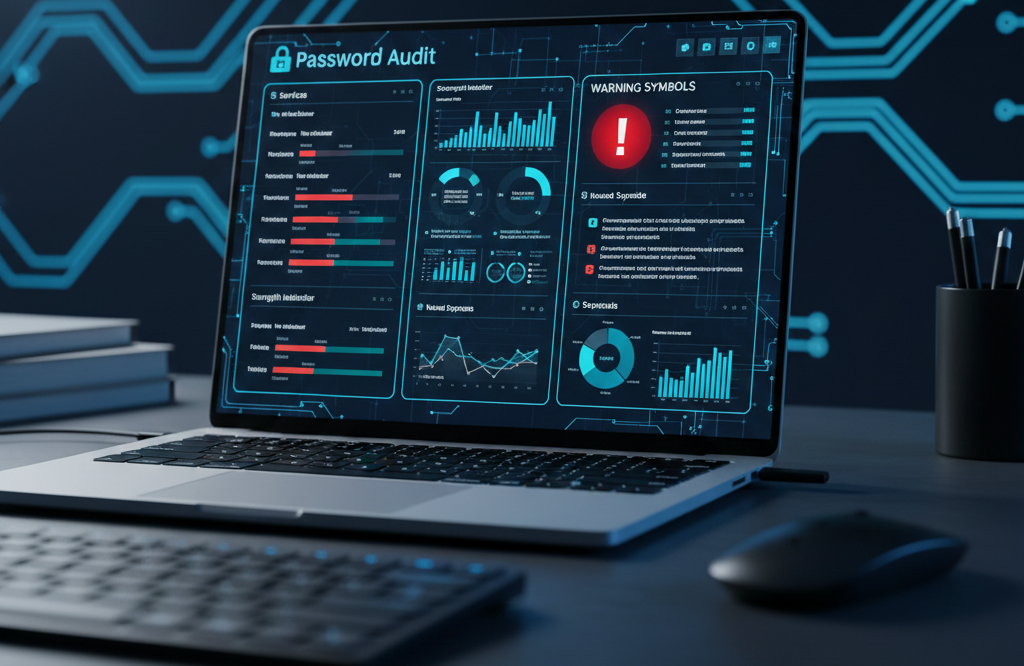
Step 5: Import and Audit Existing Passwords
Import passwords from:
-
Browser
-
CSV file
-
Other password managers
Then run a security audit to detect weak and reused passwords.
Step 6: Generate Unique Passwords
Use the built-in generator:
-
20+ characters
-
Symbols and numbers
-
Completely random
Never reuse passwords again.

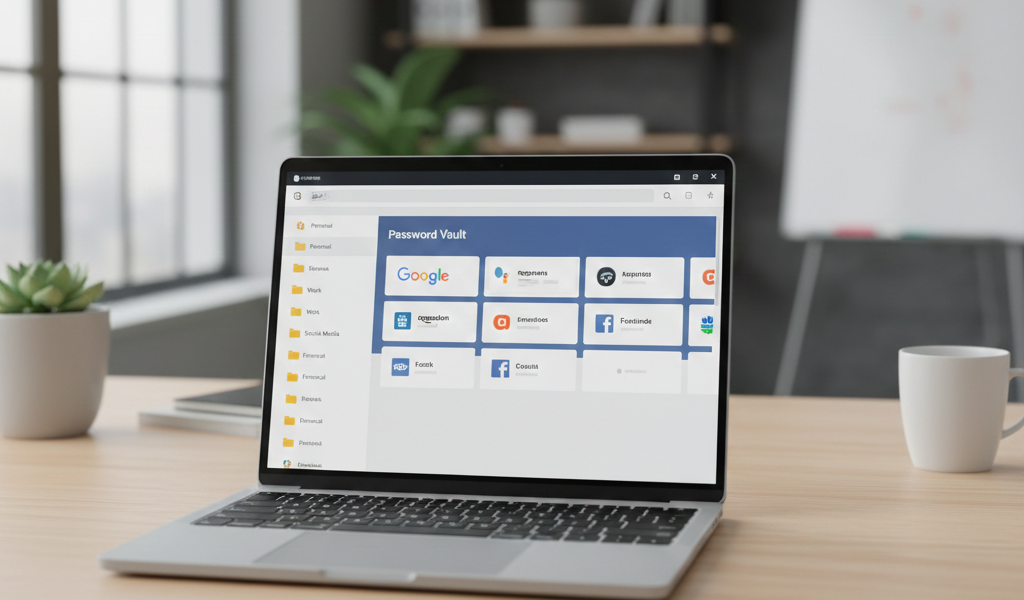
Step 7: Organize Your Vault
Create folders:
-
Work
-
Finance
-
Social Media
-
Hosting
Store secure notes for licenses and Wi-Fi passwords.
Real Experience: Before and After Using a Password Manager
Before implementation:
-
Reused passwords
-
Frequent resets
-
Security anxiety
After implementation:
-
Unique strong passwords
-
Faster login
-
Reduced stress
-
Improved digital confidence
The biggest benefit was peace of mind.

Advanced Security Tips
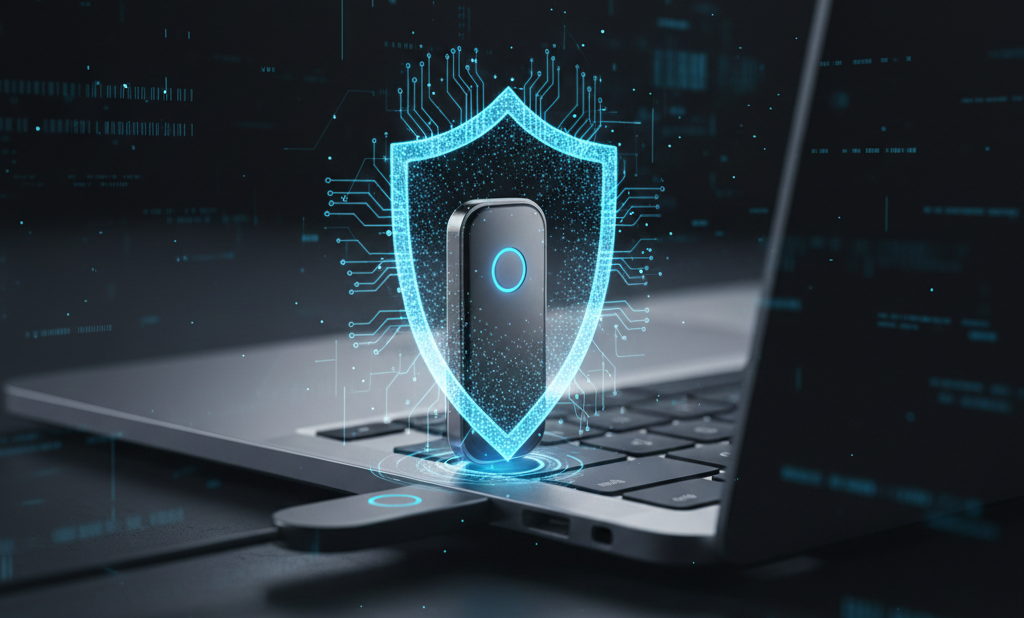
Use Hardware Authentication Keys
For higher security, integrate a physical security key.
Enable Breach Monitoring
Receive alerts if your credentials appear in leaked databases.
Common Mistakes to Avoid
-
Weak master password
-
Not enabling 2FA
-
Ignoring alerts
-
Saving master password digitally
-
Sharing credentials insecurely
Top 10+ Free VPN Services for Safe and Private Browsing
Frequently Asked Questions (FAQs)
1. Can password managers be hacked?
They are highly secure when configured properly with strong master passwords and 2FA.
2. What if I forget my master password?
Store recovery codes securely offline.
3. Are free password managers safe?
Yes, reputable providers offer secure free versions.
4. Is storing banking passwords safe?
Yes, safer than reuse or writing them down.
5. Should businesses use password managers?
Absolutely. It improves team credential security.
Final Thoughts
Learning how to use a password manager for better security is one of the smartest digital protection steps in 2026.
It helps you:
-
Eliminate password reuse
-
Strengthen encryption habits
-
Reduce phishing risk
-
Save time
-
Improve cybersecurity confidence
Strong digital security begins with responsible credential management — and responsible credential management begins with using a password manager correctly.


v1yy9t
I have been checking out various betting platforms lately and stumbled upon jilibdtv recently. The interface feels incredibly smooth on my phone and the live match coverage is exactly what I wanted. Withdrawals processed faster than expected and the promo team actually replies quickly. Give it a shot if you want a hassle free betting session today jilibdtv