
In the modern digital landscape, every local business needs strong visibility on Google. Whether you run a shop, service business, or online agency, your presence on Google Search and Google My Business Profile Google Maps plays a major role in getting customers.
One of the most effective and free tools for this is Google Business Profile, earlier known as Google My Business. It helps your business appear in local search results when people look for services near them.
This guide will help you understand how to create Google My Business profile step by step, how verification works, and how to optimize your listing for better rankings and more customer inquiries.
What is Google my Business Profile
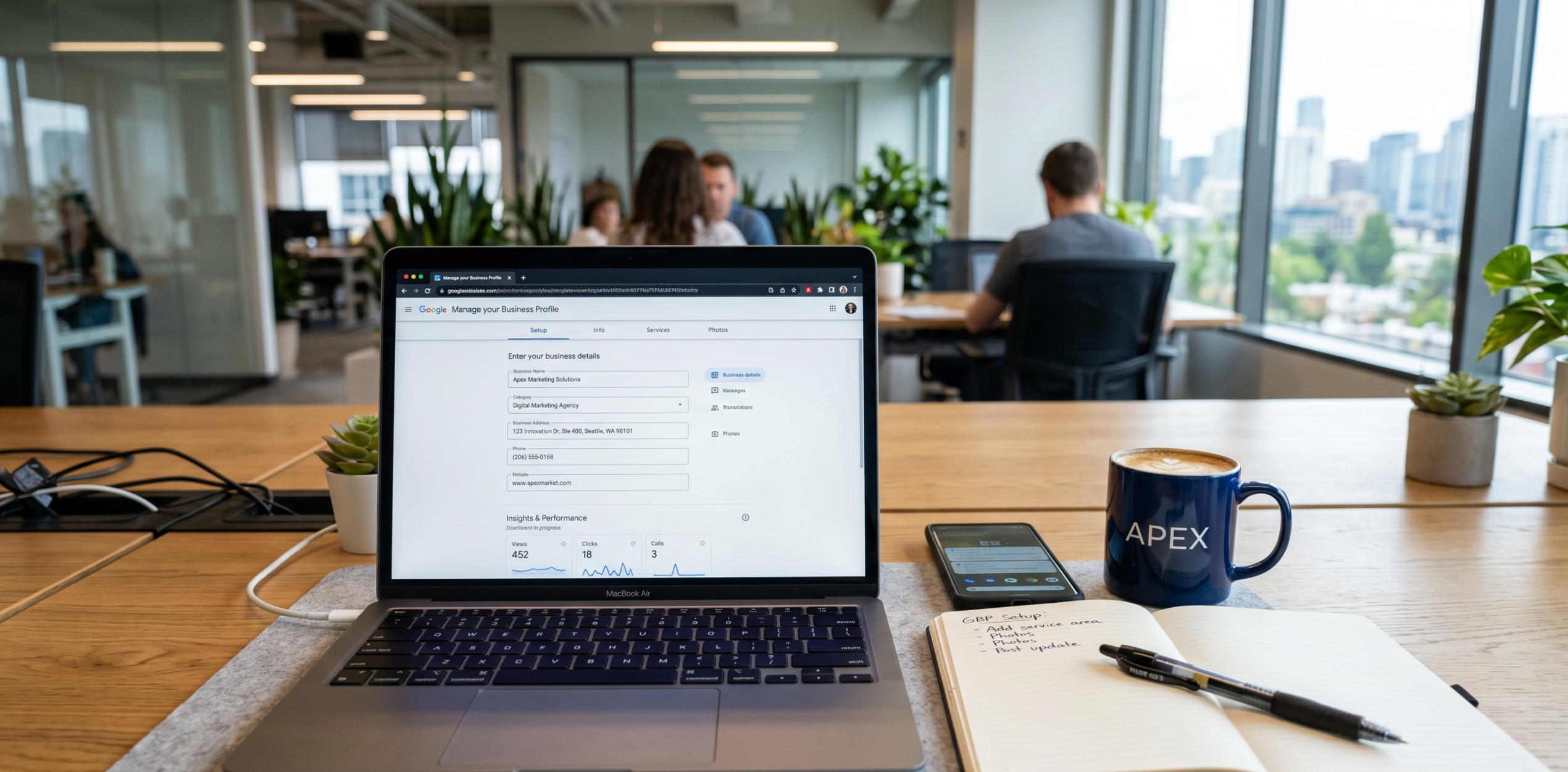
Google Business Profile is a free platform by Google that allows business owners to manage how their business appears on Google Search and Google Maps.
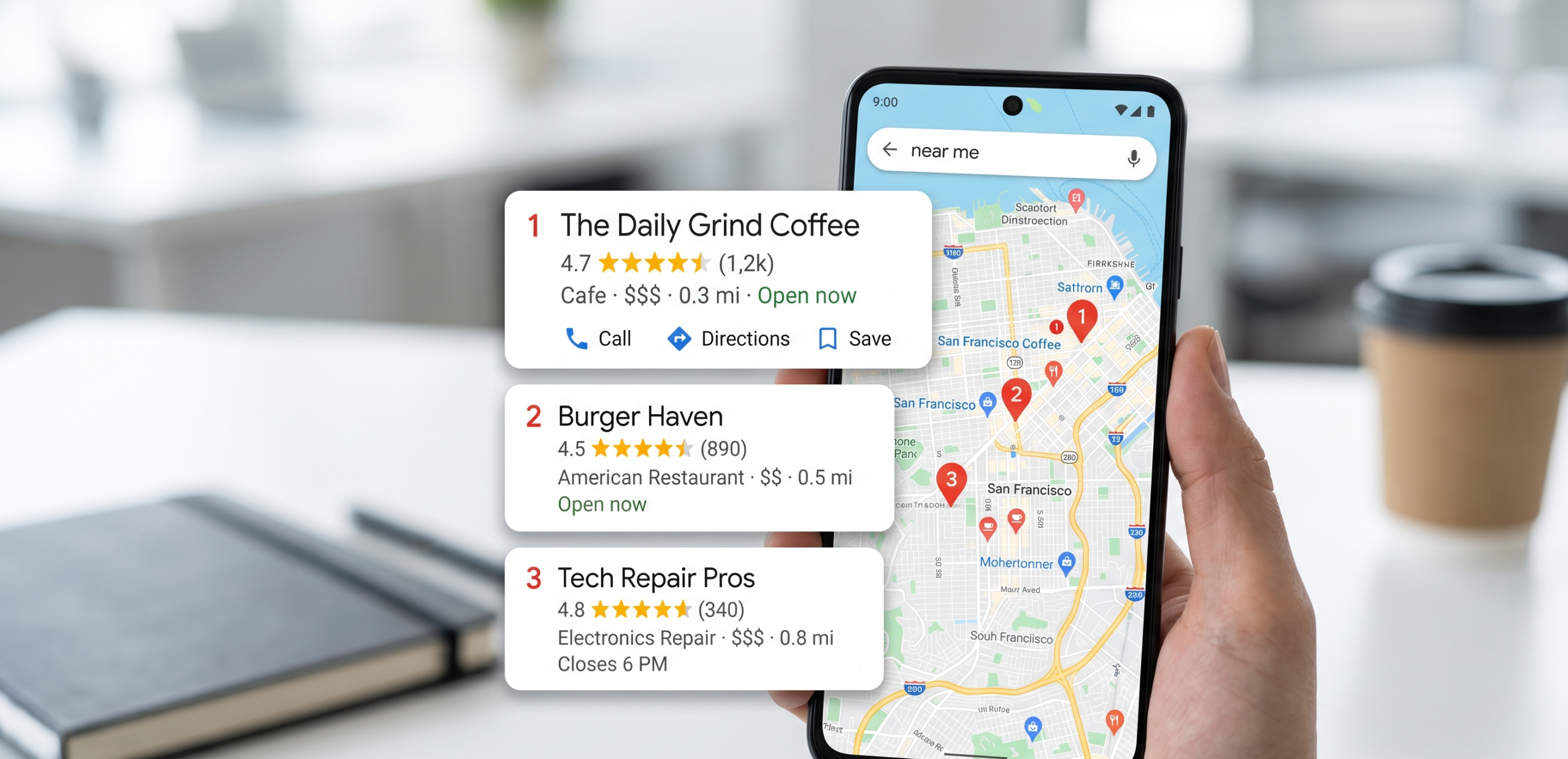
Whenever someone searches for services like “electrician near me” or “website development company in Delhi,” Google shows a map listing with top local businesses. These results come from Google Business Profiles.
It acts as your online business identity and helps customers find important details such as location, contact information, reviews, and services.
Importance of Google Business Profile for Local SEO
Local SEO focuses on improving visibility in location-based searches. Google Business Profile is one of the most important ranking factors for local search results.
Key advantages
Better online visibility
Your business appears when users search for related services in your area.
More customer inquiries
A well-optimized listing can generate direct calls, messages, and visits.
Builds trust
Customer reviews and ratings help build strong credibility.
Free promotion
You do not need paid ads to start gaining visibility.
Higher conversion rate
Local search traffic is highly targeted and ready to take action.
How to Create Google My Business Profile Step by Step

Below is the complete process to create your business listing correctly.
Step 1: Sign in to Google Account
Start by logging into your Google account. It is better to use a professional email linked to your business.
Step 2: Enter Business Name
Type your exact business name.
Important rule:
Do not add extra keywords or marketing phrases in the name. Google may reject or suspend your profile.
Step 3: Select Business Category
Choose a category that best describes your business.
For example:
- Digital Marketing Agency
- Restaurant
- Plumbing Service
- Web Development Company
This step is very important for ranking in relevant searches.
Step 4: Add Business Location
If you have a physical office or shop, enter your address so your business appears on Google Maps.
If you provide services at customer locations, you can choose service areas instead of showing a physical address.
Step 5: Add Contact Information
Include:
- Phone number
- Website link
This helps customers contact you directly and improves trust.
Step 6: Add Services

List all services your business offers.
Example:
- Website Development
- SEO Services
- Google Ads Management
- Social Media Marketing
Clear service listing helps Google understand your business better.
Step 7: Set Working Hours
Add accurate working hours so customers know when your business is available.
Incorrect timings may lead to poor customer experience.
Step 8: Complete Verification
Verification is required before your listing becomes active.
How to Verify Google Business Profile
Google uses verification to confirm that the business is real and active.
Verification methods
Postcard verification
Google sends a physical postcard with a code to your business address.
Phone verification
Some businesses receive a verification code via call or SMS.
Email verification
Selected businesses can verify through email.
Instant verification
If your website is already verified with Google Search Console, you may get instant approval.
Note:
Do not change your business details during verification.
How to Optimize Google Business Profile for Better Ranking
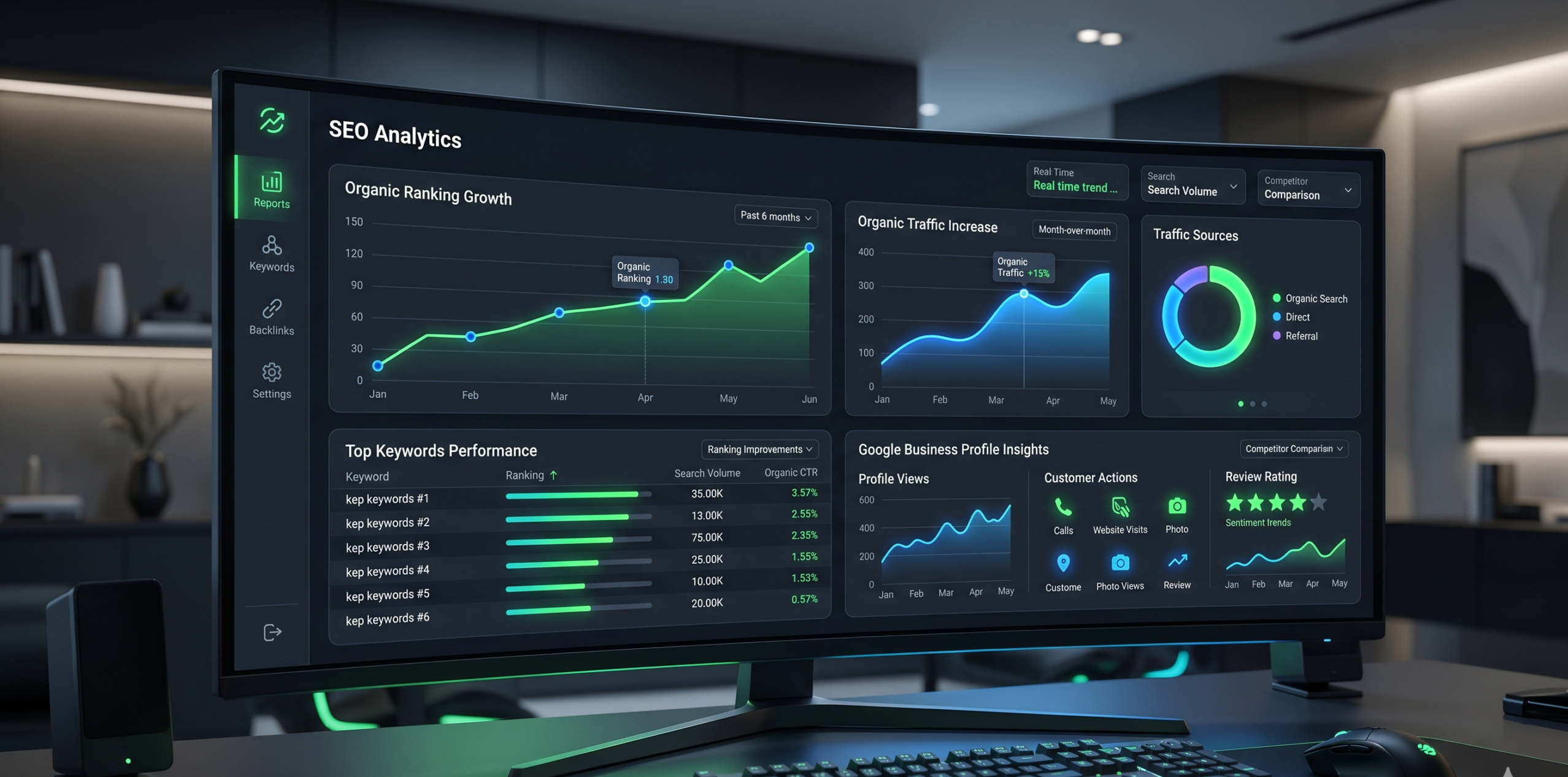
Creating a profile is only the first step. Optimization is required to rank higher on Google Maps.
Write a strong business description
Add a clear and natural description that includes your services and location.
Example:
We provide professional website development and digital marketing services helping businesses grow online and generate more leads.
Add high-quality images
Upload images such as:
- Office photos
- Team pictures
- Work samples
- Service-related images
This improves engagement and trust.
Focus on customer reviews
Reviews play a major role in ranking and trust.
Encourage satisfied customers to leave feedback and respond to every review professionally.
Keep posting updates
Regular posts about:
- Services
- Offers
- Projects
- Updates
help improve visibility and engagement.
Maintain consistent information
Your Name, Address, and Phone number should be identical across all platforms.
This consistency improves local SEO strength.
Common Mistakes to Avoid

Many businesses fail to rank because of simple mistakes:
- Using incorrect business category
- Adding keywords in business name
- Leaving profile incomplete
- Ignoring customer reviews
- Inconsistent contact information
- Not updating business posts
Avoiding these mistakes improves ranking performance significantly.
Optimized vs Non-Optimized Profile
| Feature | Basic Profile | Optimized Profile |
|---|---|---|
| Visibility | Low | High |
| Customer Calls | Rare | Frequent |
| Google Ranking | Weak | Strong |
| Trust Level | Low | High |
| Lead Generation | Poor | Consistent |
How to Rank Higher on Google Maps
To achieve top rankings, follow these proven strategies:
Get more reviews
Positive reviews improve ranking and trust.
Build local citations
List your business on platforms like:
- Business directories
- Local listing websites
- Industry platforms
Use relevant keywords
Include keywords naturally in description and services.
Increase engagement
Google tracks:
- Clicks
- Calls
- Direction requests
Stay active
Regular updates help maintain ranking stability.
Advanced Optimization Tips

Add geo-tagged images
Helps Google understand location relevance.
Post weekly updates
Keeps your profile active and fresh.
Use Q&A section
Add common questions and answers to improve relevance.
Expand service areas
Target nearby locations for more reach.
Real Insight from Experience
Many businesses assume that creating a profile is enough. However, that is only the beginning.
Without optimization:
- Your profile will remain invisible
- Competitors will dominate search results
- You will receive very few leads
With proper optimization:
- You can appear in top local results
- You can generate daily inquiries
- You can build strong online authority
Frequently Asked Questions
Is Google Business Profile free?
Yes, it is completely free.
How long does verification take?
It usually takes between 3 to 14 days.
Can I rank without reviews?
It is possible but very difficult.
Why is my business not visible on Google Maps?
It may be due to incomplete verification or poor optimization.
how to Set Up Shopify Account in 2026 (Complete Step-by-Step Beginner Guide)https://digiwirex.com/how-to-set-up-shopify-account-in-2026-complete-step-by-step-beginner-guide/
Google Business Profile is one of the most powerful tools for local business growth. It helps you appear on Google Search and Maps, bringing real customers directly to your business.
However, success does not depend only on creation. Proper optimization, regular updates, and customer engagement are essential for ranking higher.
If done correctly, it can become a strong source of consistent leads and business growth.


Pingback: best Free AI Tools in 2026 (Updated Weekly List)
Safa777game, eh? I’ve heard the name buzzing around. Might have to give it a whirl later. Hope the gameplay is legit fire! Find out more here: safa777game
Fast payouts are everything to me and this site delivers. No long waiting times or weird hurdles. Highly recommend bdvpbet for anyone tired of slow withdrawals.